
In Laravel, you can configure additional environment files that will load instead of the .env file. This feature is helpful for testing, where you can load a .env.testing environment file instead of the default. You typically don't need to reach for this feature, but it's nice to know that by setting the APP_ENV environment variable, Laravel can detect custom configurations.
CLI Example
The most straightforward example of this feature is using a different environment file when running Laravel with the Artisan console or even the phpunit CLI.
Using the Artisan command, you can also use a different .env file using the --env flag or defining an APP_ENV. For example, running the following, Laravel will look for .env.demo:
# Set up `.env.demo`cp .env .env.demoecho "\nEXAMPLE_SETTING=demo" >> .env.demo # Use the `demo` env php artisan tinker --env=demo # Or set APP_ENVAPP_ENV=demo php artisan tinkerIf found, Laravel won't load the .env file but instead load .env.demo:

.env.demo instead of .envUsing .env.testing for PHPUnit Tests
Building on what we know about the Laravel framework loading a specific ENV file if it exists, running Laravel feature tests in PHPUnit will use the .env file by default. Using .env for tests and local development could quickly cause issues such as configuring a separate database for testing. You could define database connection details in phpunit.xml, but let's also look at setting them in .env.testing.
PHPUnit defines an APP_ENV environment variable in phpunit.xml, which means that Laravel looks for a .env.testing file when bootstrapping Feature tests because the phpunit.xml file defines APP_ENV before the Laravel framework gets bootstrapped in Feature tests:
<env name="APP_ENV" value="testing"/>That means we can copy the stock .env file to .env.testing and avoid mixing the two files during testing:
cp .env .env.testing echo "\nEXAMPLE_SETTING=testing" >> .env.testingYou can configure environment variables in phpunit.xml. However, I like using the .env.testing file to ensure a clean environment specifically for testing. It's also up to you whether you version control .env.testing or ignore it in .gitignore.
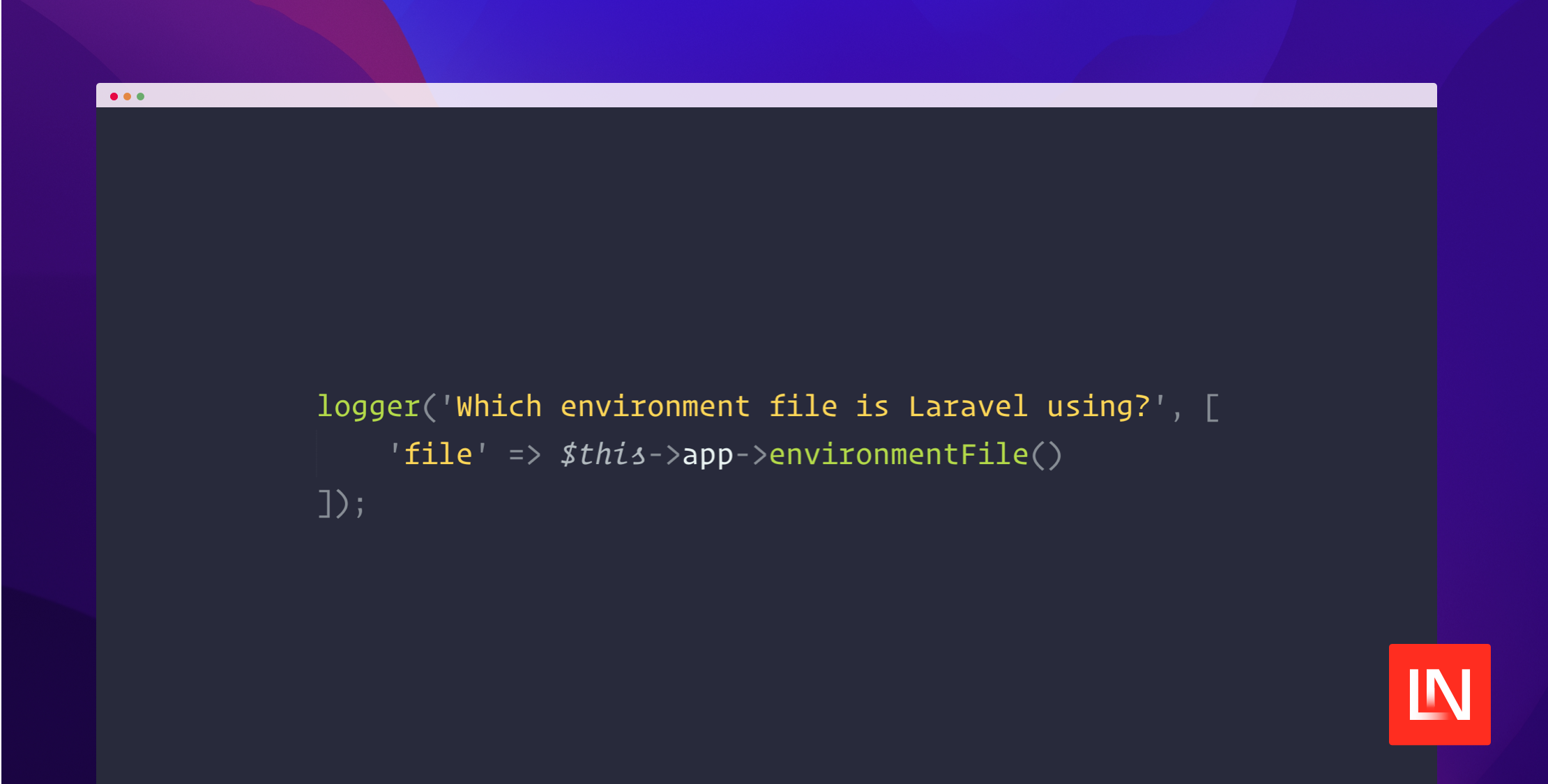
After copying the .env file, you can verify that .env.testing is loaded by adding the following to a test in your tests/Feature folder. Tests in the tests/Unit folder won't bootstrap the Laravel framework:
/** * A basic test example. */public function test_the_application_returns_a_successful_response(): void{ logger('Which environment file is Laravel using?', [ 'file' => $this->app->environmentFile() ]); $response = $this->get('/'); $response->assertStatus(200);}When I run phpunit, I get the following log confirming that I'm using the .env.testing file:
[2024-05-24 00:22:42] testing.DEBUG: Which environment file is Laravel using? {"file":".env.testing"}If you ignore this file in your VCS, you could add an example file .env.testing.example with your team's conventions or let them decide how to configure tests locally. I recommend setting system-level environment variables in CI to configure things like test databases.
Check out the Laravel Documentation for more details on environment configuration. If you're curious how this works at the framework level, check out the setEnvironmentFilePath method and checkForSpecificEnvironmentFile in the Laravel framework source code.








