
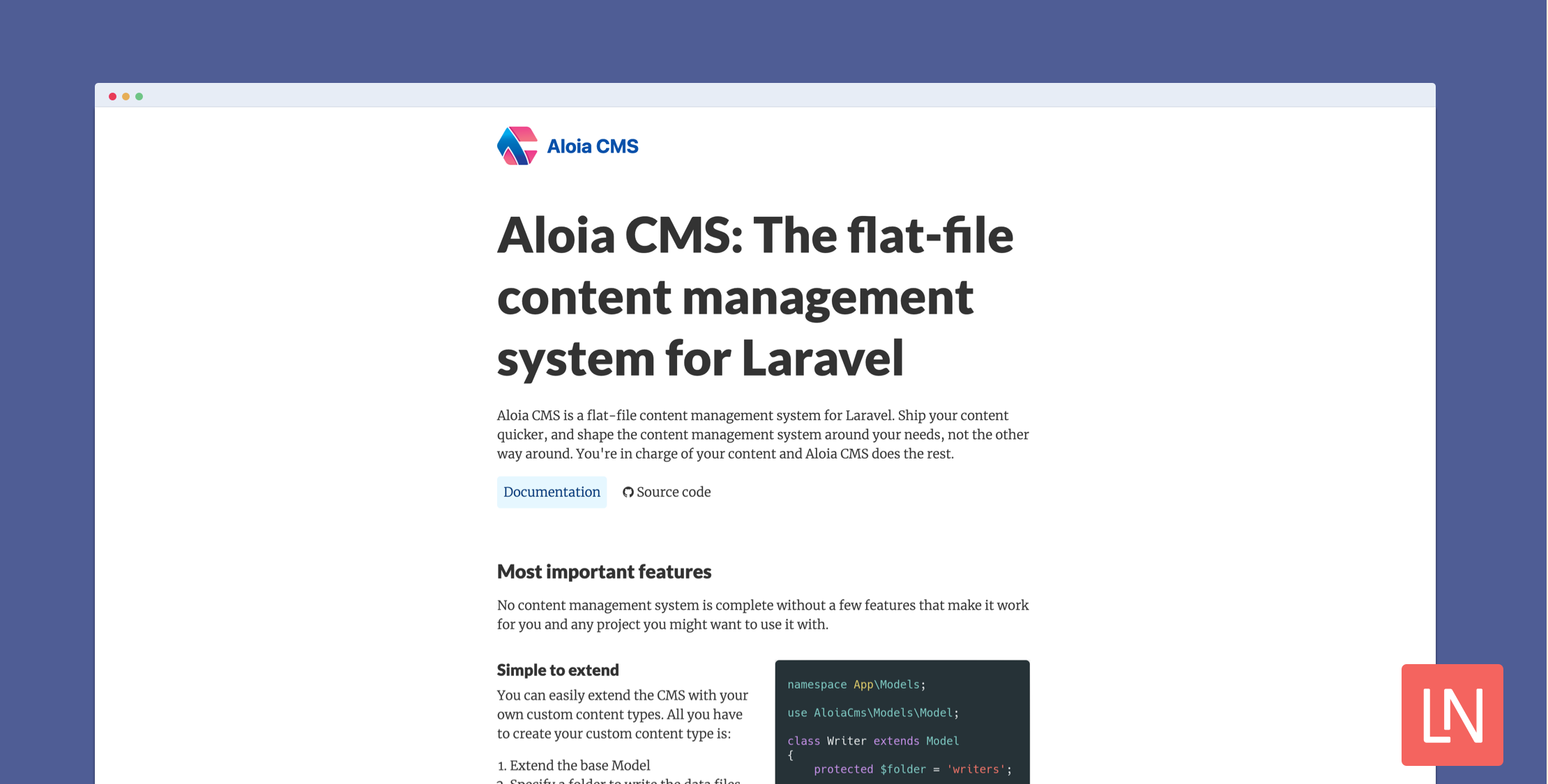
Aloia CMS is a flat-file content management system for Laravel. You don't need to rebuild your entire application to offer CMS capabilities, and you can include Aloia in your existing application.
Aloia offers the following content-types out-of-the-box that you can manage as flat files in Markdown or HTML.
- Page
- Article
- ContentBlock
- MetaTag
Let's take the Article content type as an example and demonstrate how you interact with these flat-file models:
use AloiaCms\Models\Article;use Illuminate\Support\Collection; // Get a collection of Article[]|Collection$articles = Article::all(); // Find an article$article = Article::find('this-post-is-amazing');And a more advanced example of updating an Article, which would then update the flat file in the format chosen:
use Carbon\Carbon; Article::find('this-post-is-amazing') // md is the default, but you can use html as well. ->setExtension('md') ->setMatter([ 'description' => 'This post is about beautiful things', 'is_published' => true, 'is_sechduled' => false, // Either use post_date in setMatter() or setPostDate() 'post_date' => date('Y-m-d') ]) ->setPostDate(Carbon::now()) ->setBody('# This is the content of an article') ->save();ContentBlock is another interesting content type because it allows you to create partial content blocks and render them in a blade file. For example, given the following content block in Markdown:
## Title of the content This is a paragraphThe content block can be edited and later rendered in a Blade file:
{!! Block::get('test') !!}Which would render the following output:
<h2>Title of the content</h2> <p>This is a paragraph</p>You can also create [custom content types Creating content types and interact with them like any of the other built-in content types.
Learn More
Check out the Aloia CMS documentation to install this package and learn how to use it. You can learn more about this package, get full installation instructions, and view the source code on GitHub.








