
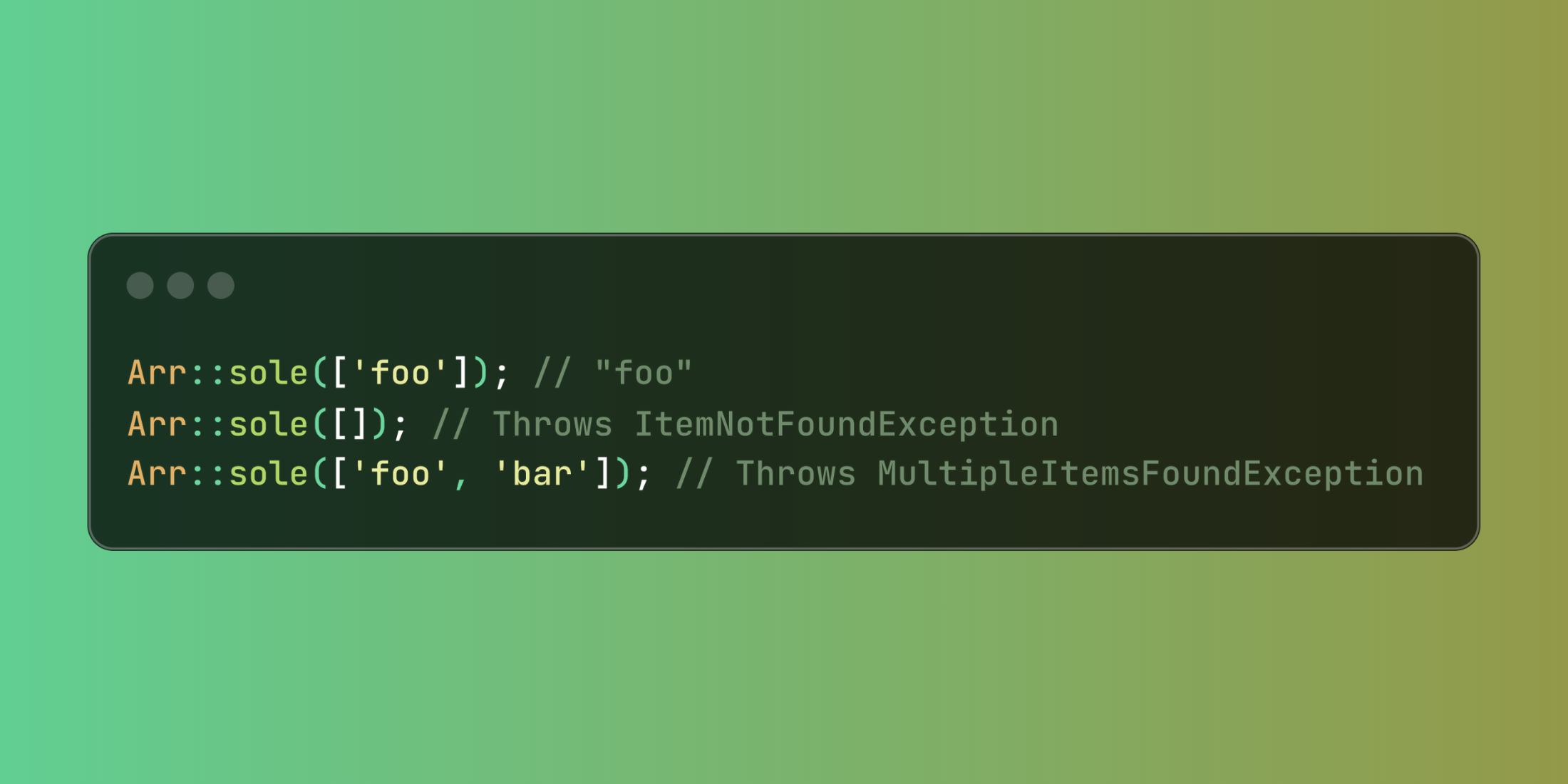
Laravel enhances array manipulation with the powerful Arr::sole() method, bringing the functionality of Eloquent's 'sole' operation to standard PHP arrays. This method ensures you retrieve exactly one matching item, eliminating the need for multiple validation checks.
Retrieving an array item while verifying it's the only match typically requires separate checks for existence and uniqueness. The Arr::sole() method combines these operations into a single, expressive call:
use Illuminate\Support\Arr; // Returns "foo" when it's the only itemArr::sole(['foo']); // "foo" // Throws an exception for empty arraysArr::sole([]); // Throws ItemNotFoundException // Throws an exception for multiple itemsArr::sole(['foo', 'bar']); // Throws MultipleItemsFoundExceptionThe method's true power emerges when filtering with callback functions:
use Illuminate\Support\Arr; // Employee data array$employees = [ ['id' => 1, 'name' => 'Sarah', 'department' => 'Engineering'], ['id' => 2, 'name' => 'Mike', 'department' => 'Marketing'], ['id' => 3, 'name' => 'Alex', 'department' => 'Sales'],]; // Get the sole engineering employee$engineer = Arr::sole($employees, fn ($employee) => $employee['department'] === 'Engineering');// Returns ['id' => 1, 'name' => 'Sarah', 'department' => 'Engineering'] // This would throw MultipleItemsFoundException if multiple engineers existed// This would throw ItemNotFoundException if no engineers existedThe method's behavior adapts based on the search results:
// Throws ItemNotFoundException for no matchesArr::sole(['apple', 'banana'], fn (string $fruit) => $fruit === 'orange'); // Throws MultipleItemsFoundException for multiple matchesArr::sole(['orange', 'apple', 'orange'], fn (string $fruit) => $fruit === 'orange');In a real application, you might use this for configuration retrieval where exactly one setting should match:
class SettingsManager{ public function getActivePaymentGateway(array $gateways) { return Arr::sole($gateways, fn ($gateway) => $gateway['enabled'] === true); } public function getPrimaryContact(array $contacts) { return Arr::sole($contacts, fn ($contact) => $contact['is_primary'] === true); }}The Arr::sole() method creates self-documenting code that clearly expresses your intention to find exactly one item, making your array operations more robust and meaningful.














