
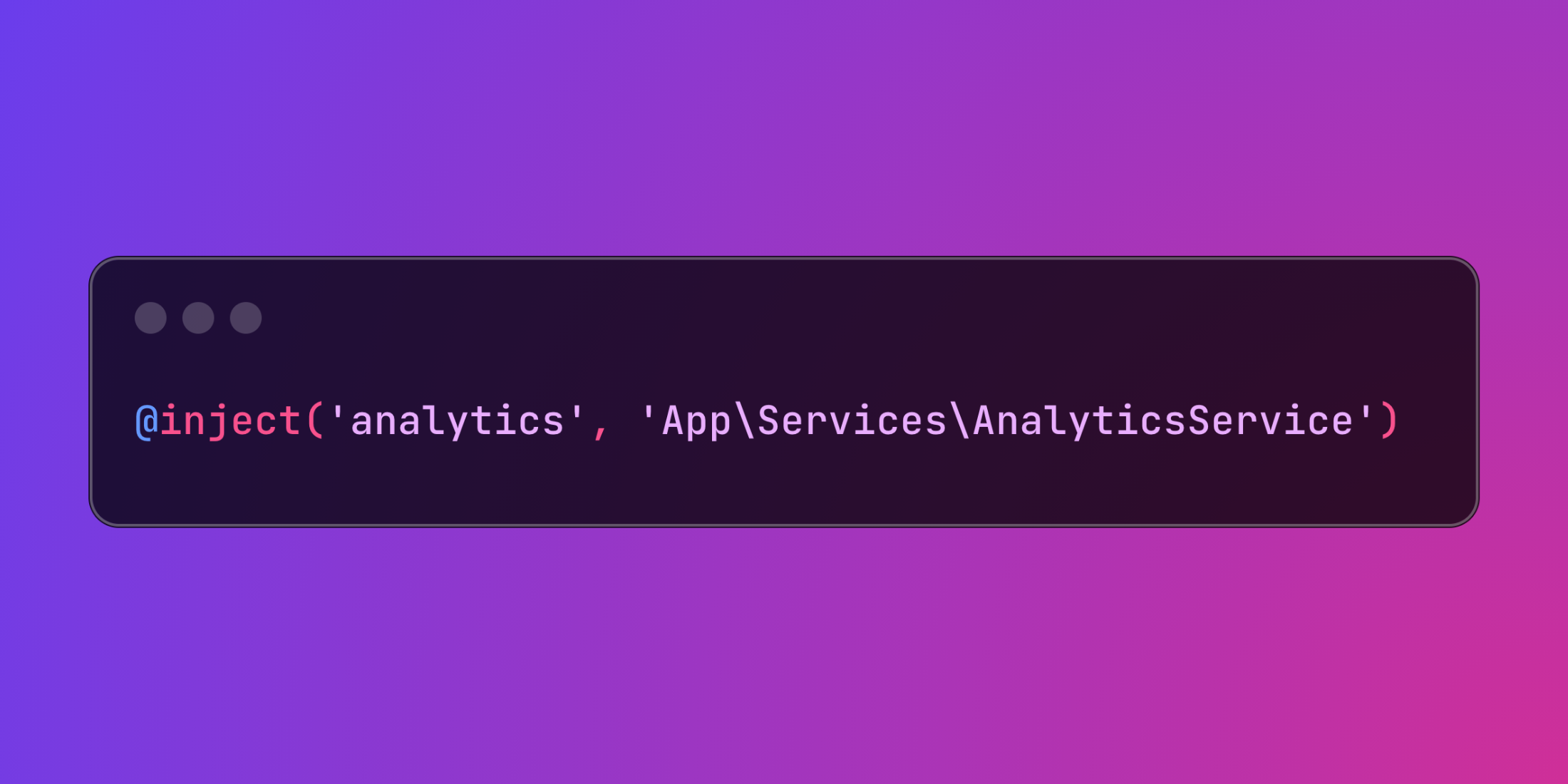
Laravel's Blade templating engine provides powerful service injection capabilities through the @inject directive, enabling direct access to services from the Laravel container within your templates without cluttering controllers.
Service injection allows you to retrieve any service from Laravel's service container directly in your views, reducing controller complexity and enabling cleaner separation of concerns:
@inject('analytics', 'App\Services\AnalyticsService') <div> Total Revenue: {{ $analytics->getTotalRevenue() }}</div>The directive accepts two parameters: the variable name for the service and the class or interface name to resolve from the container.
@inject('userStats', 'App\Services\UserStatisticsService')@inject('reportGenerator', 'App\Services\ReportGeneratorService') <div class="statistics-panel"> <h3>User Statistics</h3> <p>Active Users: {{ number_format($userStats->getActiveUserCount()) }}</p> <p>New Registrations: {{ number_format($userStats->getNewRegistrations()) }}</p></div> <div class="reports-section"> <h3>Available Reports</h3> @foreach($reportGenerator->getAvailableReports() as $report) <a href="{{ $report['url'] }}" class="report-link"> {{ $report['title'] }} </a> @endforeach</div>Here's a comprehensive administration dashboard demonstrating various service injection scenarios:
{{-- app/Services/SystemHealthService.php --}}namespace App\Services; class SystemHealthService{ public function getCpuUsage(): float { return sys_getloadavg()[0] * 100; } public function getMemoryUsage(): array { $memoryUsage = memory_get_usage(true); $memoryLimit = $this->convertToBytes(ini_get('memory_limit')); return [ 'used' => $memoryUsage, 'limit' => $memoryLimit, 'percentage' => ($memoryUsage / $memoryLimit) * 100 ]; } public function getDiskUsage(): array { $totalSpace = disk_total_space('/'); $freeSpace = disk_free_space('/'); $usedSpace = $totalSpace - $freeSpace; return [ 'total' => $totalSpace, 'used' => $usedSpace, 'free' => $freeSpace, 'percentage' => ($usedSpace / $totalSpace) * 100 ]; } private function convertToBytes(string $value): int { $unit = strtolower(substr($value, -1)); $number = (int) substr($value, 0, -1); return match($unit) { 'g' => $number * 1024 * 1024 * 1024, 'm' => $number * 1024 * 1024, 'k' => $number * 1024, default => $number }; }} {{-- app/Services/ActivityMonitorService.php --}}namespace App\Services; class ActivityMonitorService{ public function getRecentActivities(int $limit = 10): array { return \App\Models\ActivityLog::latest() ->with('user') ->limit($limit) ->get() ->map(function ($activity) { return [ 'user' => $activity->user->name, 'action' => $activity->description, 'timestamp' => $activity->created_at->diffForHumans(), 'ip_address' => $activity->ip_address ]; }) ->toArray(); } public function getActiveSessionCount(): int { return \Illuminate\Support\Facades\DB::table('sessions') ->where('last_activity', '>', now()->subMinutes(5)->timestamp) ->count(); } public function getFailedLoginAttempts(): int { return \App\Models\FailedLogin::where('created_at', '>', now()->subHour())->count(); }}Now the Blade template with service injection:
{{-- resources/views/admin/dashboard.blade.php --}}@inject('systemHealth', 'App\Services\SystemHealthService')@inject('activityMonitor', 'App\Services\ActivityMonitorService')@inject('userAnalytics', 'App\Services\UserAnalyticsService') <div class="admin-dashboard"> <div class="dashboard-header"> <h1>System Administration Dashboard</h1> <span class="last-updated">Last updated: {{ now()->format('M j, Y g:i A') }}</span> </div> <div class="metrics-grid"> <div class="metric-card system-health"> <h3>System Health</h3> <div class="health-indicators"> <div class="indicator"> <label>CPU Usage</label> <div class="progress-bar"> <div class="progress" style="width: {{ $systemHealth->getCpuUsage() }}%"></div> </div> <span>{{ number_format($systemHealth->getCpuUsage(), 1) }}%</span> </div> @php $memory = $systemHealth->getMemoryUsage() @endphp <div class="indicator"> <label>Memory Usage</label> <div class="progress-bar"> <div class="progress" style="width: {{ $memory['percentage'] }}%"></div> </div> <span>{{ number_format($memory['percentage'], 1) }}%</span> </div> @php $disk = $systemHealth->getDiskUsage() @endphp <div class="indicator"> <label>Disk Usage</label> <div class="progress-bar"> <div class="progress" style="width: {{ $disk['percentage'] }}%"></div> </div> <span>{{ number_format($disk['percentage'], 1) }}%</span> </div> </div> </div> <div class="metric-card user-analytics"> <h3>User Analytics</h3> <div class="analytics-summary"> <div class="stat"> <span class="value">{{ number_format($userAnalytics->getTotalUsers()) }}</span> <span class="label">Total Users</span> </div> <div class="stat"> <span class="value">{{ number_format($userAnalytics->getActiveUsersToday()) }}</span> <span class="label">Active Today</span> </div> <div class="stat"> <span class="value">{{ number_format($userAnalytics->getNewUsersThisWeek()) }}</span> <span class="label">New This Week</span> </div> <div class="stat"> <span class="value">{{ number_format($activityMonitor->getActiveSessionCount()) }}</span> <span class="label">Active Sessions</span> </div> </div> </div> <div class="metric-card security-monitor"> <h3>Security Monitor</h3> <div class="security-alerts"> <div class="alert-item"> <span class="alert-icon">🔒</span> <div class="alert-content"> <span class="alert-title">Failed Logins (Last Hour)</span> <span class="alert-value">{{ $activityMonitor->getFailedLoginAttempts() }}</span> </div> </div> @if($activityMonitor->getFailedLoginAttempts() > 10) <div class="alert-item warning"> <span class="alert-icon">⚠️</span> <div class="alert-content"> <span class="alert-title">High Failed Login Activity</span> <span class="alert-description">Consider reviewing security logs</span> </div> </div> @endif </div> </div> </div> <div class="activity-section"> <h3>Recent System Activity</h3> <div class="activity-list"> @foreach($activityMonitor->getRecentActivities(15) as $activity) <div class="activity-item"> <div class="activity-user">{{ $activity['user'] }}</div> <div class="activity-action">{{ $activity['action'] }}</div> <div class="activity-time">{{ $activity['timestamp'] }}</div> <div class="activity-ip">{{ $activity['ip_address'] }}</div> </div> @endforeach </div> </div> <div class="quick-actions"> <h3>Quick Actions</h3> <div class="action-buttons"> <button onclick="refreshMetrics()" class="btn btn-primary"> Refresh Metrics </button> <button onclick="exportReport()" class="btn btn-secondary"> Export Report </button> <button onclick="viewLogs()" class="btn btn-outline"> View System Logs </button> </div> </div></div> <style>.admin-dashboard { padding: 20px; max-width: 1200px; margin: 0 auto;} .metrics-grid { display: grid; grid-template-columns: repeat(auto-fit, minmax(300px, 1fr)); gap: 20px; margin: 20px 0;} .metric-card { background: white; border-radius: 8px; padding: 20px; box-shadow: 0 2px 4px rgba(0,0,0,0.1);} .progress-bar { width: 100%; height: 8px; background: #e2e8f0; border-radius: 4px; overflow: hidden; margin: 5px 0;} .progress { height: 100%; background: linear-gradient(90deg, #4ade80, #eab308, #ef4444); transition: width 0.3s ease;} .analytics-summary { display: grid; grid-template-columns: 1fr 1fr; gap: 15px;} .stat { text-align: center; padding: 10px;} .stat .value { display: block; font-size: 24px; font-weight: bold; color: #1f2937;} .stat .label { font-size: 12px; color: #6b7280; text-transform: uppercase;} .activity-list { max-height: 400px; overflow-y: auto;} .activity-item { display: grid; grid-template-columns: 150px 1fr 120px 100px; gap: 10px; padding: 10px; border-bottom: 1px solid #e5e7eb;}</style>Service injection provides an elegant solution for accessing utility services directly in templates, reducing controller bloat while maintaining clean separation between business logic and presentation layers.














