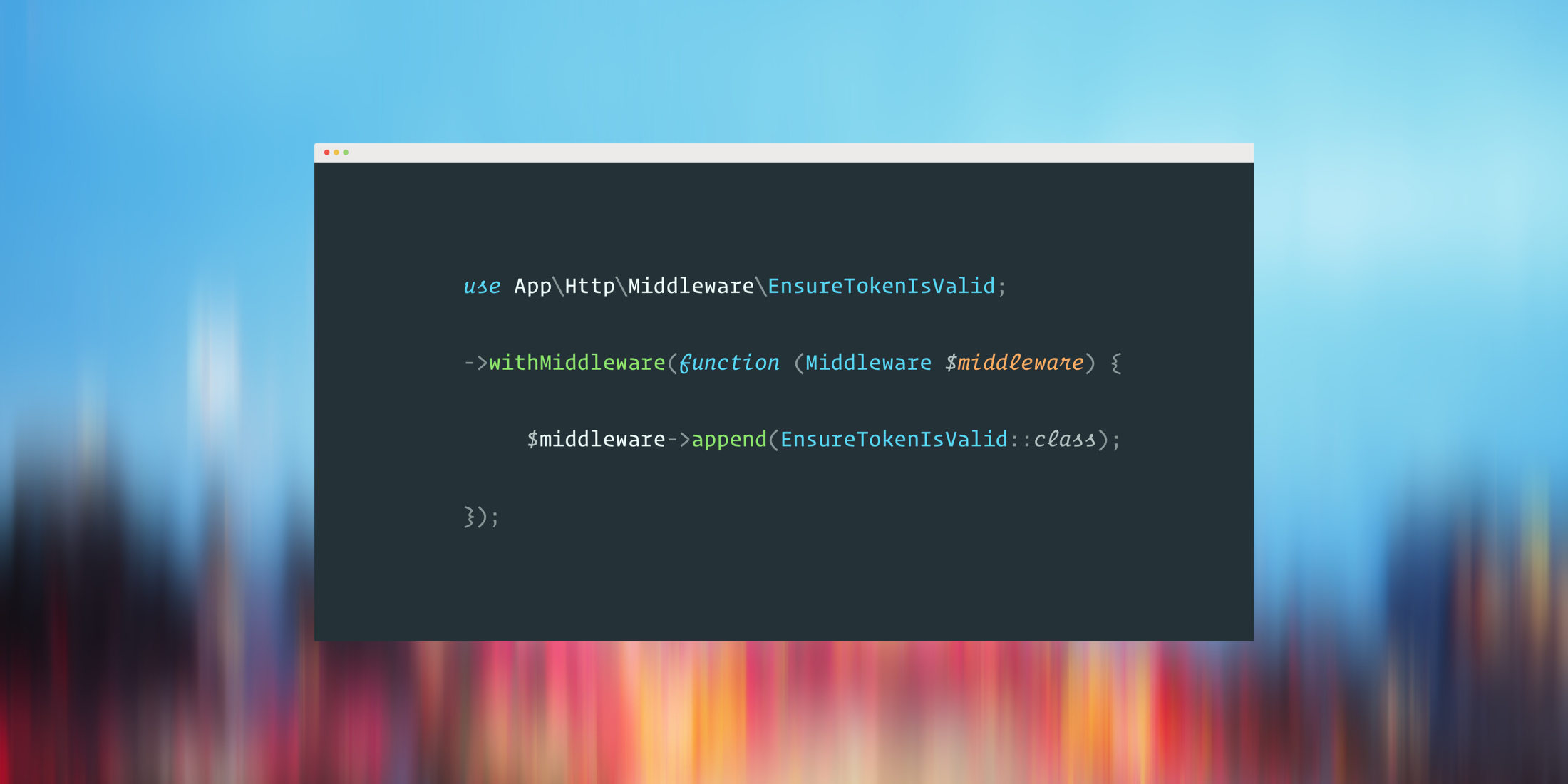
Starting in Laravel 11, the configuration of the middleware changed from using the HTTP Kernel to the application's bootstrap file. Though some existing applications upgraded from Laravel 10 to Laravel 11 and 12 might have middleware defined, a new Laravel application doesn't ship with an app/Http/Middleware folder:
Laravel 11 introduces a new default application structure with fewer default files. Namely, new Laravel applications contain fewer service providers, middleware, and configuration files.
However, we do not recommend that Laravel 10 applications upgrading to Laravel 11 attempt to migrate their application structure, as Laravel 11 has been carefully tuned to also support the Laravel 10 application structure.
So don't be thrown off if your application contains the default Laravel middleware. It's possible that the application upgraded to the latest version but kept the generated application middleware in the app structure.
Configuring Middleware in Laravel 11+
All of Laravel's middleware configuration now happens in the bootstrap/app.php file using the withMiddleware() method. From this file you can define global middleware, append, prepend, alias, etc.
If you're coming from Laravel 10 applications, you use the app/Http/Kernel.php file to configure routes using class properties. For global middleware, you use the $middleware property:
protected $middleware = [ // \App\Http\Middleware\TrustHosts::class, \App\Http\Middleware\TrustProxies::class, \Illuminate\Http\Middleware\HandleCors::class, \App\Http\Middleware\PreventRequestsDuringMaintenance::class, \Illuminate\Foundation\Http\Middleware\ValidatePostSize::class, \App\Http\Middleware\TrimStrings::class, \Illuminate\Foundation\Http\Middleware\ConvertEmptyStringsToNull::class,];As of Laravel 11 the Kernel class isn't part of the application code. Here's an example of defining a global middleware:
// bootstrap/app.php use App\Http\Middleware\LogRequest; ->withMiddleware(function (Middleware $middleware) { // Append to the end of the middleware stack $middleware->append(LogRequest::class);})If you would like to add global middleware to the beginning of the stack, you can use the prepend method:
use App\Http\Middleware\LogRequest; ->withMiddleware(function (Middleware $middleware) { // Add middleware to the beginning of the middleware stack $middleware->prepend(LogRequest::class);})Defining Middleware Groups
In Laravel 10 or earlier, you define a middleware group using the Kernel's middleware groups property in the app/Http/Kernel.php file:
protected $middlewareGroups = [ 'web' => [ // ... ], 'api' => [ // ... ], 'group-1' => [ // ... ],];In new Laravel applications, you can use the prepend/append to group methods:
$middleware->prependToGroup('group-1', First::class); $middleware->appendToGroup('group-1', [ First::class, Second::class,);You might also wonder: "How do I customize one of the built-in groups like web or API?" You can do so with the respective web and api methods:
$middleware->web(append: [ ExampleWebMiddleware::class,]); $middleware->api(prepend: [ ExampleApiMiddleware::class,]); $middleware->api(remove: [ ExampleApiMiddleware::class,]);Sorting Middleware
In Laravel 10 middleware priority was defined with a $middlewarePriority property in the HTTP Kernel.php file:
protected $middlewarePriority = [ \Illuminate\Foundation\Http\Middleware\HandlePrecognitiveRequests::class, \Illuminate\Cookie\Middleware\EncryptCookies::class, // ...];As you might have guessed by now, you can configure priority using the bootstrap app.php file using the priority method:
->withMiddleware(function (Middleware $middleware) { $middleware->priority([ // ]);Middleware Aliases
In Laravel 10, you use the Kernel's $middlewareAliases property to map an alias string name to a middleware so you can conveniently add middleware to routes and groups:
protected $middlewareAliases = [ 'auth' => \App\Http\Middleware\Authenticate::class, // ...];Starting in Laravel 11, you use the alias method:
->withMiddleware(function (Middleware $middleware) { $middleware->alias([ 'log' => LogRequest::class ]);}); // In a route you can use `log`Route::get('/messages/{message}', function () { // ...})->middleware('log');Learn More
You can learn all about defining, configuring, and using middleware in the latest Laravel docs. You can check out the latest Middleware docs for Laravel 12, but be sure to use the appropriate documentation based on your Laravel version.