
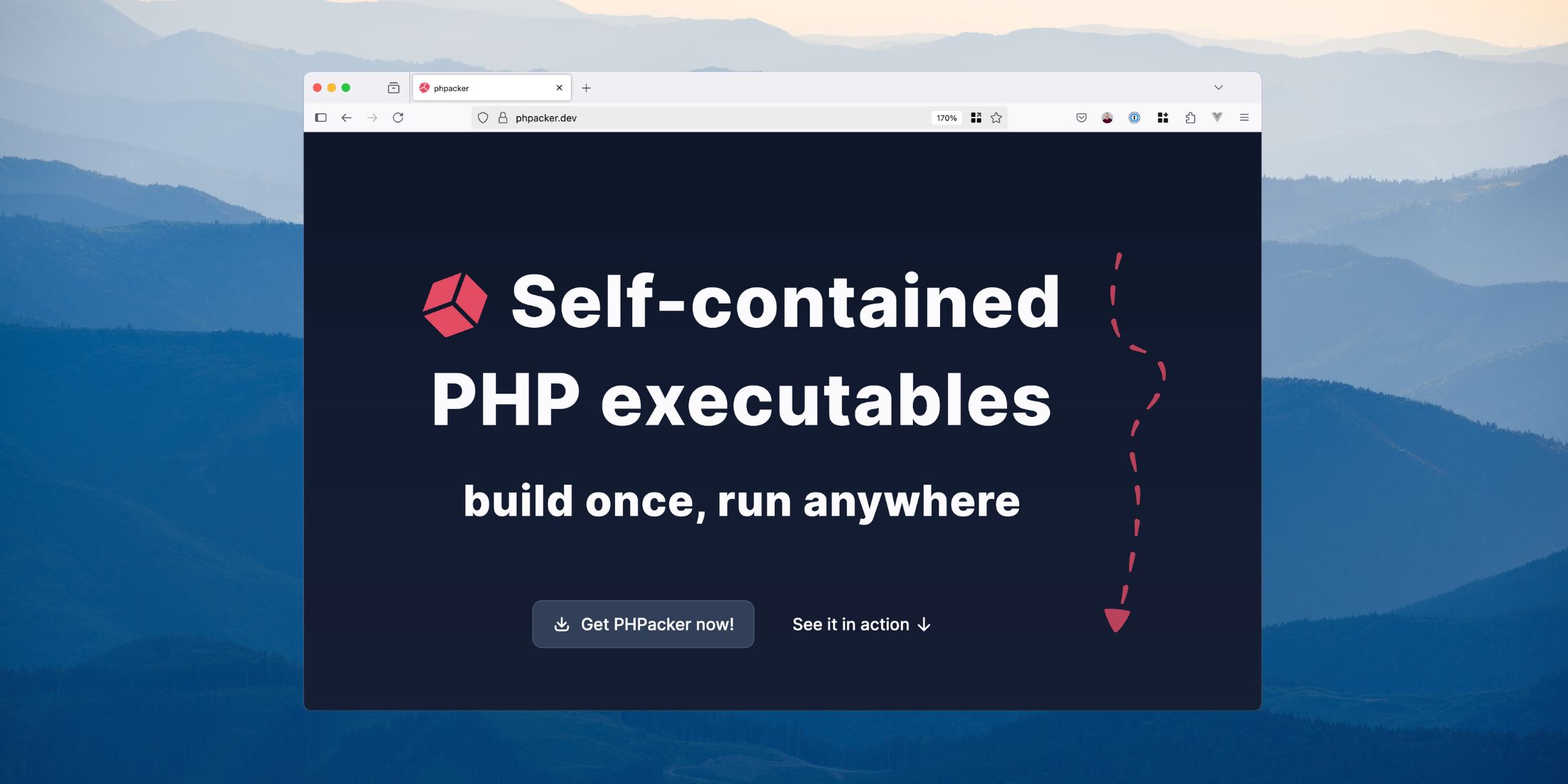
PHPacker enables you to package any PHP script or PHAR into a standalone, cross-platform executable. It handles all the complexity of bundling PHP with your application, making distribution simple and hassle-free.
To create distributable builds with PHPacker, you install a CLI globally or as a project dependency with Composer. Once you've installed the phpacker CLI, you can build for Mac, Windows, and Linux using the build command:
# Build for specific platform and architecturephpacker build mac arm --src=./app.phar # Build for all supported platformsphpacker build all --src=./app.phar # Build with custom output directoryphpacker build --src=./app.phar --dest=./custom-build-path # Build with a specific PHP configuration filephpacker build --src=./app.phar --ini=./custom-php.ini # Prompt INI definitions interactivelyphpacker build --src=./app.phar --ini # Build with with php versionphpacker build --src=./app.phar --php=8.3PHPacker supports PHP 8.4 through 8.2 on Windows (x64), MacOS (arm64/x64), and Linux (arm64, x64). Part of building a self-contained executable is providing pre-compiled platform PHP binaries. Since PHP is pre-compiled, it includes the most essential PHP extensions required to run a CLI app (extension details here).
Besides CLI options, you can configure your CLI with a phpacker.json file and include a path to custom INI settings:
{ "src": "./bin/app.phar", "dest": "./build", "ini": "./phpacker.ini", "platform": "all", "php": "8.4", "repository": "optional/custom-php-bin-repo"}Example
Here's a quick example of building a CLI with PHPacker that outputs Hello, World!. Once you've created a Composer project, require phpacker:
composer require phpacker/phpacker --devNext, create a index.php file in the project with the following code to demonstrate taking an argument:
<?php $name = $argv[1] ?? 'World'; echo "Hello, {$name}!", "\n";In a real project, you'd likely use the Symfony Console, Laravel Zero, or MiniCLI—which all require using a .phar archive to build with PHPAcker—but a single-file script is perfect for taking PHPacker for a spin.
Next, you can manually build this with the following command:
$ phpacker build mac arm --src=./index.php You're using the latest version: phpacker/php-bin:0.2.4 mac - arm ·············································· ✅Next, you can run your build CLI. Depending on which platforms and architectures you're running, you can find it in the build/ path. I am on MacOS ARM, so I can run my CLI like this:
$ build/mac/mac-armHello, World! $ build/mac/mac-arm PaulHello, Paul!Main Features
- Self-Contained Executables - Distribute your CLI app as a single file - PHP is bundled with your application
- Cross-Platform Support - Build executables for macOS, Linux, and Windows from a single codebase
- Seamless distribution - Install the right build automatically for any platform with our Composer Installer
- Project Configuration - Store build and INI config in version-controlled files
- Multiple PHP Versions - Choose from PHP 8.2, 8.3, or 8.4 to match your application's requirements
- Custom PHP Binaries - Use your own custom-built PHP binaries with specific extensions
Learn More
I recommend starting with PHPacker by going through the Installation Documentation. Once you've installed it, the docs have configuration options and other details about PHP binaries. Be sure to read App Considerations—when building self-contained executables, it is essential to understand the limitations and other usage patterns, such as accessing environment variables and filesystem access.
You can view PHPacker's source code on GitHub at phpacker/phpacker.








