
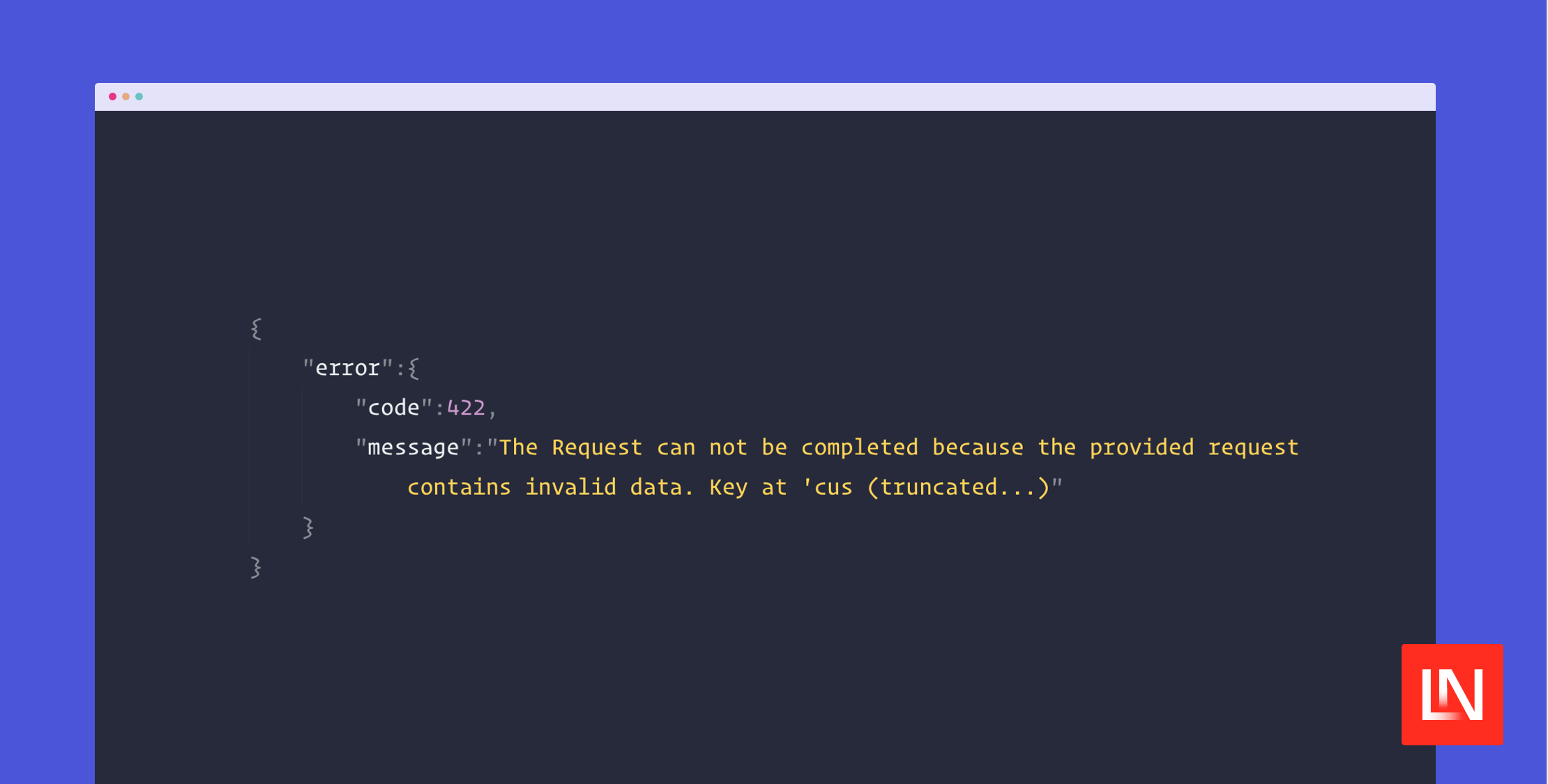
Have you ever received a bug report or looked in Sentry only to find a truncated HTTP client exception you couldn't read? By default, HTTP responses are truncated, which could potentially leave off important clues as to why a request failed or what happened:
HTTP request returned status code 422:{"error":{"code":422,"message":"The Request can not be completed because the provided request contains invalid data. Key at 'cus (truncated...)Starting in Laravel 11.35, you can now control this behavior with two new convenience methods that you can add to your application's bootstrap/app.php file:
// bootstrap/app.php use Illuminate\Http\Client\RequestException; return Application::configure(basePath: dirname(__DIR__)) // ... ->withExceptions(function (Exceptions $exceptions) { $exceptions->dontTruncateRequestExceptions(); // Or ... $exceptions->truncateRequestExceptionsAt(260); })->create();When an HTTP client exception happens, it will not be truncated anymore, or if you still want truncation, you can control the length of truncation to make it longer than the original. Of course, you can still catch HTTP client exceptions and report anything about the exception that you want:
try { $response = Http::throws()->get('https://api.example.com/some-error'); // ...} catch (\Illuminate\Http\Client\RequestException $e) { Log::error('HTTP Error', [ // The message will be truncated (or not) based on your setting. 'message' => $e->getMessage(), 'response' => $e->response->json(), 'status' => $e->response->status(), // ... ]);}You can learn more about working with exceptions in Laravel's HTTP client from the Laravel documentation, which includes all the conditional error handling and truncation docs.
A shoutout to Steve Bauman for making this possible in Pull Request #53734 as part of Laravel 11.35.0!








