
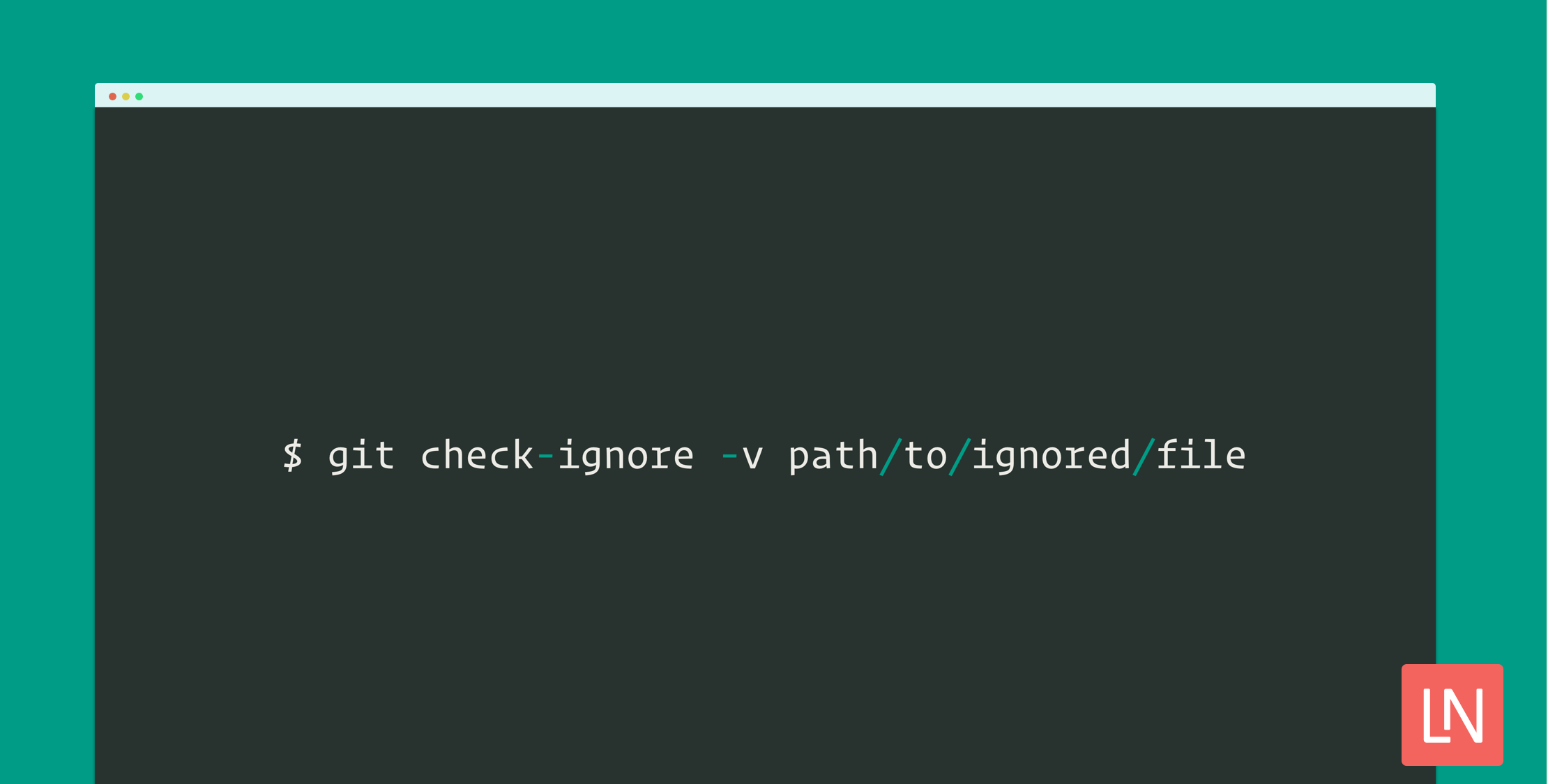
Sometimes you might create a file that is unexpectedly ignored by git. Although it doesn’t happen often, it can be tricky to figure out which .gitignore file is responsible for ignoring a file in your project. It is super easy once you know about a handy git command!
For the impatient, the TLDR of figuring out why git ignores a file:
git check-ignore -v path/to/ignored/fileThe key is the -v flag to be able to see the path and line number of the ignore file causing your file to be ignored by git.
Example Git Ignore
Let’s go over a quick scenario and then a handy git command you can use to debug which .gitignore file is ignoring a folder/file/etc.
When the culprit is a .gitignore file in a project, it’s more straightforward to figure out why a file is being ignored, however, if you configure a global excludes file in ~/.gitconfig it can be a little trickier to debug and might leave you scratching your head for a minute as to why you don’t see a new untracked file.
Here’s an example of configuring a global ignore file in your ~/.gitconfig. I like to manage this for files I want to be ignored across all my projects, but they aren’t necessarily useful for the project’s .gitignore file:
[core] excludesfile = ~/.gitignore# ...I ran into this recently when trying to create a bunch of Sublime text snippets in a dedicated snippet repo. My global ignore file had this line:
*.sublime-*I use this ignore rule to ignore *.sublime-project files across all my repositories and inadvertently that includes files that end in *.sublime-snippet.
If you want to try it out, add the above rule to your global .gitignore file and then try to create a .sublime-snippet file in a git project. You should see that creating a file doesn’t look like an untracked file:
touch test.sublime-snippetgit status# On branch master# nothing to commit, working tree cleanNext, run the following command to determine why the file is being ignored by using the -v flag:
git check-ignore -v test.sublime-snippet/Users/paul/.gitignore:5:*.sublime-* test.sublime-snippetAs you can see, the check-ignore command outputs my global ignore file and the line number.
Although the check-ignore command is straightforward once you know about it, it’s a useful thing to learn to troubleshoot ignored files that shouldn’t be ignored quickly.








