
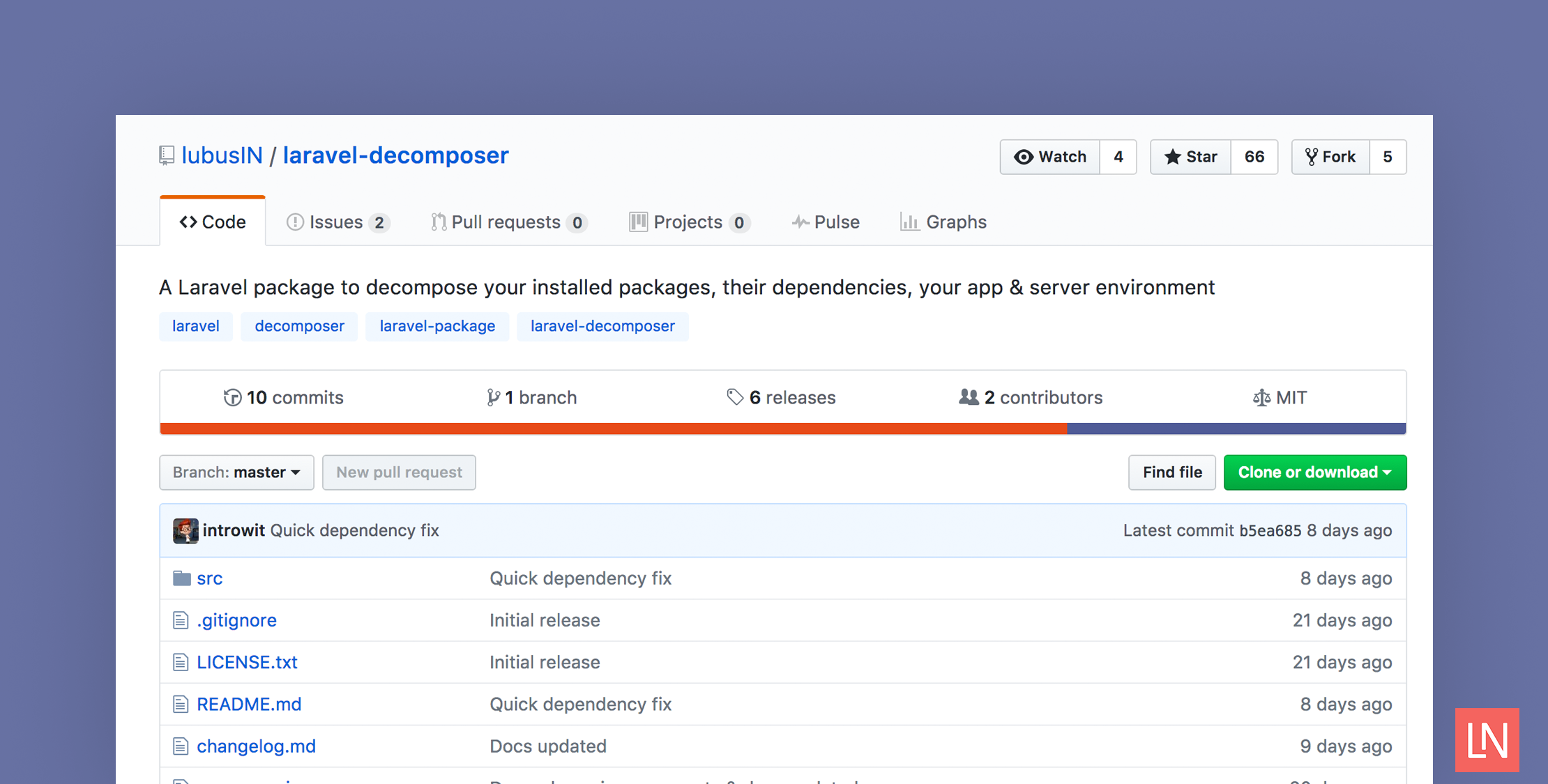
When working with Laravel apps, sometimes you encounter problems related to your application environment; a required PHP extension is missing, the storage directory is not writable, or there are Composer packages conflicts.
Of course, you could look for these problems manually or run composer show --tree in the terminal to list the installed dependencies. Laravel Decomposer is a third party package that offers an alternative way to view information about your environment details and installed dependencies through the browser.
Let’s take a look at how this package can be set up and used.
Installation
First, install Laravel Decomposer through Composer:
composer require lubusin/laravel-decomposerNext, open your config/app.php and add Laravel Decomposer service provider:
'providers' => [ ... Lubusin\Decomposer\DecomposerServiceProvider::class,Finally, add the following route to routes/web.php file:
Route::group(['middleware' => 'auth'], function () { Route::get('decompose','\Lubusin\Decomposer\Controllers\DecomposerController@index');});NOTE: Because this exposes parts of your environment we recommend you hide it behind authentication.
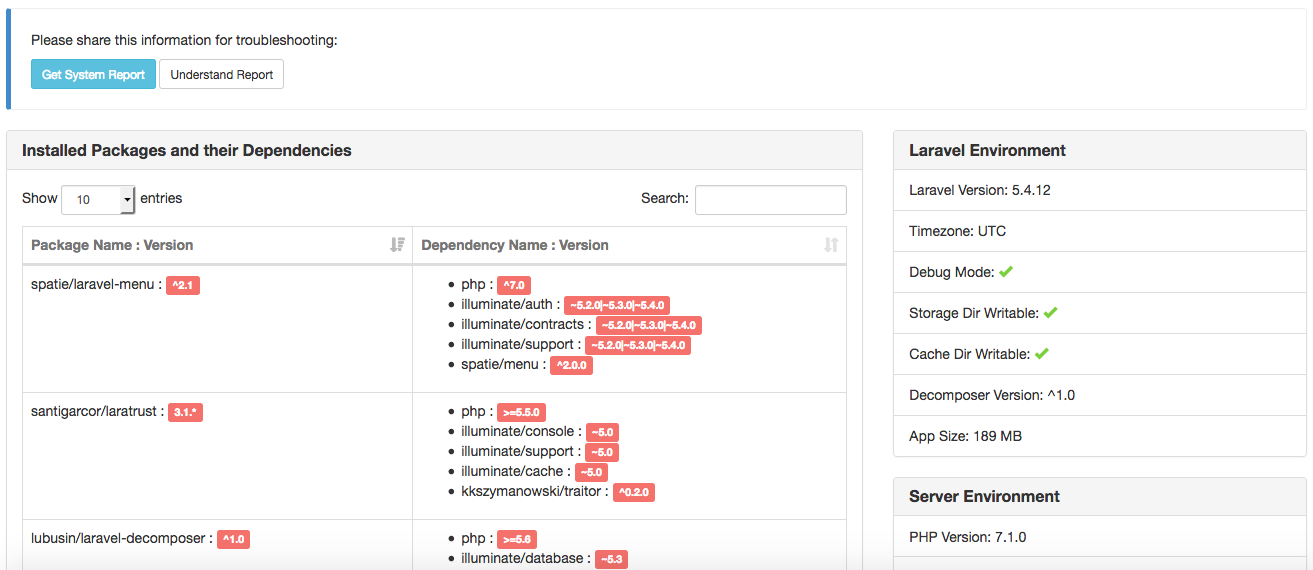
Now, let’s access that route through the browser. Open http://your-app.dev/decompose and you will see a page like the following:
Overview
The Laravel Decomposer page provides information about your app in three different categories:
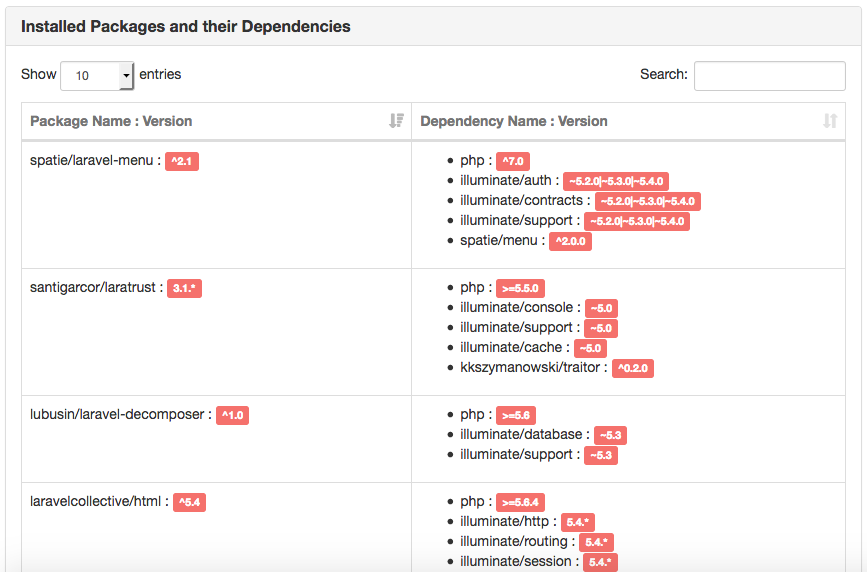
Installed Packages and Their Dependencies
In this section, you will see a list of your installed packages and their versions. It also shows you the dependencies of each package.
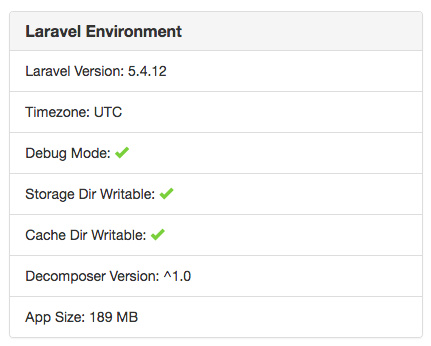
Laravel Environment
This provides information about your app like whether the debug mode is active, or whether storage and cache directories are writable or not.
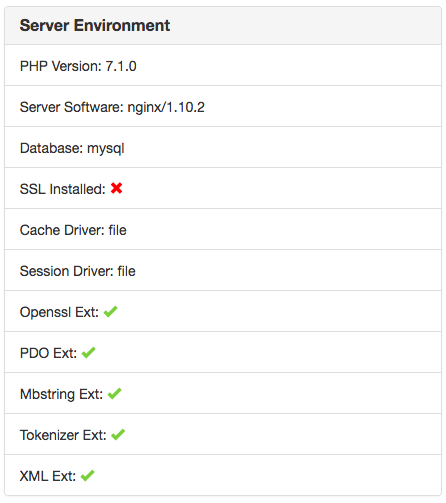
Server Environment
This displays server environment details so you know if Laravel framework requirements (PHP version and extensions) are satisfied.
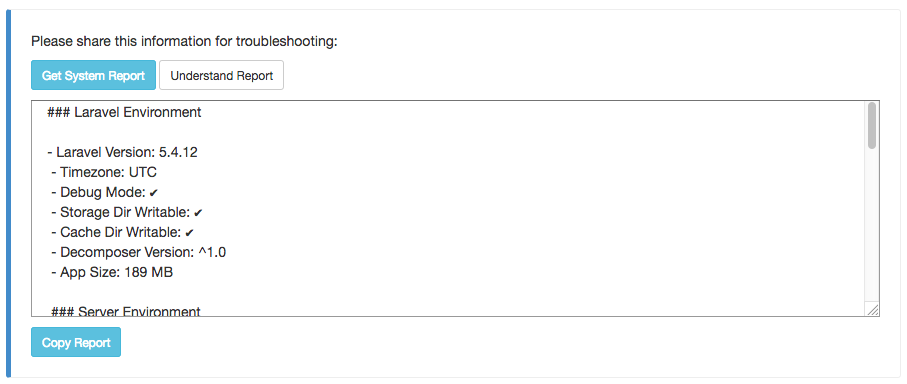
One nice feature of Laravel Decomposer is allowing you to generate a system report which provides Laravel, server environment, and installed packages details in markdown format. It allows you to easily report issues by providing package maintainers the information needed to resolve them.
That’s it; give Laravel Decomposer a try if you are looking for a way to view your environment details and installed dependencies through the browser.








