When working with substantial datasets in Laravel applications, sending all data at once can create performance bottlenecks and memory issues. Laravel offers an elegant solution through the streamJson method, enabling incremental JSON data streaming. This approach is ideal when you need to progressively deliver large datasets to the client in a JavaScript-friendly format.
Understanding streamJson()
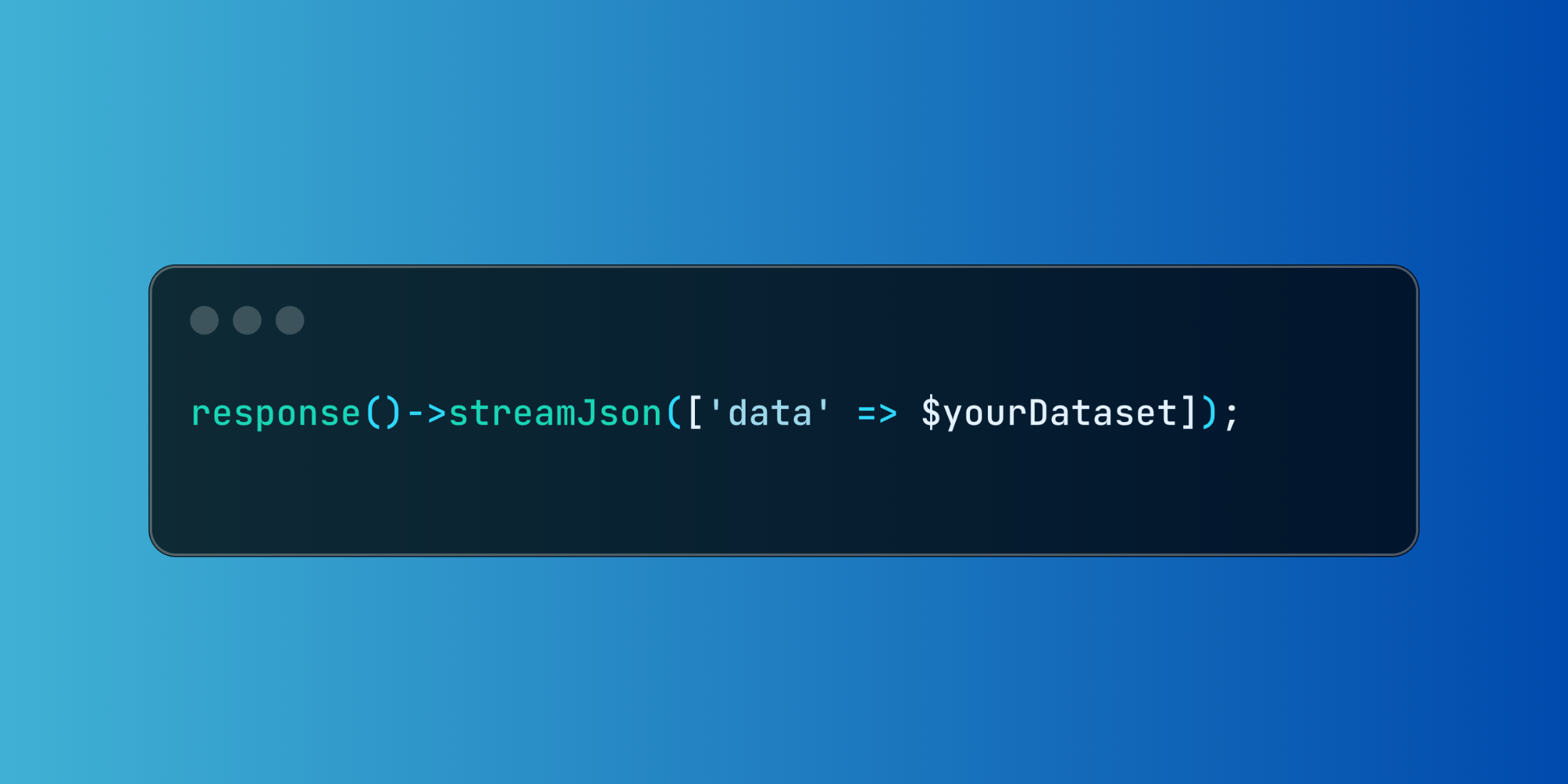
The streamJson method, accessible via Laravel's response object, enables incremental JSON data streaming. This approach optimizes performance and memory efficiency when handling large datasets.
response()->streamJson(['data' => $yourDataset]);Real-Life Example
Let's explore a practical example where we're managing a large inventory dataset with detailed product information and relationships.
Here's how we can implement this using streamJson:
<?php namespace App\Http\Controllers; use App\Models\Inventory; class InventoryController extends Controller{ public function list() { return response()->streamJson([ 'inventory' => Inventory::with('supplier', 'variants')->cursor()->map(function ($item) { return [ 'id' => $item->id, 'sku' => $item->sku, 'quantity' => $item->quantity, 'supplier' => $item->supplier->name, 'variants' => $item->variants->pluck('name'), ]; }), ]); }}In this example, we're using eager loading for supplier and variants relationships to prevent N+1 query problems. The cursor() method ensures efficient iteration over the inventory items, while map() handles the formatting of each record during streaming.
Here's what the streamed output looks like:
{ "inventory": [ { "id": 1, "sku": "INV-001", "quantity": 150, "supplier": "Global Supplies Inc", "variants": ["red", "blue", "green"] }, { "id": 2, "sku": "INV-002", "quantity": 75, "supplier": "Quality Goods Ltd", "variants": ["small", "medium"] }, // ... additional inventory items stream as they're processed ]}The streamJson method enables your application to transmit data progressively, allowing the browser to begin processing and displaying results before receiving the complete dataset.
Using streamJson provides an efficient way to handle large datasets, delivering a smoother user experience through faster initial loading and progressive UI updates. This becomes particularly valuable when working with datasets too large for single-load operations.