
The spatie/ping PHP package provides a simple way to execute Internet Control Message Protocol (ICMP) ping commands and parse the results into structured data. Ping can help determine if a remote host is reachable, providing network diagnostics and measuring latency.
Spatie built the ping package for PHP to create a developer-friendly way to run ping commands and get structured data back:
While developing the feature, I was looking for good PHP packages to actually perform a unix ping and get structured results back, and to open a TCP connection. There weren't any that could do this in a simple and developer friendly way, so I decided to code them up myself.
How does this package look?
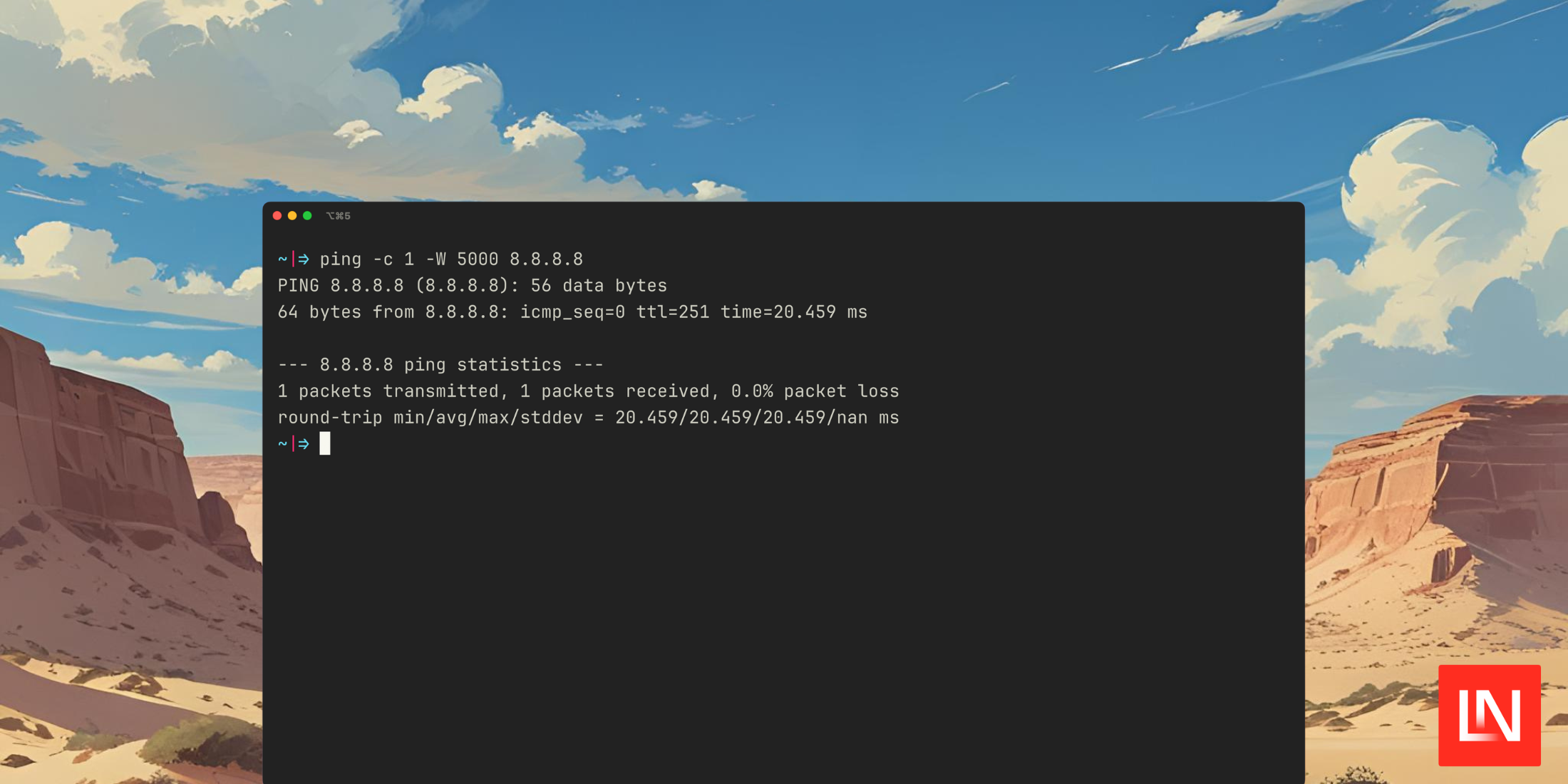
Before seeing the PHP package, here's the command that runs with the default options. It sends one packet and sets a timeout for 5 seconds:
$ ping -c 1 -W 5000 8.8.8.8PING 8.8.8.8 (8.8.8.8): 56 data bytes64 bytes from 8.8.8.8: icmp_seq=0 ttl=251 time=24.049 ms --- 8.8.8.8 ping statistics ---1 packets transmitted, 1 packets received, 0.0% packet lossround-trip min/avg/max/stddev = 24.049/24.049/24.049/nan msFrom the README, you can use the Ping class (with configurable options) to run the ping command, and the result contains useful information in a structured way:
use Spatie\Ping\Ping; $result = (new Ping('8.8.8.8'))->run(); // Basic statusecho $result->isSuccess() ? 'Success' : 'Failed';echo $result->hasError() ? "Error: {$result->error()?->value}" : 'No errors'; // Packet statisticsecho "Packets transmitted: {$result->packetsTransmitted()}";echo "Packets received: {$result->packetsReceived()}";echo "Packet loss: {$result->packetLossPercentage()}%"; // Timing informationecho "Min time: {$result->minimumTimeInMs()}ms";echo "Max time: {$result->maximumTimeInMs()}ms";echo "Average time: {$result->averageTimeInMs()}ms";echo "Standard deviation: {$result->standardDeviationTimeInMs()}ms";You can also get back individual ping lines:
// Individual ping linesforeach ($result->lines() as $line) { echo "Response: {$line->getRawLine()} ({$line->getTimeInMs()}ms)";}🧑💻 You can get started with this package on GitHub: spatie/ping








