
With the release of Laravel 12, we have three new starter kits for React, Vue, and Livewire. Each starter kit also has a WorkOS AuthKit variant. From the code to the UI, these kits are beautiful inside and out! Let's walk through them quickly and get familiar with setting up a project using the starter kits.
Installing a Starter Kit
The easiest way to get started with the Laravel 12 starter kits is to create a new Laravel 12 application. If you already have the laravel CLI installer, you'll likely need to update it so you can install Laravel apps:
composer global require laravel/installerYou can run laravel new to create a new application and will be prompted along the way to make selections about your project:
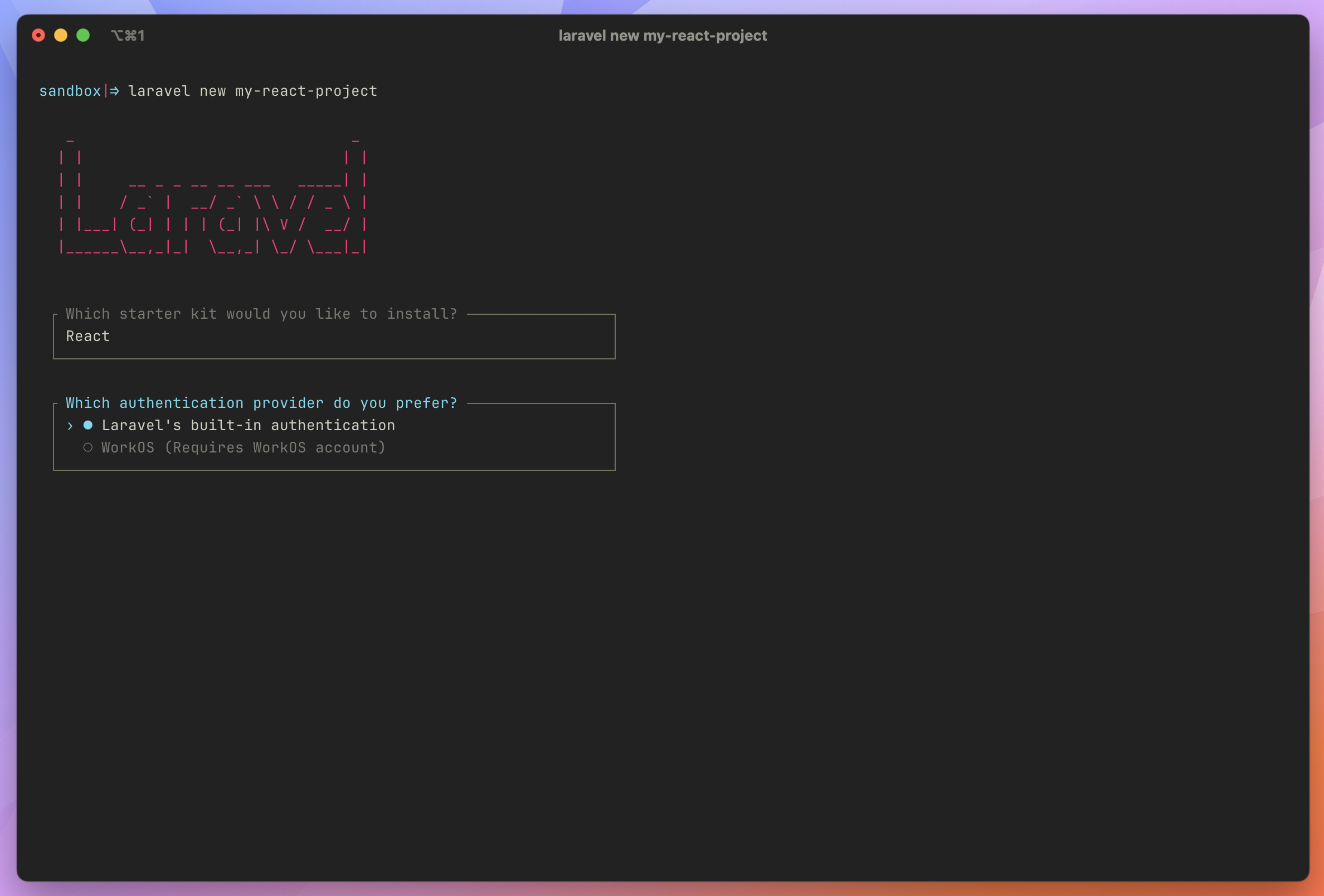
laravel new my-react-project
You can pick your preferred starter kit and authentication method to run through the installer:
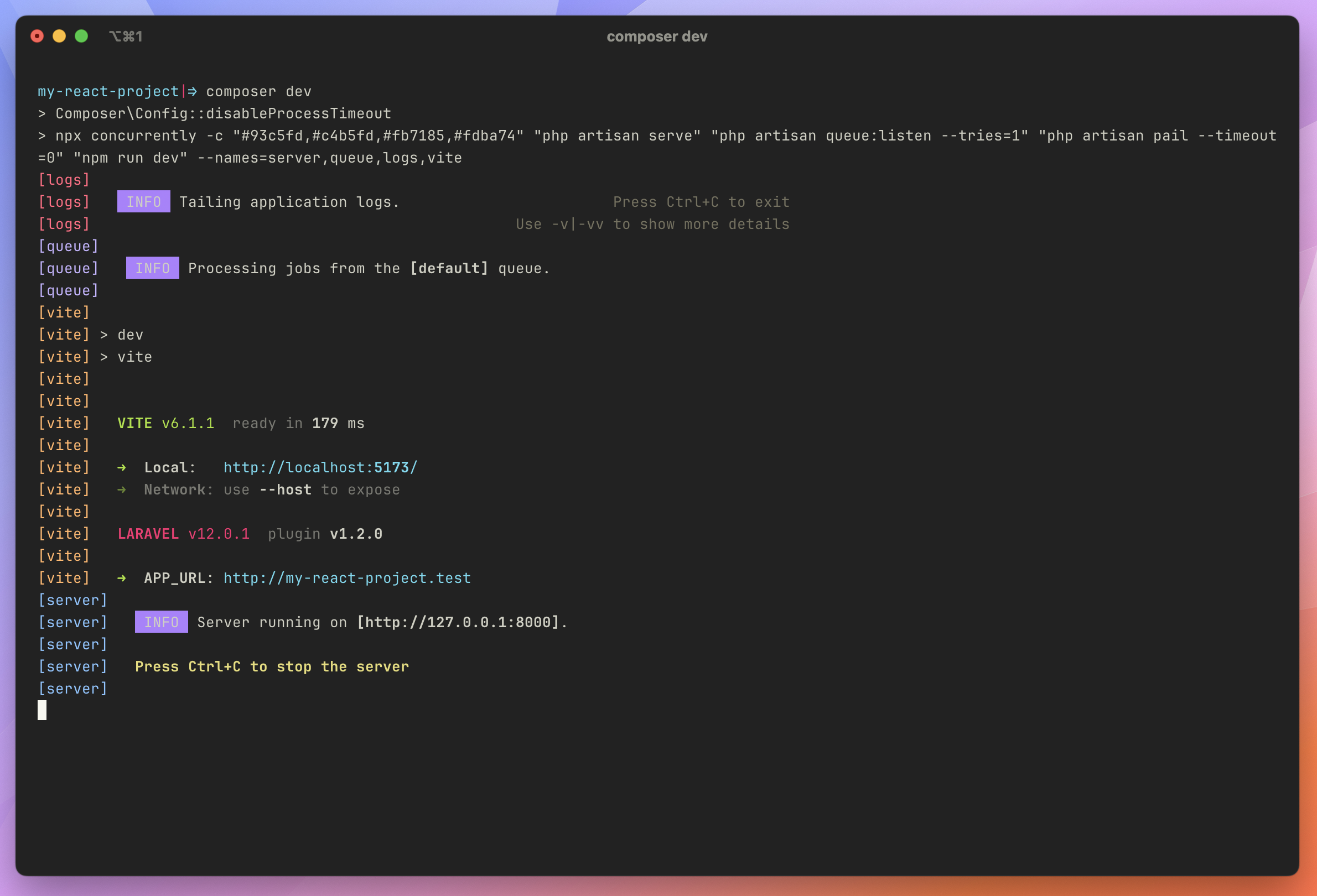
Once you've created the project, you can use Laravel's composer dev command to run the application server, the queue, and tail logs:
From here, you have a fully working starter kit using your configured stack! If you picked Vue or React, your application's entry point is located at resources/js/app.ts. If you picked Livewire, you start with a blank resources/js/app.js file and Vite, as you'd expect.
The Livewire starter kit is an excellent way for you to learn how to use Livewire and get familiar with Flux components:
<x-layouts.app.sidebar> <flux:main> {{ $slot }} </flux:main></x-layouts.app.sidebar>GitHub Workflows
Another pleasant surprise I noticed after installing the starter kit is two GitHub CI workflows: linting and tests. The lint.yml workflow runs pint, formats the frontend code with Prettier, and lints the code with ESLint. The auto-commit step is commented out by default, but you can quickly enable auto-commits to keep your repositories tidy. The linter runs on the develop and main branches and pull requests to the same branches.
The tests.yml file runs your test suite (depending on what you picked) on pushes to the develop and main branches and pull requests to the same branches.
Learn More
You can learn more about Laravel's starter kits in the Starter Kit documentation, including customization options and WorkOS authorization if you choose WorkOS for authentication.








