
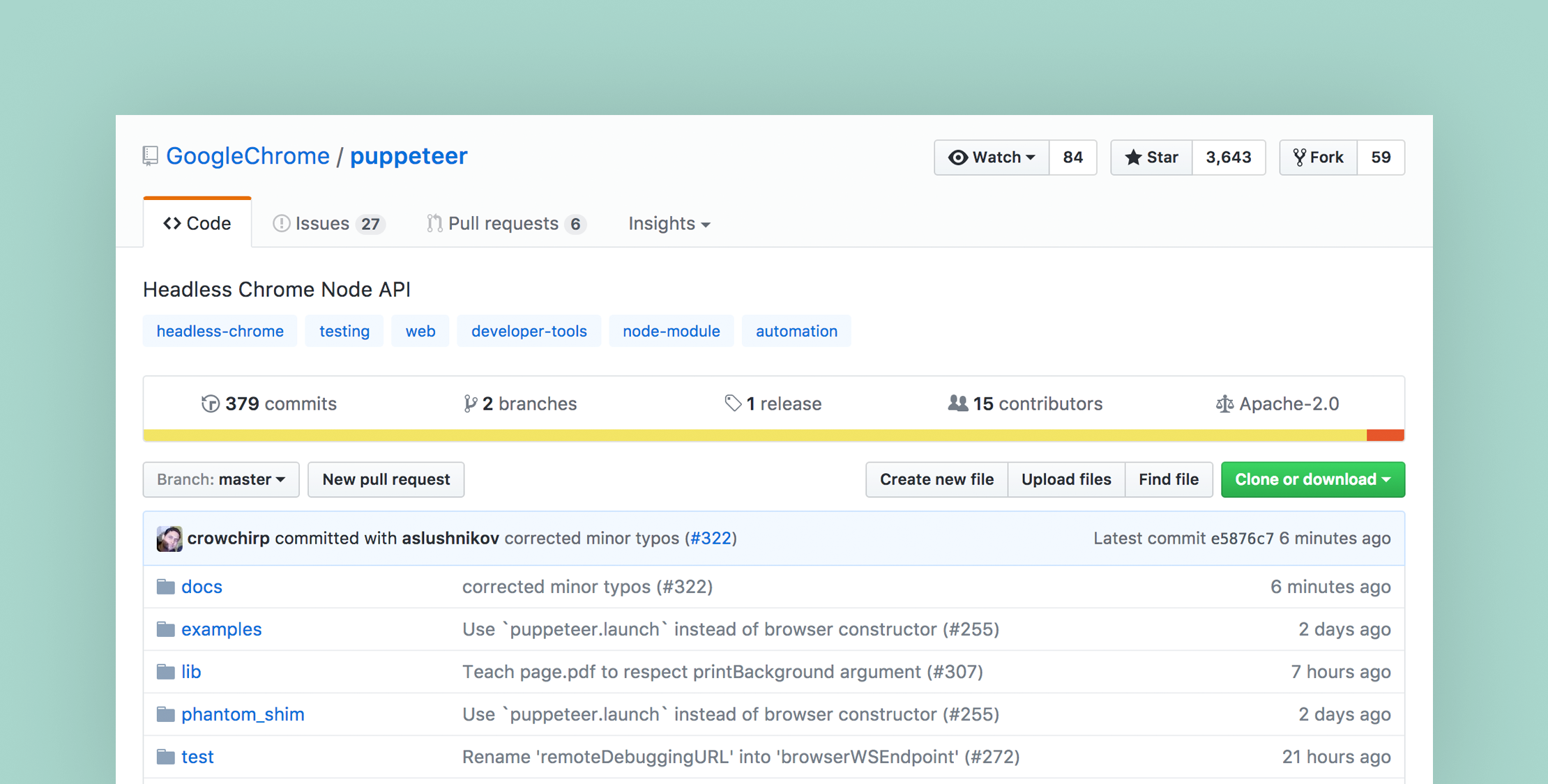
Google Chrome Puppeteer is a Node library that provides a high-level API for working with headless Chrome:
Puppeteer is a Node library which provides a high-level API to control headless Chrome over the DevTools Protocol. It can also be configured to use full (non-headless) Chrome.
According to the GitHub repository, here are a few examples of how you can use Puppeteer:
- Generate screenshots and PDFs of pages.
- Crawl a SPA and generate pre-rendered content (i.e. “SSR”).
- Scrape content from websites.
- Automate form submission, UI testing, keyboard input, etc.
- Create an up-to-date, automated testing environment. Run your tests directly in the latest version of Chrome using the latest JavaScript and browser features.
- Capture a timeline trace of your site to help diagnose performance issues.
When you install the package, Puppeteer will download a recent version of Chromium, which helps guarantee the API will work out of the box. You can also configure different versions of the browser if needed and run it in full (non-headless) mode.
Here’s an example of the API in action from the readme:
const puppeteer = require('puppeteer'); (async() => { const browser = await puppeteer.launch(); const page = await browser.newPage(); await page.goto('https://example.com'); await page.screenshot({path: 'example.png'}); browser.close();})();If you want to use Puppeteer for testing automation, be aware that the API is designed specifically for Chrome.
Google Chrome first shipped a headless environment in Chrome 59 for Linux and Mac (Chrome 60 on Windows), bringing modern web features to the command line without the overhead of the full browser.
Puppeteer requires Node version 7.10 or greater. Read more about Puppeteer on GitHub.
On a related note, the next version of Laravel Dusk will also configure the headless option by default (see DuskTestCase.stub).








