
Livewire released a wire:confirm HTML directive that makes it easier than ever to add a confirmation dialog before performing an important or dangerous action. The confirm directive will trigger a native browser Window confirm modal, and once the user confirms, Livewire will trigger the intended event.
Here's the rough JS equivalent:
if (window.confirm("Are you sure you want to delete this user?")) { // Proceed only after the user has confirmed}How do you do this with Livewire? Really easily!
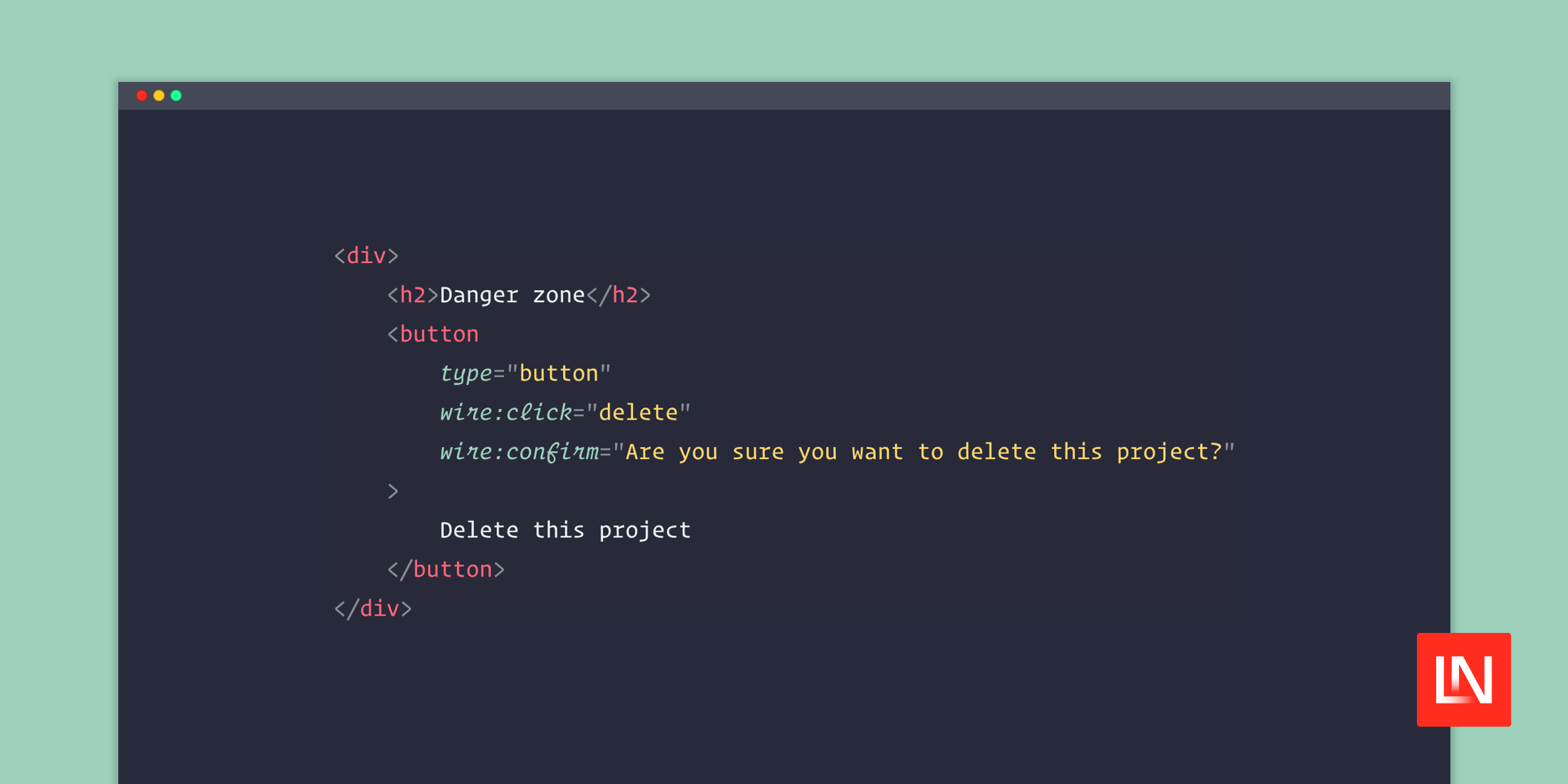
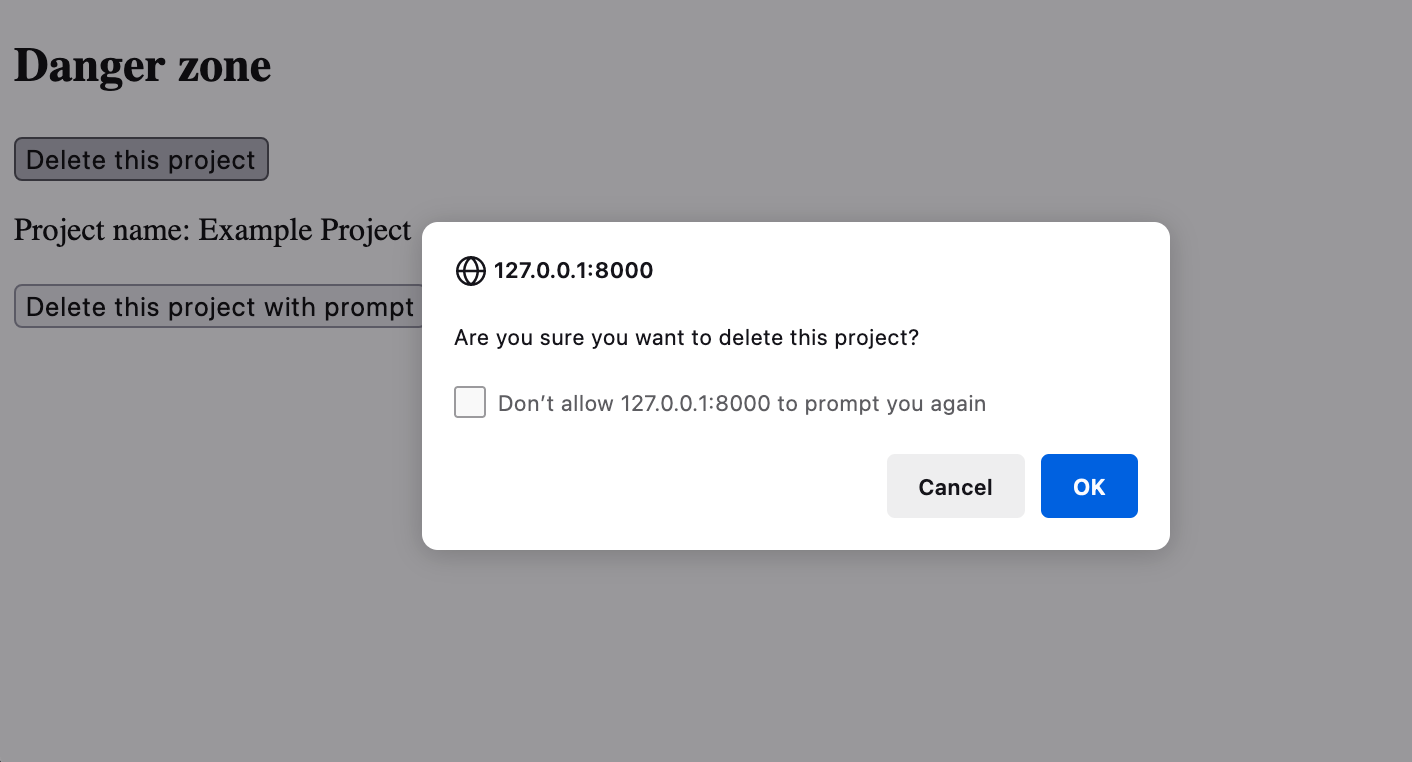
For a simple confirmation with a "Cancel" and "OK" button, you can use the wire:confirm like so coupled with an event like wire:click:
<div> <h2>Danger zone</h2> <button type="button" wire:click="delete" wire:confirm="Are you sure you want to delete this project?" > Delete this project </button></div>When you click the button, Livewire will trigger a native browser confirmation modal:
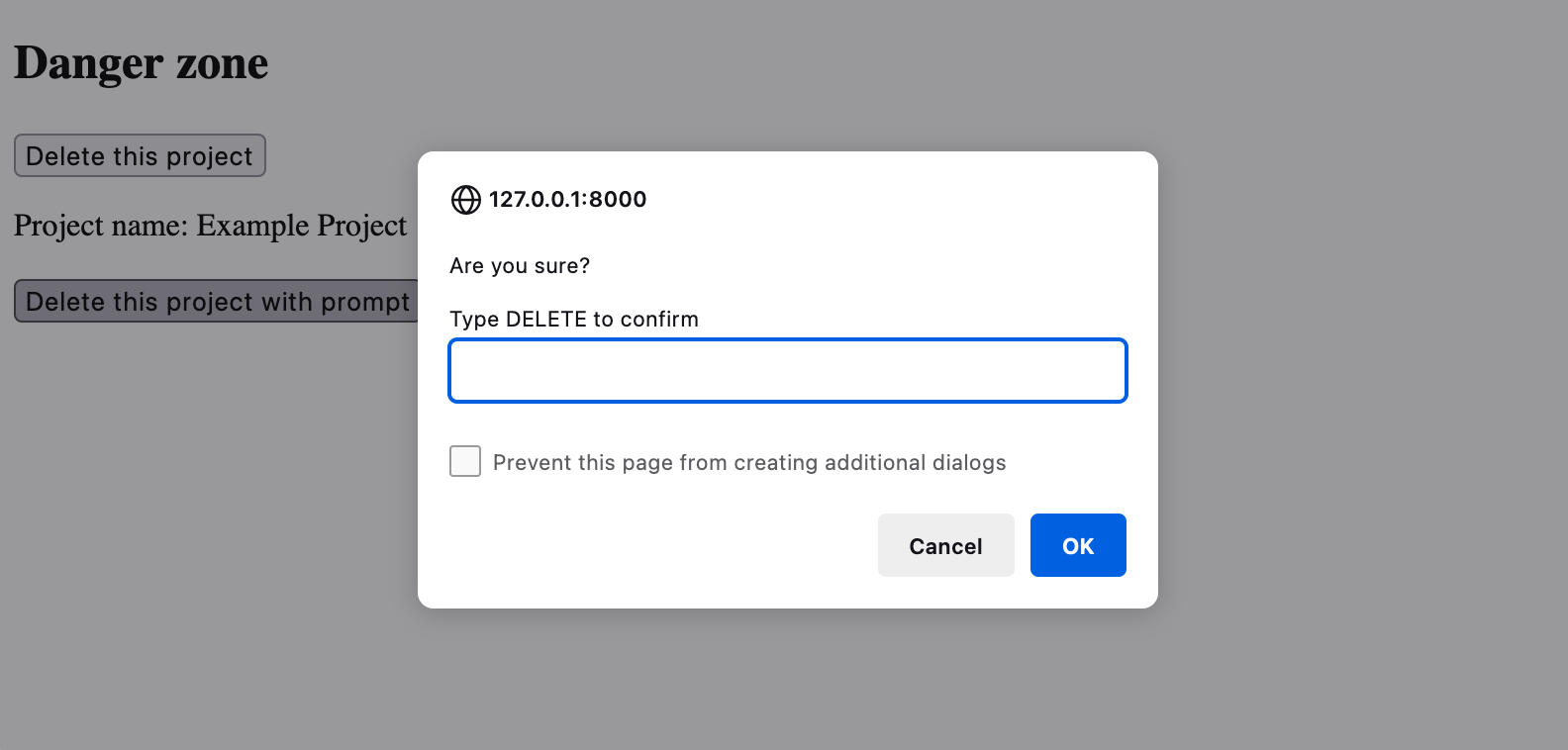
Things get a little more interesting if you want the user to type something out to confirm that they intentionally want to do something destructive, for example, delete a repository on GitHub:
<div> <h2>Danger zone</h2> {{-- ... --}} <button type="button" wire:click="delete" wire:confirm.prompt="Are you sure?\n\nType DELETE to confirm|DELETE" > Delete this project </button></div>Note the |DELETE which lets Livewire know the expected prompt to match.
Clicking the button will prompt the user with a prompt() modal, asking them to type "DELETE." If the user's input matches, it will trigger the delete() method on the Livewire component.
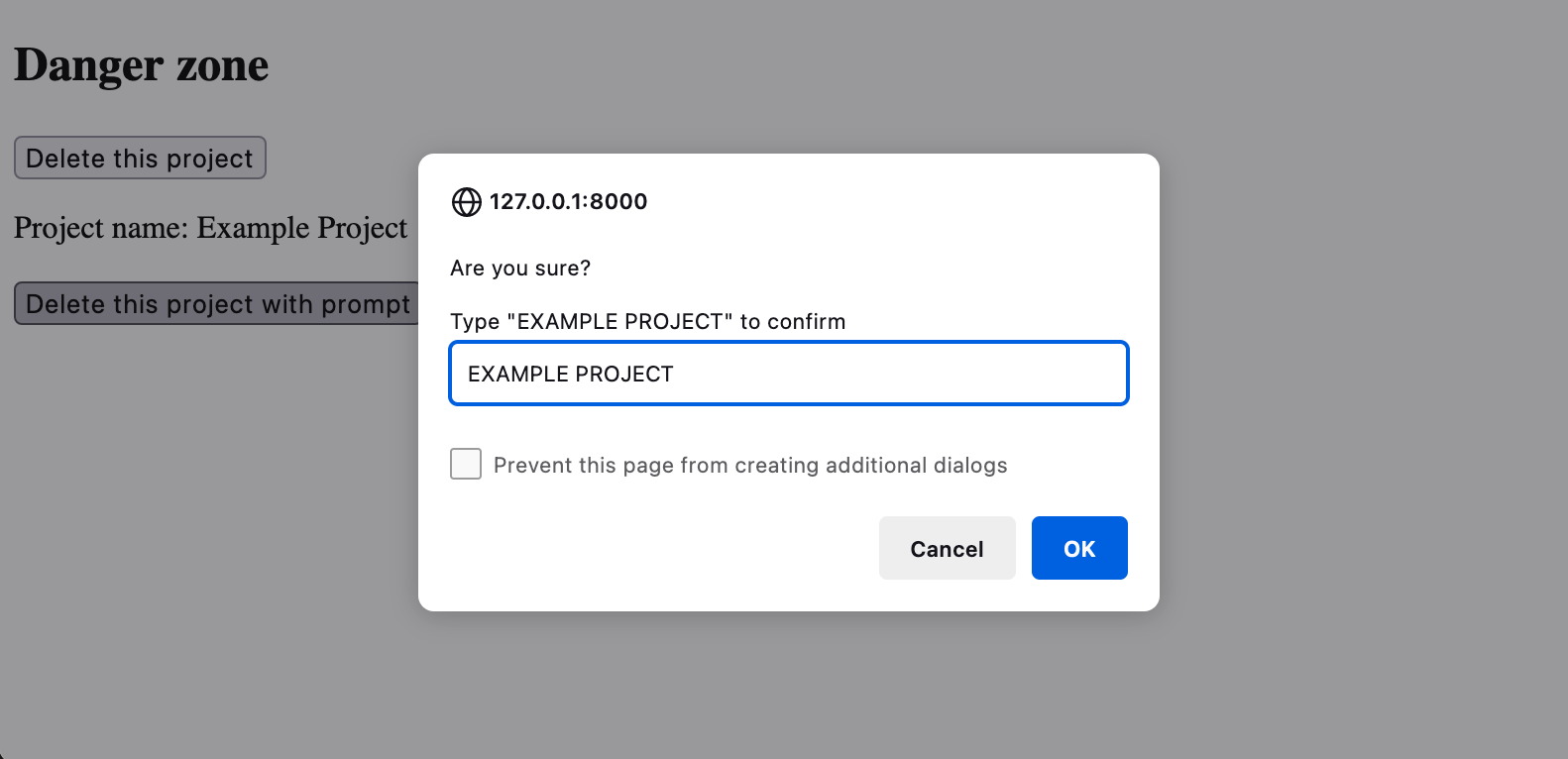
Taking this a little further, you could make the confirmation word or phrase match a dynamic value on the component. For example, perhaps you want to make the user type the project name to confirm:
<div> <h2>Danger zone</h2> {{-- ... --}} <button type="button" wire:click="delete" wire:confirm.prompt="Are you sure?\n\nType "{{ str($project_name)->upper() }}" to confirm|{{ str($project_name)->upper() }}" > Delete this project </button></div>One caveat is that the text matching is case-sensitive, so I thought it would be easiest to make it all uppercase. If you want to use quotes like I am demonstrating, you'll need to use HTML entities in the wire:confirm attribute.
If you'd like to learn more about wire:confirm, check out the full Livewire wire:confirm documentation.
Cheers!







