

October is one of the leaders in Laravel CMS’s. It was originally released in 2012 and is popular with developers tired of WordPress. The attractions are that it’s easy to customize and features a clean UI so can be used for building client sites while giving them a nice backend to play with.
Installing October can be done via two methods, wizard and command line. Wizard is certainly the easiest but means that the install files have to be downloaded on your machine and then uploaded to the server. The alternative and subject of this guide is installation directly through the command line.
These steps can be carried out on your local machine or on a production server.
Create Database
Firstly we need to create the database for the project so open your db client and create it.
In SequelPro this is Choose Database > Add Database
Install the repository
SSH onto your VPS and cd to the directory where you want to install October:
cd export/www/octobersiteOnce inside run:
curl -s https://octobercms.com/api/installer | php
If it was successful you will see the message above.
Now run:
php artisan october:installThis will generate the following message.
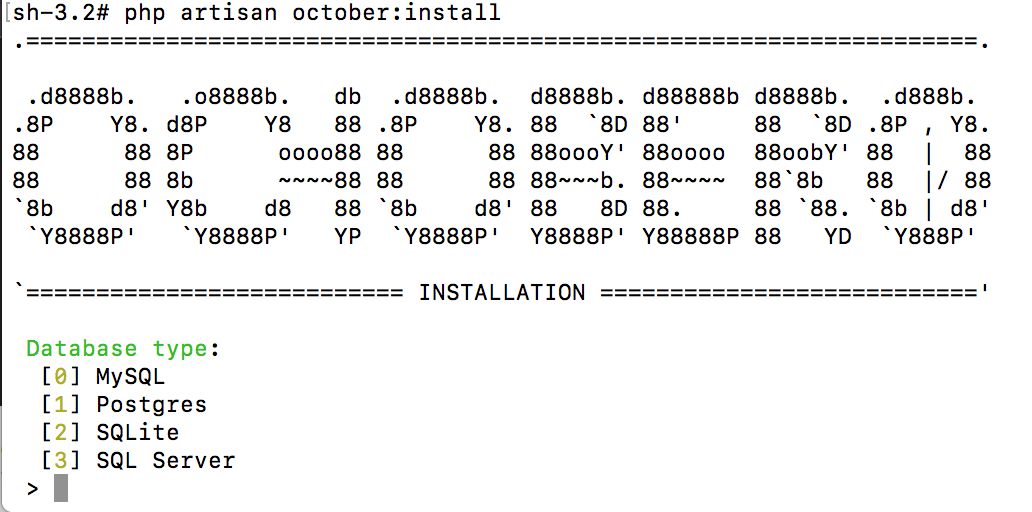
You will then be asked a series of questions to configure the settings for your app. Fill these out as below. You can just accept the default by pressing enter for MySql Host, MySql Port
Database Type: 0 MySQL Host: Enter (127.0.0.1) MySQL Port: Enter Database Name: octobersite MySql Login: Your database username MySql Password: Your database password First Name: Your First Name Second Name: Your Second Name Email Address: Your email address Admin Login: username to login to backend with Admin Password: password to log into backend with
Is this information correct: Y Application URL: https://octobersite.com
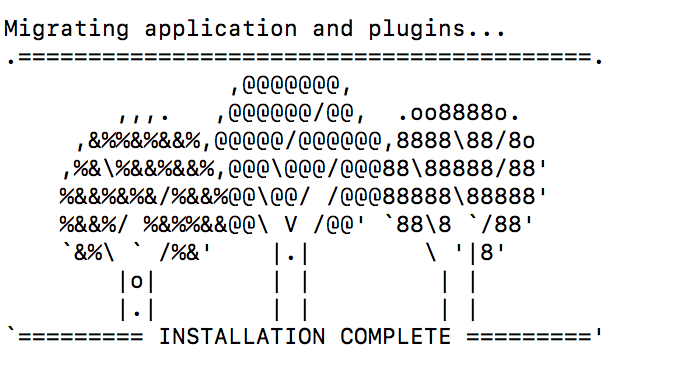
Once complete you will get the install success message!
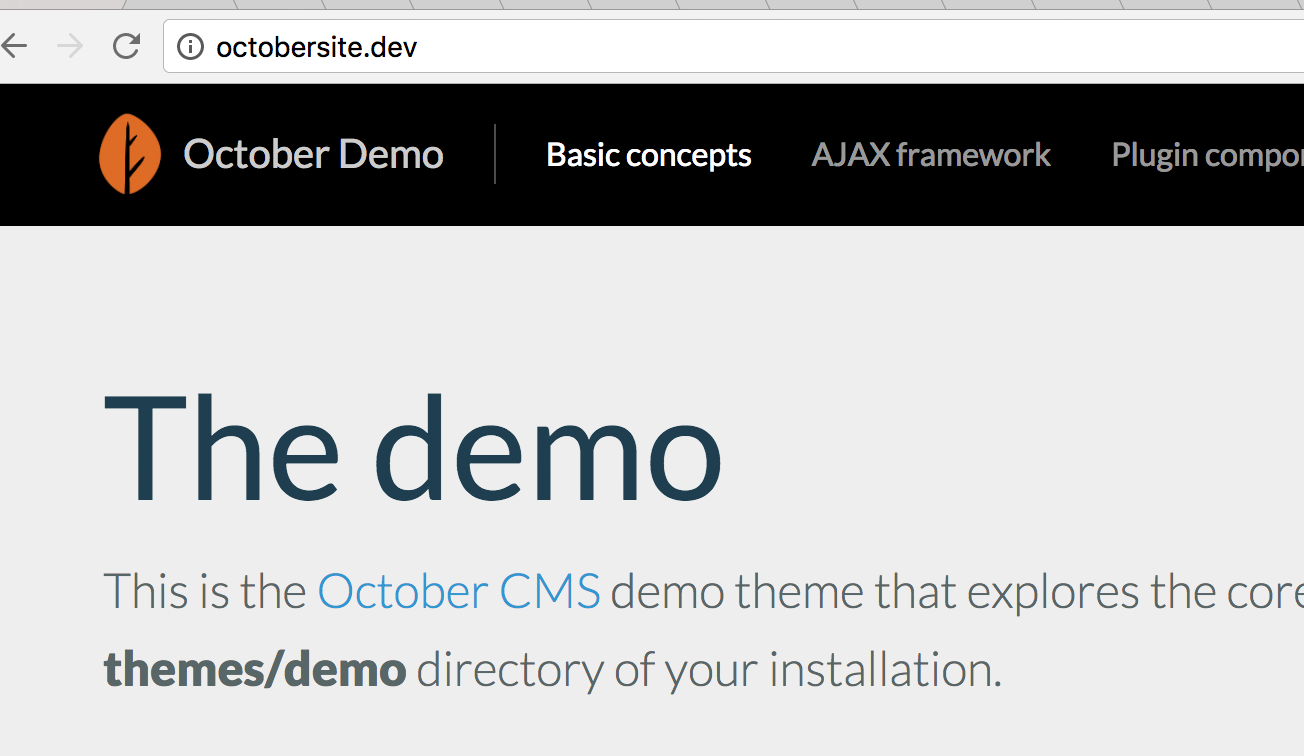
Hit the front end in a browser and you will see the October demo theme:
Permissions
Our job is not done and we must set the correct permissions on a few directories. In the site root run:
sudo chmod -R 775 storage/sudo chmod -R 775 themessudo chmod -R 775 storage/app/uploadsTidy Up
It’s a good idea to move all of the configs out into a separate .env file:
php artisan october:envThis means that configs are not hard-coded and you can control them centrally from the .env.
Make sure it is not committed to your repo!
Conclusion
This trial showed you how to install October CMS via the command line to get you up and running with October quickly. For more expert tutorials on October CMS and Laravel visit the Leader Internet Blog.








