
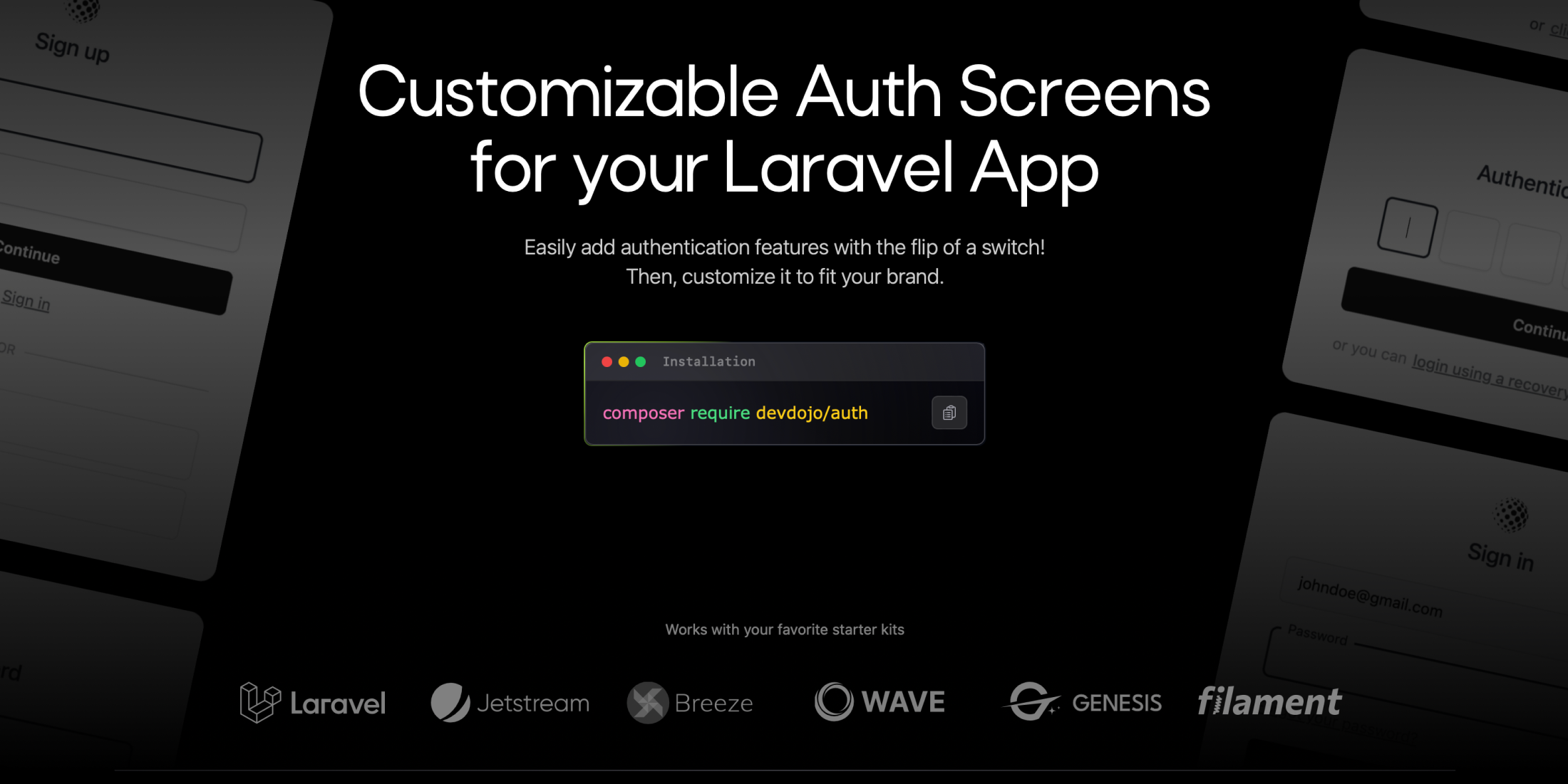
Managing multiple Laravel applications can be challenging, especially when it comes to modifying each app individually. For instance, if you wanted to add social authentication or change the user login process, you would find yourself changing the functionality in several places. Wouldn't it be more efficient if your authentication functionality was centralized? Imagine simply flipping a switch when you need a new feature or you need to incorporate a new social provider. That’s exactly why we created DevDojo Auth.
DevDojo Auth is a free, open-source project that provides you with customizable authentication pages for your Laravel app. It's compatible with any Laravel application (version 10.x or higher) and any of the available starter kits.
How to Install
Setting up is really simple. Once you have a fresh Laravel application ready, you can install the package using Composer:
composer require devdojo/authNext, you’ll want to publish the assets, configs, and more:
php artisan vendor:publish --tag=auth:assetsphp artisan vendor:publish --tag=auth:configphp artisan vendor:publish --tag=auth:ciphp artisan vendor:publish --tag=auth:migrationsLastly, you need to run the migrations, and then extend the DevDojo User model.
php artisan migrate- If you want to take advantage of many of the 2FA and social provider methods from your user object, you’ll need to extend the DevDojo User Model from your
App\Models\User.php:
use Devdojo\Auth\Models\User as AuthUser; class User extends AuthUserThat's it! You're now ready to begin onboarding users. However, if you wish to customize the pages with your own colors and logo, please continue reading.
Setup and Customizations
After installing this package, you can access a simple setup page at /auth/setup.
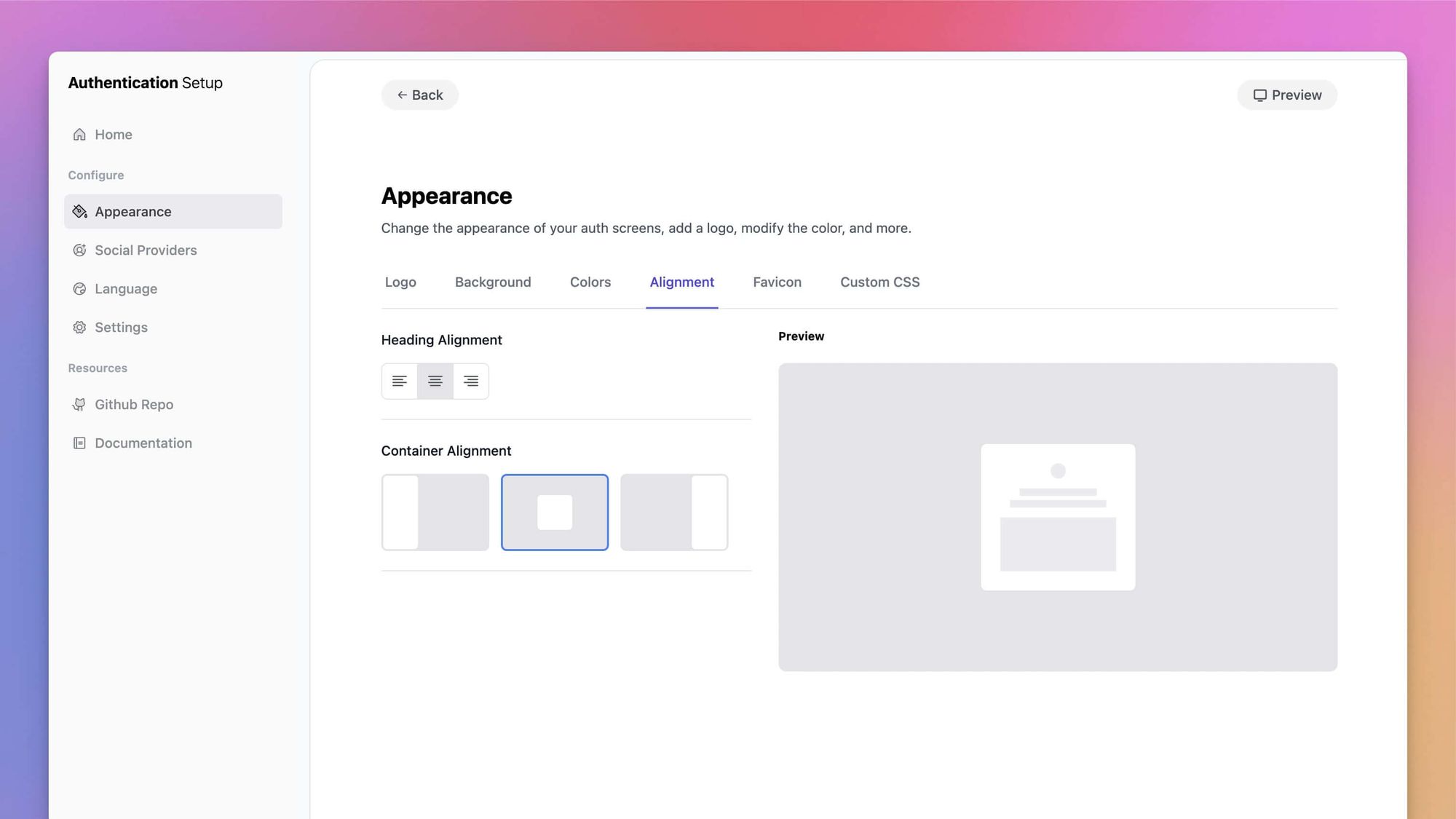
From this setup page, you can change the appearance, add social providers, adjust the language copy, and modify settings related to your authentication functionality.
Available Pages
This package offers many common authentication pages to help your users authenticate with your app. Plus, the user experience of these pages will maintain your professional image and encourage your users to return.
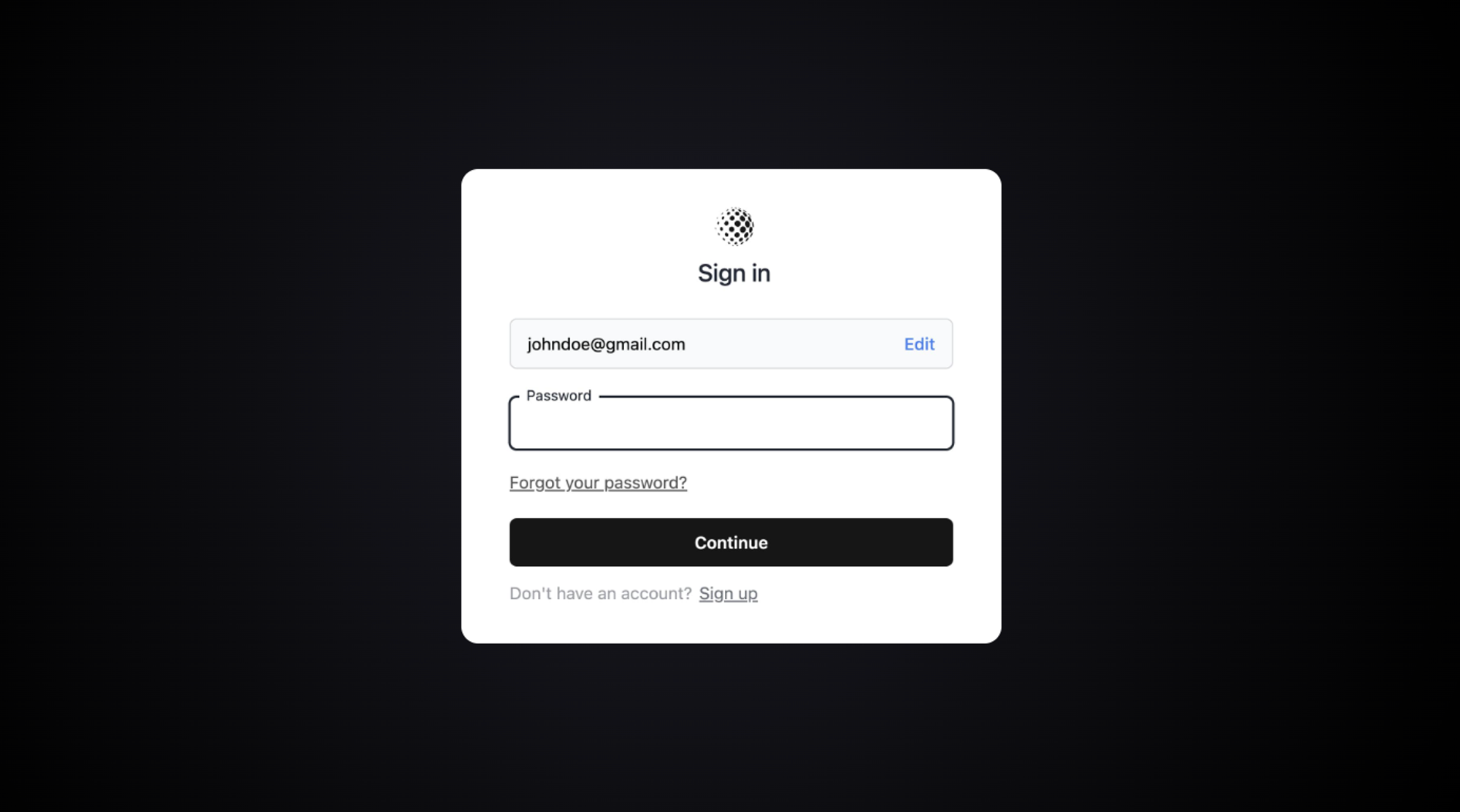
Here is the list of authentication pages you will have available in your application after installation.
- Login
- Register
- Verify Email
- Password Confirmation
- Password Reset
- Two Factor Challenge
You can learn more about these pages by visiting the documentation
Adding Social Authentication
Adding social authentication with this package is very simple. You simply need to obtain the CLIENT_ID and CLIENT_SECRET for each provider you wish to include. Then, go to the social providers page on the setup screen and activate the desired social providers.
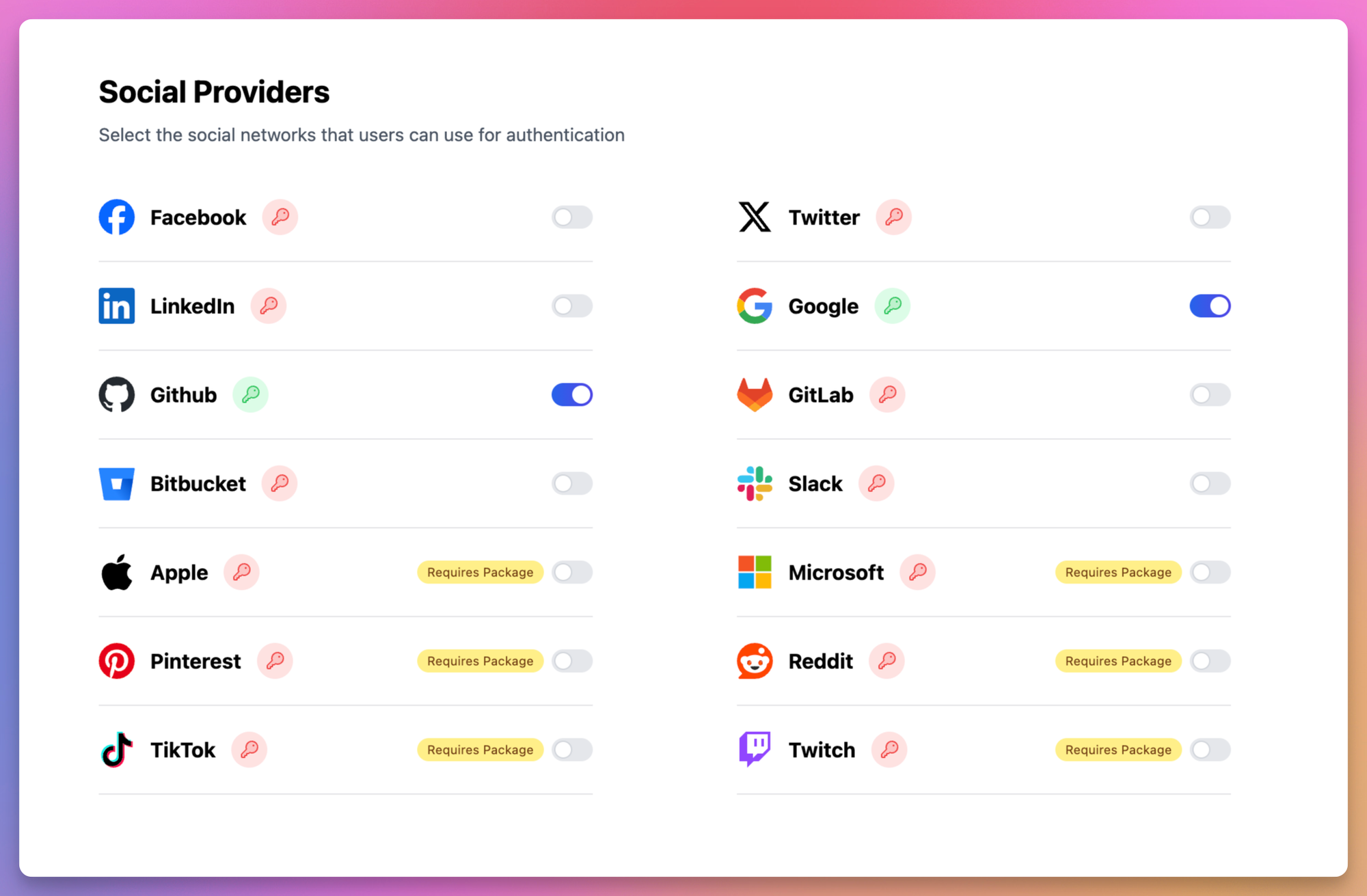
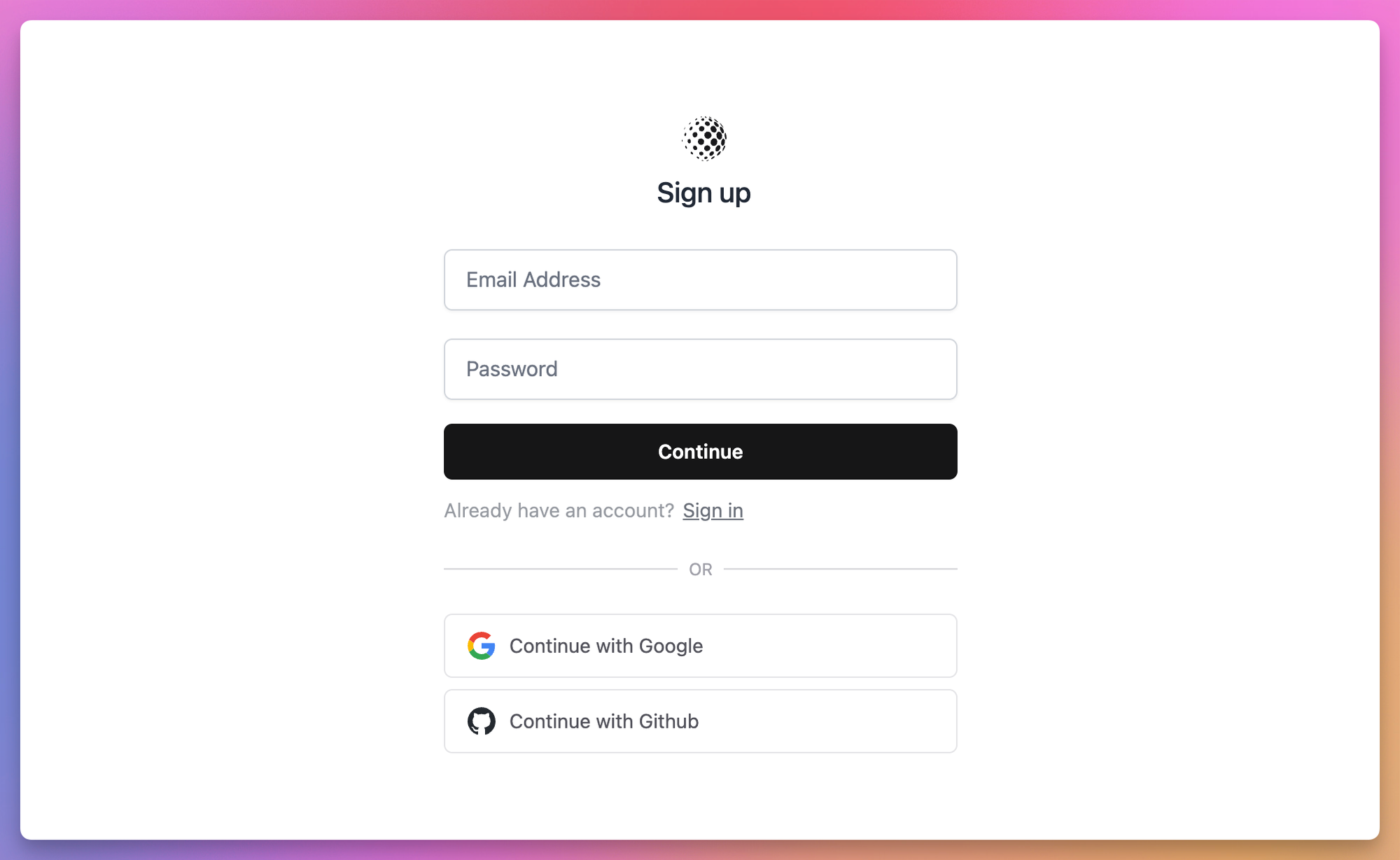
Bring up your login and/or registration page and you’ll see that the social providers are locked and loaded, ready to authenticate user from their favorite social networks.
More Goodies
There are so many other features you can take advantage of with this package. One of which is the Github action workflows. You can publish CI files to your application and have them run everytime a new PR is opened. This package ships with Pest and Dusk tests to make sure your authentication is fully operational at all times ✨
Be sure to visit the Devdojo Auth official documentation to learn more.







