

The Laravel team updated the first-party Laravel vite-plugin package to support full page reload on blade/arbitrary file changes. Vite will do a full page reload when you edit a blade template (or any other file you configure) that changes. No more manual browser refreshing is required during development!
The basic configuration in your vite.config.js file looks like the following when installing a new Laravel project:
import { defineConfig } from 'vite';import laravel from 'laravel-vite-plugin'; export default defineConfig({ plugins: [ laravel({ input: [ 'resources/css/app.css', 'resources/js/app.js' ], refresh: true, }), ],});The above snippet is what ships with a brand-new Laravel application; you don't have to do anything to get hot reloads working on a new project.
Note the refresh config–when set to true, the Laravel Vite plugin will refresh the page when you update a file in the following paths:
routes/**resources/views/**That convention might work for most projects, but if you want to include other paths or files, you can configure the refresh property:
import { defineConfig } from 'vite';import laravel from 'laravel-vite-plugin'; export default defineConfig({ plugins: [ laravel({ input: [ 'resources/css/app.css', 'resources/js/app.js' ], refresh: [ 'resources/routes/**', 'routes/**', 'resources/views/**', ], }), ],});See Working with Blade & Routes in the official documentation for further details on configuration options.
Try it out
Let's set up a demo Laravel application to demonstrate hot reloading. First, let's create a new demo project:
laravel new blade-hot-reload --gitcd blade-hot-reloadOnce the project is installed, add the following somewhere to the <head/> of the welcome.blade.php file found in resources/views/:
@vite('resources/js/app.js')Next, you'll want to install NPM dependencies and run the dev command:
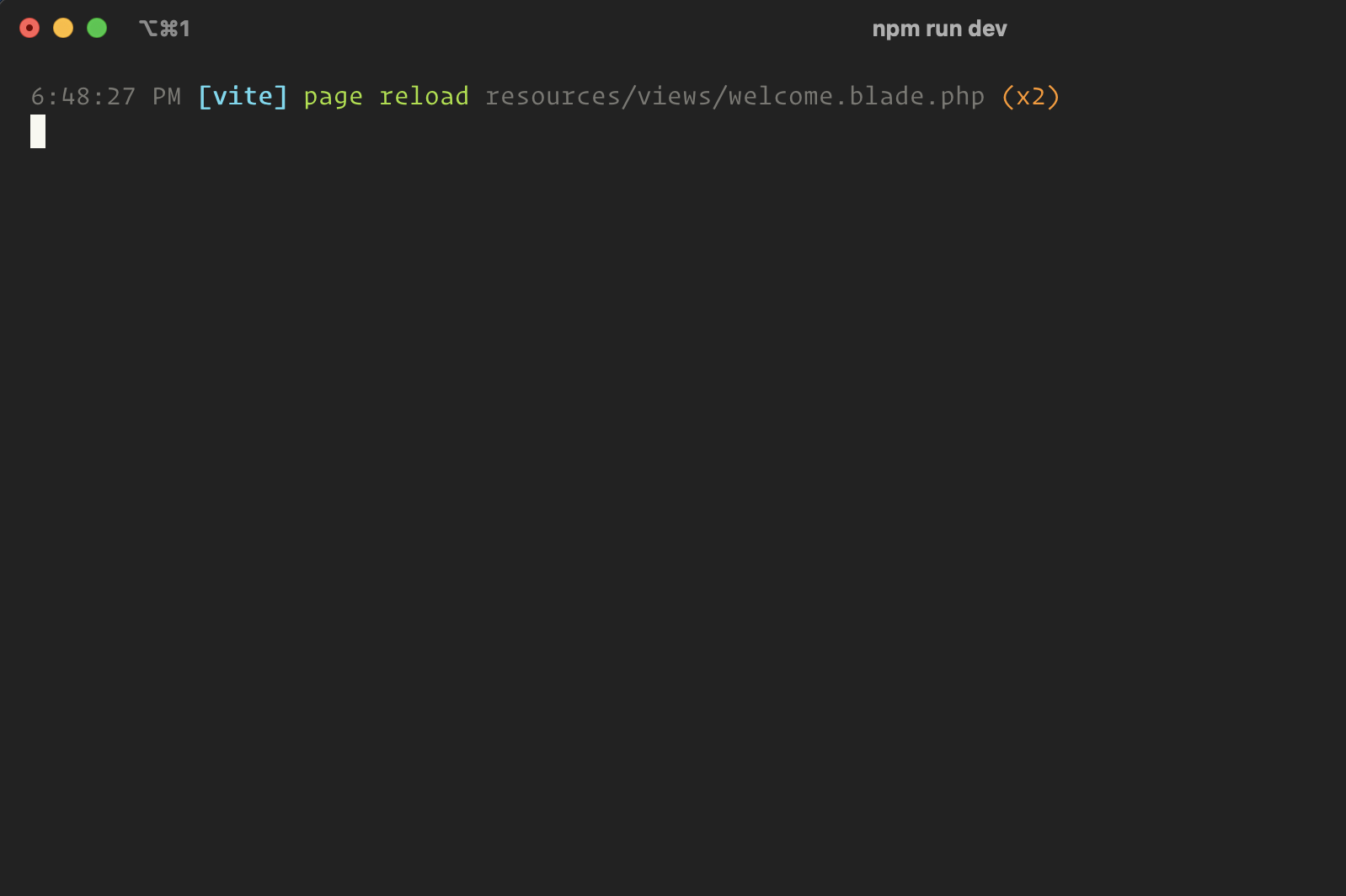
npm installnpm run devAnd that's it! If you make a change to a blade file or a route, you'll see something like the following in the console:
Any change you make should reflect immediately, depending on your local development environment setup.








