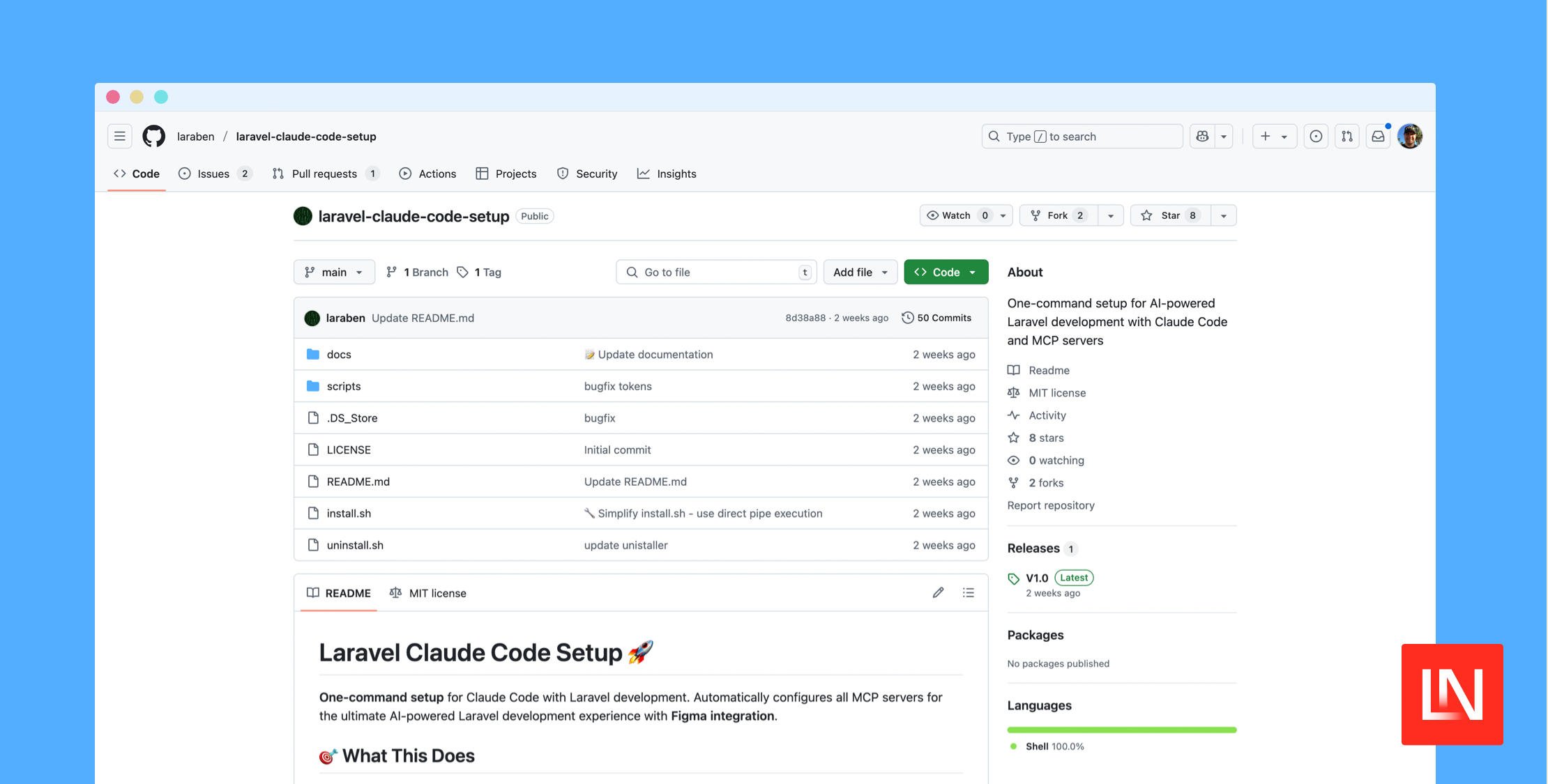
The Laravel Claude Code Setup repo is a one-command setup for AI-powered Laravel development with Claude Code and MCP servers. Automatically configure all MCP servers for the ultimate AI-powered Laravel development experience with Figma integration.
The Figma integration features seem like they could be very powerful, helping you automatically create views, extract a design system, build components, and more:
# Example Figma commands # Analyze a complete design> Please analyze this Figma design and create the corresponding Laravel views # Extract design system> Extract all colors, typography, and spacing from this Figma file for our Tailwind config # Create specific components> Convert this Figma card component to a Livewire component with proper validation # Generate admin interface> Create a Filament resource based on this Figma admin panel designMain Features
- Global MCP Servers (shared across all projects)
- GitHub integration - Access all your repositories, manage PRs (with automatic token configuration)
- Memory system - Remember decisions across all projects
- Context7 - Latest Laravel/PHP documentation access
- Web fetch - Access external APIs and resources
- Figma integration - Design-to-code workflows with automatic design token extraction
- Automatic design token extraction - Colors, typography, and spacing for Tailwind CSS
- Laravel DebugBar - Real-time debugging (if installed)
- And more..
To get started, you can do a direct installation using the package's setup.sh script. You can download it, check the contents, and run it via:
# Download the scriptcurl -fsSL https://raw.githubusercontent.com/laraben/laravel-claude-code-setup/main/install.sh -o setup.sh # Make it executablechmod +x setup.sh # Run it./setup.shYou can get started with this package by reading through the readme and the docs/ folder. Check it out on GitHub at: laraben/laravel-claude-code-setup.