News

Laravel Forge CLI

Published
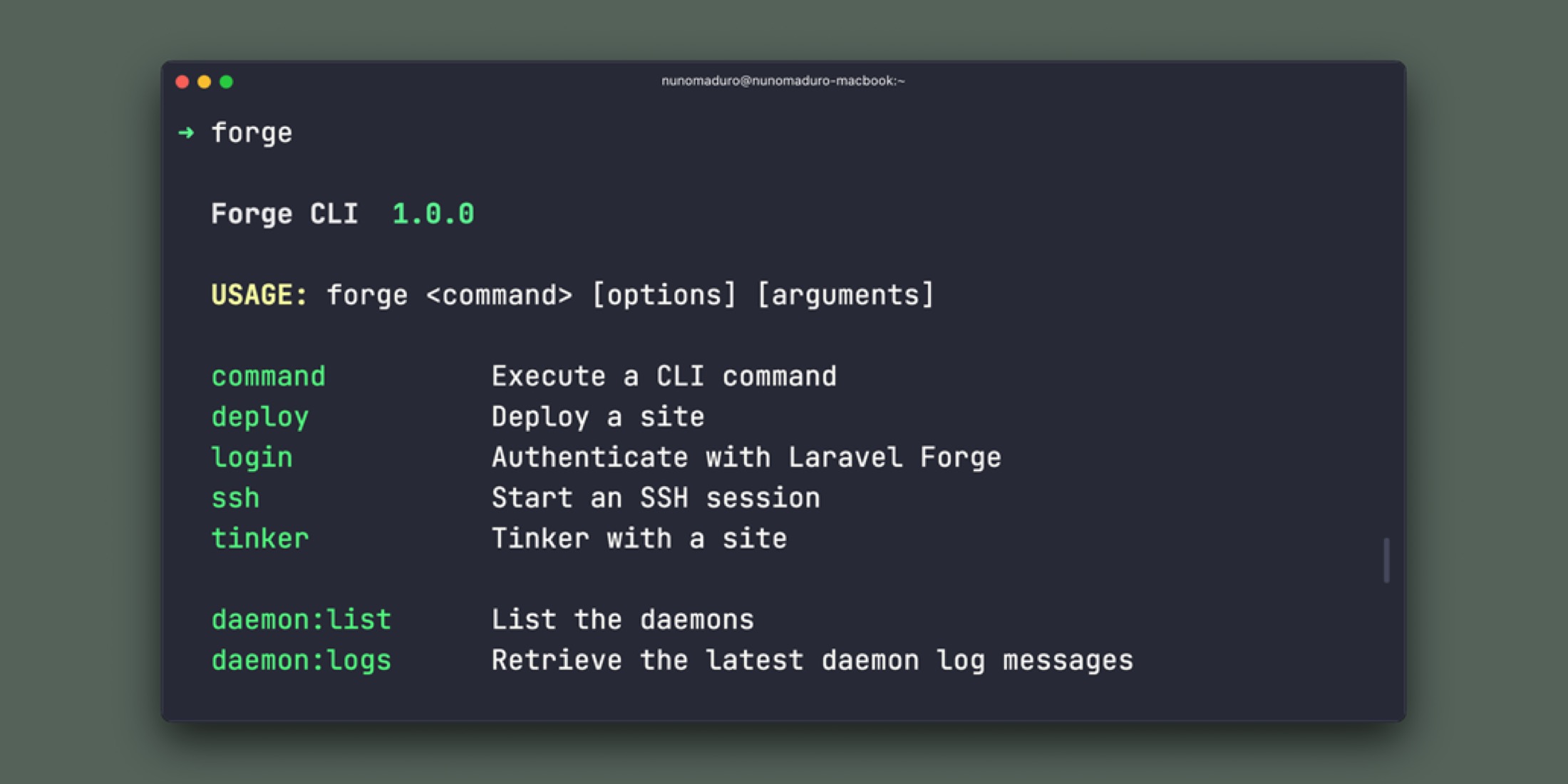
Laravel Forge CLI image

Laravel Forge launched their first official command-line tool that gives you a nice set of commands to manage your Forge servers, sites, and more. Installation is done through the following global composer command:

composer global require laravel/forge-cli

After it's installed you can forge from your terminal and see usage:
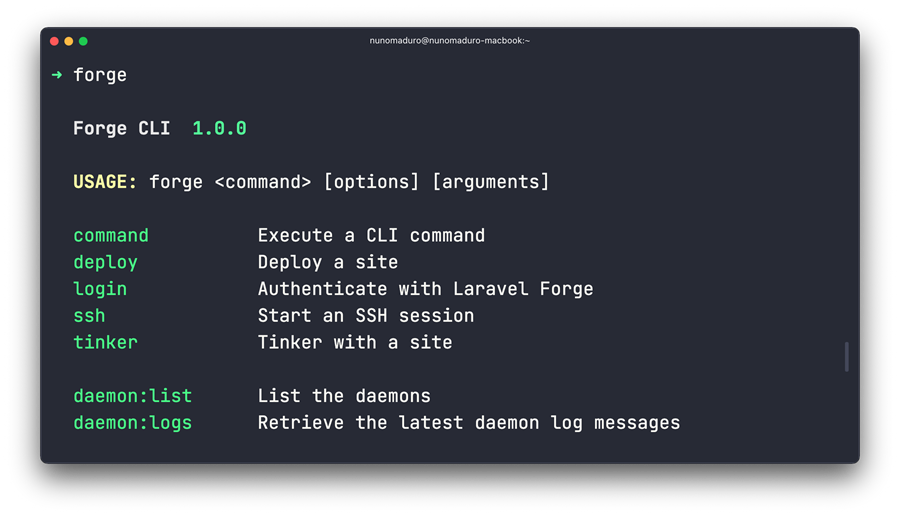
The first release (v1.0) of the Forge CLI contains around thirty commands, including initiating deployments, viewing application logs, configuring SSH key authentication, and more. In this article, we are going to highlight some of these new commands. And, of course, you may refer to the official documentation for more details.

Eric L. Barnes photo

Eric is the creator of Laravel News and has been covering Laravel since 2012.

Sponsored

tinkerwell logo
Tinkerwell

Enjoy coding and debugging in an editor designed for fast feedback and quick iterations. It's like a shell for your application – but with multi-line editing, code completion, and more.

Visit Tinkerwell

The latest

View all →
CPX: The Composer Package Executor for PHP image

CPX: The Composer Package Executor for PHP

Read article
Laravel AI SDK Adds Human-in-the-Loop Tool Approval image

Laravel AI SDK Adds Human-in-the-Loop Tool Approval

Read article
Pest 5 Released With Test Impact Analysis, Agent Verification, and Evals image

Pest 5 Released With Test Impact Analysis, Agent Verification, and Evals

Read article
Queue-SQL: Run Mass Deletes and Updates Across Parallel Queue Jobs image

Queue-SQL: Run Mass Deletes and Updates Across Parallel Queue Jobs

Read article
Blade Formatting in Laravel Pint image

Blade Formatting in Laravel Pint

Read article
Inertia DevTools Is Now on the Chrome Web Store image

Inertia DevTools Is Now on the Chrome Web Store

Read article