
Laravel Screenshot provides a way to capture web page screenshots in Laravel applications. The package uses a driver-based architecture, letting you choose between Browsershot (Chromium) or Cloudflare Browser Rendering depending on your infrastructure.
Main Features
Laravel Screenshot includes the following capabilities:
- Driver support - Choose between Browsershot (Chromium via Node.js) or Cloudflare Browser Rendering API
- Default settings - 1280x800 viewport, 2x device scale factor (retina), PNG format, waits for network idle
- Customizable dimensions and quality - Adjust viewport width, height, and image quality per screenshot
- Queued background processing - Generate screenshots asynchronously with callback support
- Testing utilities - Fake mode and assertion helpers for testing screenshot generation
- Disk storage options - Save screenshots to any configured Laravel filesystem disk
The package supports two drivers. The default Browsershot driver requires Node.js and a Chrome/Chromium binary installed on your server. The Cloudflare driver requires a Cloudflare account with Browser Rendering API access but does not need Node.js or Chrome.
Basic Screenshot Capture
Use the Screenshot facade to capture a web page:
use Spatie\LaravelScreenshot\Facades\Screenshot; Screenshot::url('https://example.com')->save('screenshot.png');This captures the page at 1280x800 resolution and saves it as a PNG file.
Customizing Dimensions and Quality
Adjust viewport dimensions and image quality using method chaining:
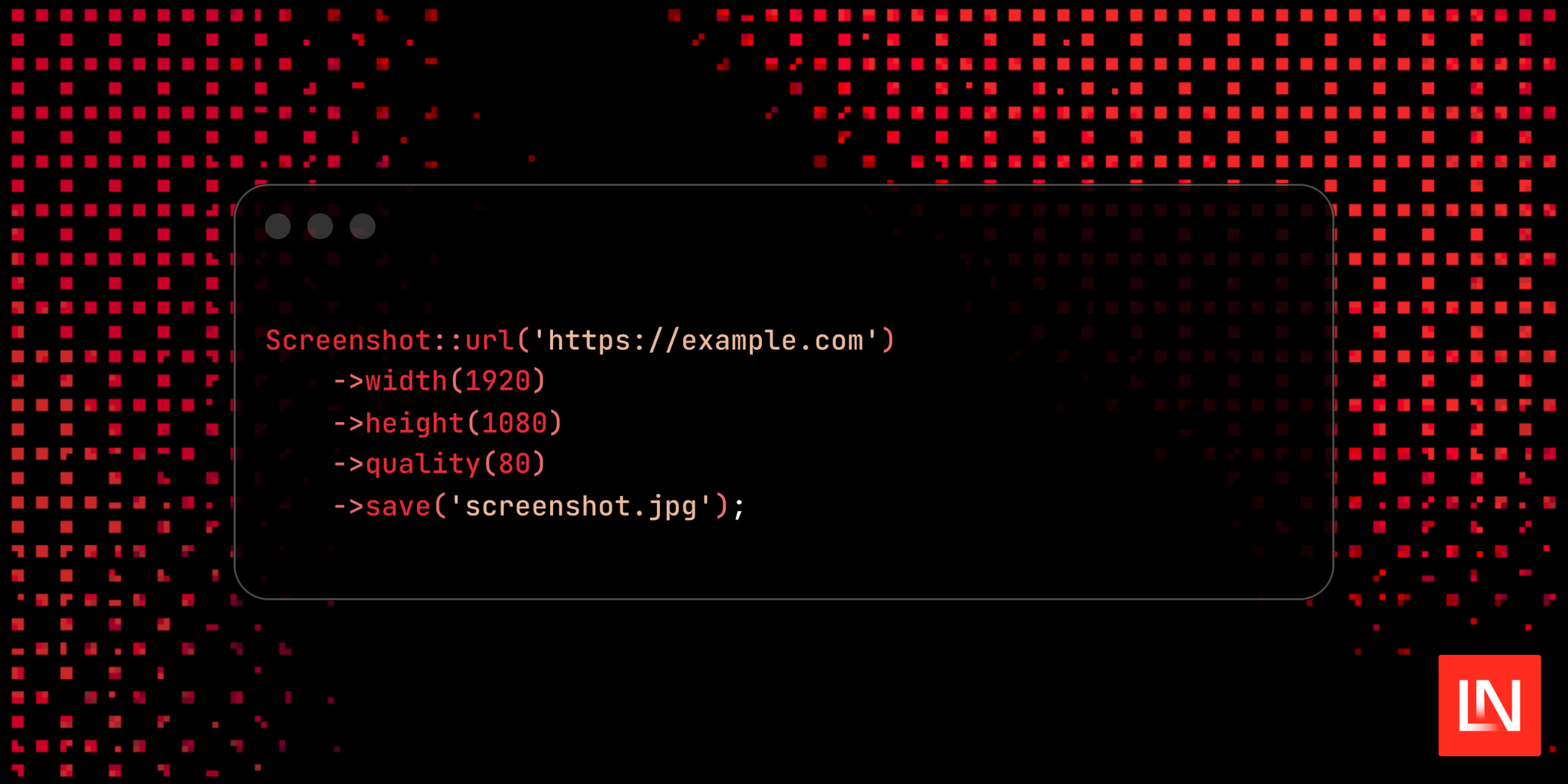
Screenshot::url('https://example.com') ->width(1920) ->height(1080) ->quality(80) ->save('screenshot.jpg');The quality parameter accepts values from 0-100 and applies when saving as JPEG.
Queued Background Processing
Generate screenshots in the background using saveQueued():
Screenshot::url('https://example.com') ->saveQueued('screenshot.png') ->then(fn (string $path, ?string $diskName) => Mail::to($user)->send(new ScreenshotMail($path)) );The then() callback receives the saved file path and disk name after the screenshot completes.
Testing Screenshot Generation
This package also includes testing utilities for verifying screenshot generation without actually capturing images:
Screenshot::fake(); $this->get(route('screenshot'))->assertOk(); Screenshot::assertSaved(function ($screenshot) { return $screenshot->url === 'https://example.com';});This prevents external HTTP calls and file system writes during tests while still asserting that screenshot operations were attempted.
Example Use Cases
- PDF generation workflows
- Open Graph image generation
- Web monitoring and archival
- Visual regression testing
- Report generation
To learn more about Laravel Screenshot, visit the GitHub repository or read the official documentation.








