
In response to our post yesterday about Laravel 5.7 Resources Directory Changes, a reader mentioned that they would prefer to have their application views outside of the resources folder.
I thought I’d write up how you can customize the view path; it’s effortless with Laravel!
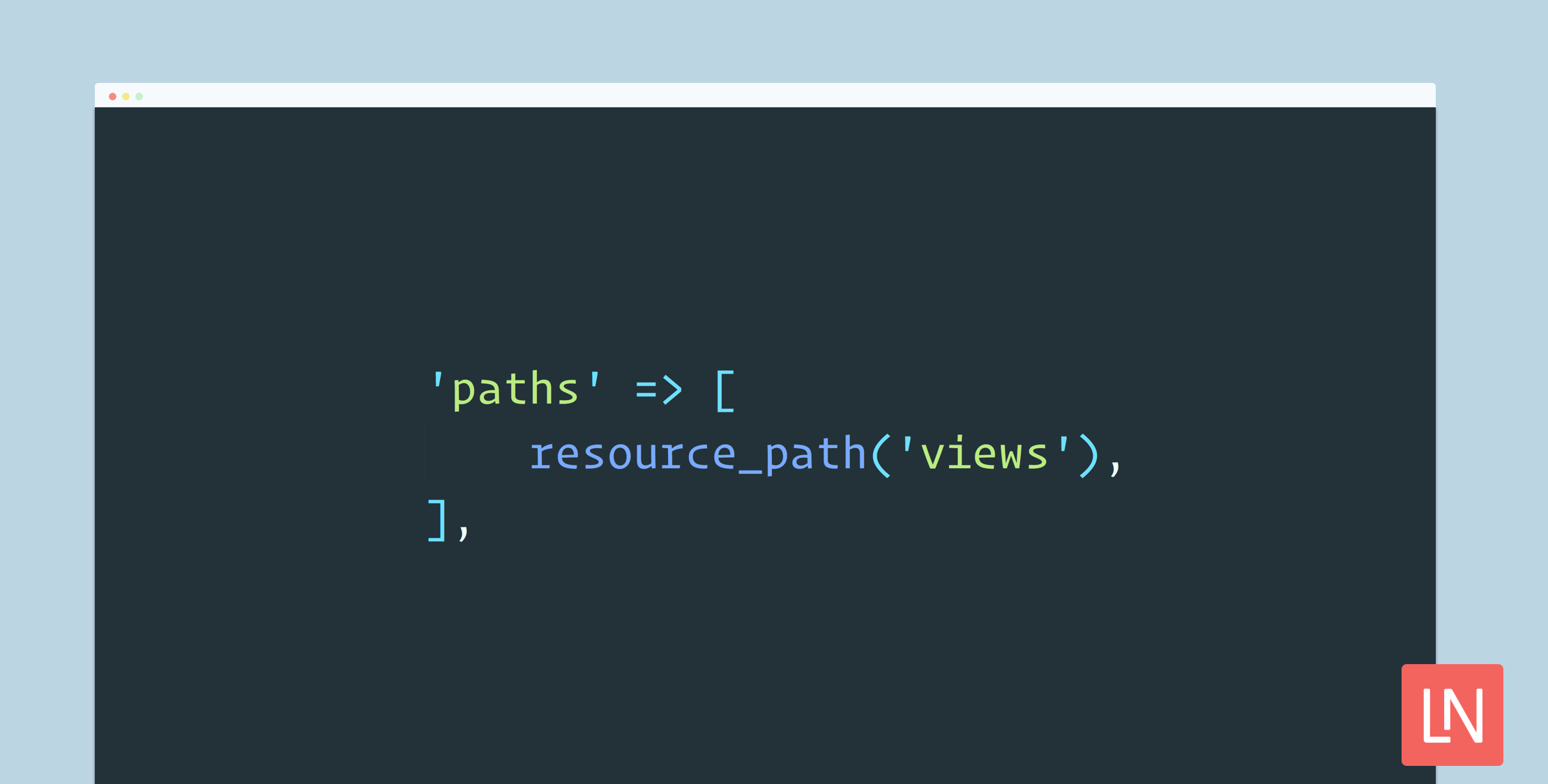
Laravel provides an easy configuration for view paths within the config/views.php configuration file. The default value that ships with Laravel as of version 5.6 are as follows:
'paths' => [ resource_path('views'),],Let’s say that you wanted your views in app/views. You could change the configuration value to the following:
'paths' => [ app_path('views'),],You can even provide multiple paths in this array:
'paths' => [ resource_path('views'), app_path('views'),],Most aspects of Laravel are configurable, but I’d suggest that you stick to the conventions when possible. If you like to customize things and organize things a little differently, the sky is the limit, and Laravel gets out of your way!
One caveat I would mention is that artisan commands that generate views might use the resource_path(‘views’) path to create files. If you prefer to move the files, it might be good to scaffold all of the views first and then move everything before configuring a new path. Sticking to conventions does ease the pain of some of these things.
If you have an existing app and you want to change the organization of views, you could use the technique above to configure additional paths and slowly move your files into the new path.
Another good habit to get into when you are deploying an application: be sure to use the php artisan view:cache command to warm up your view cache during deployment.
Happy templating! You can learn more about Laravel views in the documentation.








