
Laravel's LazyCollection offers sophisticated time-based processing controls for handling extensive datasets within defined temporal boundaries. The time-limiting functionality prevents operations from running indefinitely while maximizing throughput within specified constraints.
The timeout mechanism evaluates processing duration against a specified timestamp, automatically halting enumeration when the limit is reached:
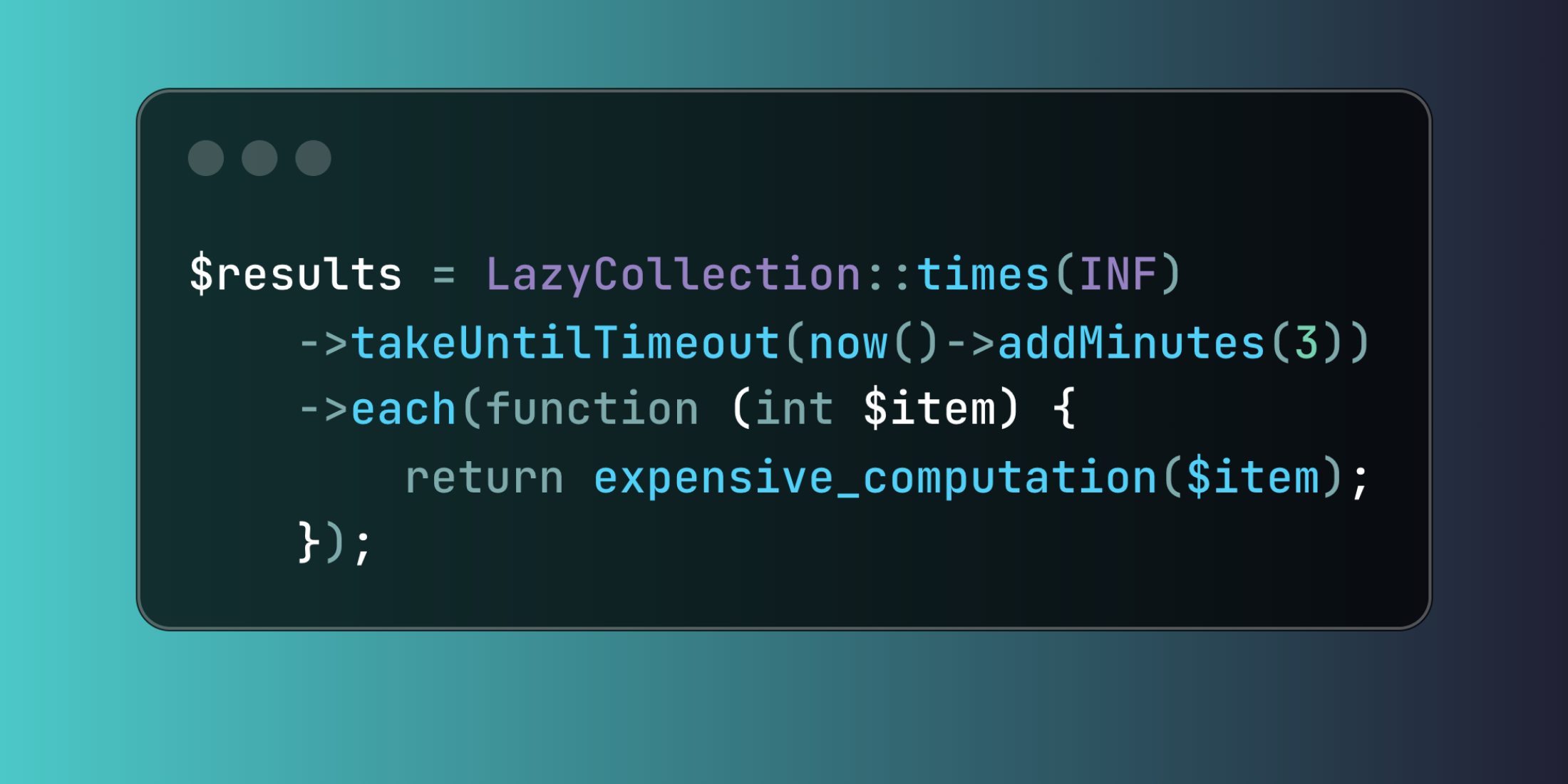
use Illuminate\Support\LazyCollection; $results = LazyCollection::times(INF) ->takeUntilTimeout(now()->addMinutes(3)) ->each(function (int $item) { return expensive_computation($item); });Multiple approaches enable efficient dataset traversal while respecting time boundaries. Generator functions combined with timeout controls create memory-efficient processing pipelines for large-scale operations:
use Illuminate\Support\LazyCollection;use App\Models\Transaction; $processed = LazyCollection::make(function () { $cursor = 0; while (true) { $batch = Transaction::where('id', '>', $cursor) ->orderBy('id') ->limit(500) ->get(); if ($batch->isEmpty()) { break; } foreach ($batch as $transaction) { yield $transaction; } $cursor = $batch->last()->id; }})->takeUntilTimeout(now()->addMinutes(20))->filter(function ($transaction) { return $transaction->requires_processing;})->each(function ($transaction) { $transaction->process();})->count();Building a financial reporting system demonstrates practical timeout applications across different processing stages. This pattern works effectively when dealing with time-sensitive batch operations that must complete within business hour constraints while maintaining data consistency and audit trails.
The timeout functionality integrates seamlessly with Laravel's existing infrastructure, automatically terminating processing when time limits are exceeded without interrupting partially completed operations or leaving data in inconsistent states.













