
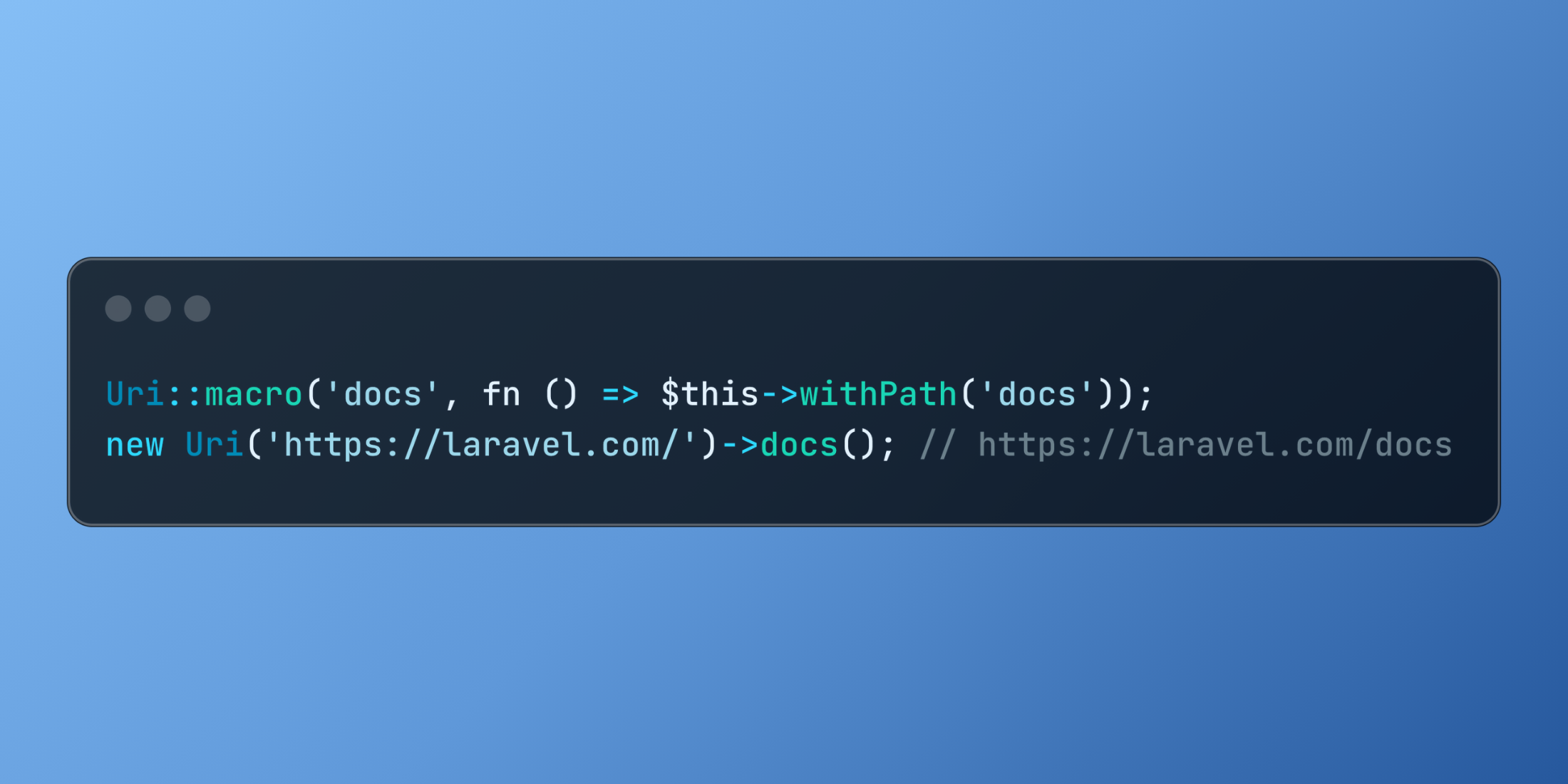
Laravel enhances URL manipulation with the addition of the Macroable trait to the URI class, enabling developers to create custom URL handling methods that integrate seamlessly with the framework's elegant syntax.
The Illuminate\Support\Uri class provides a clean, object-oriented approach to working with URLs. It allows developers to parse, manipulate, and construct URLs without relying on PHP's native URL functions or string operations:
use Illuminate\Support\Uri; $uri = new Uri('https://laravel.com/docs/10.x');echo $uri->getHost(); // laravel.comecho $uri->getPath(); // /docs/10.xWith the integration of the Macroable trait, this powerful API becomes even more flexible and customizable.
The Macroable trait represents a pattern used throughout Laravel that enables adding custom methods to existing classes at runtime. It provides a clean approach to extending functionality without modifying source code or creating complex inheritance structures.
Creating a URI macro is straightforward:
use Illuminate\Support\Uri; Uri::macro('docs', fn () => $this->withPath('docs')); $uri = new Uri('https://laravel.com/');$docsUri = $uri->docs(); // https://laravel.com/docsThis macro adds a docs() method to all URI instances, which changes the path to "docs" in a clean, intuitive manner that reads like a native method.
In a practical application, you might need to generate different types of URLs for an e-commerce platform:
use Illuminate\Support\Uri; // Register macros in a service providerclass AppServiceProvider extends ServiceProvider{ public function boot() { // Add category path to product URL Uri::macro('inCategory', function ($category) { return $this->withPath('shop/' . $category . '/' . trim($this->getPath(), '/')); }); // Convert to mobile version Uri::macro('mobile', function () { $path = trim($this->getPath(), '/'); return $this->withHost('m.' . $this->getHost()) ->withPath($path); }); // Create tracking URL Uri::macro('tracking', function ($campaign) { return $this->withQueryParameter('utm_campaign', $campaign) ->withQueryParameter('utm_source', 'website'); }); }} // Usage in your application$baseUri = new Uri('https://shopexample.com/products/winter-jacket'); // https://shopexample.com/shop/clothing/products/winter-jacket$categoryUri = $baseUri->inCategory('clothing'); // https://m.shopexample.com/products/winter-jacket$mobileUri = $baseUri->mobile(); // https://shopexample.com/products/winter-jacket?utm_campaign=winter-sale&utm_source=website$trackingUri = $baseUri->tracking('winter-sale');This approach creates a domain-specific language for URL manipulation that adapts perfectly to your application's specific requirements.














