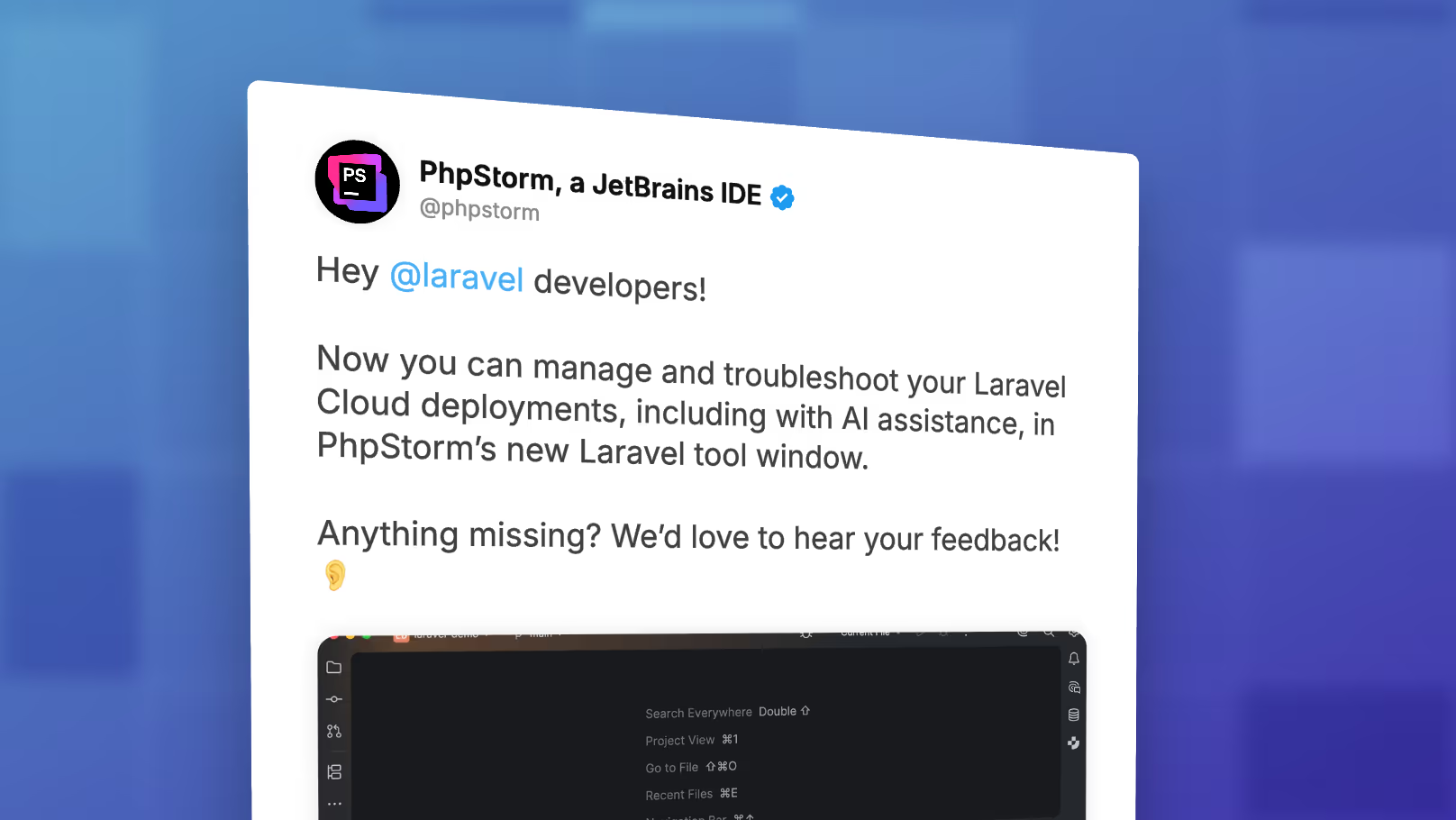
JetBrains has shipped a new Laravel tool window in PhpStorm that lets you manage and troubleshoot Laravel Cloud deployments without leaving the editor. It ships as part of the Laravel Idea plugin, which is now free, and includes an AI-assisted troubleshooting flow for failed deploys.
You can pull it up from the sidebar, with Shift Shift and searching for "Laravel", or from the View menu. The panel splits into three tabs:
- Dashboard for local commands like refreshing data, starting the server, and running migrations. JetBrains has it labeled as an early preview, so expect this surface to fill out over time.
- Errors for local application errors.
- Laravel Cloud for everything tied to your hosted environments.
First look video
We recorded a walkthrough that tests it out and intentionally breaks a deploy, then uses the AI assistant to fix it:
Connecting Laravel Cloud
The Laravel Cloud tab is gated behind an API key. You generate one from your Laravel Cloud account, paste it into PhpStorm, and the panel pulls down your environments automatically. From there, you get the running status of each environment, the deployment log, the assigned URL, and your environment variables (with secret values masked, which is helpful for screen recordings and pair sessions).
Watching a deploy in real time
The panel reflects deployment state as it changes. Push a commit and you can watch the build move from queued, to running, to deployed without flipping over to the Cloud dashboard. The same is true for teammates' pushes, so you can see what's currently shipping even when you didn't kick off the deploy yourself.
AI-assisted troubleshooting
When a build fails, the deployment log is right there in the panel. The new piece is that you can hand the failure to JetBrains AI: open an AI chat, ask it why the deployment failed, and it reads the log, identifies the cause, and offers a fix you can apply with one click. In testing, a missing semicolon in routes/web.php was diagnosed and patched in a few seconds. The fix lands in the file as a normal edit, so you commit and push it like any other change.
AI features require a JetBrains AI subscription. The rest of the tool window works without one.
Requirements
- PhpStorm 2026.1.1 or later
- The latest update of the Laravel Idea plugin (now free)
- A JetBrains AI subscription for the AI-assisted features
JetBrains is collecting feedback on the original PhpStorm announcement. If there's a Laravel Cloud workflow you'd want exposed inside the IDE, leave a reply on the announcement post.