When working with external services like AWS SES for email delivery, preventing API flooding is crucial. Laravel provides an elegant solution through Redis::throttle to manage your rate limits effectively. Let's explore how to implement this to maintain optimal API usage.
Understanding Redis::throttle
The Redis::throttle method in Laravel offers a powerful way to control the flow of your queued jobs. This ensures you stay within API rate limits and avoid temporary or permanent service blocks.
Redis::throttle('key-name') ->allow(10) ->every(5) ->then(function () { // Your job logic here });Real-World Implementation
Let's build a practical example for managing email sending rates with AWS SES. We'll create a complete middleware system to handle rate limiting:
<?php namespace App\Http\Middleware; use Closure;use Illuminate\Support\Facades\Redis; class EmailRateLimit{ public function handle($job, Closure $next) { Redis::throttle('email-throttle') ->block(2) ->allow(10) ->every(2) ->then( function () use ($job, $next) { $next($job); }, function () use ($job) { $job->release(30); } ); }}To apply this in your notification system:
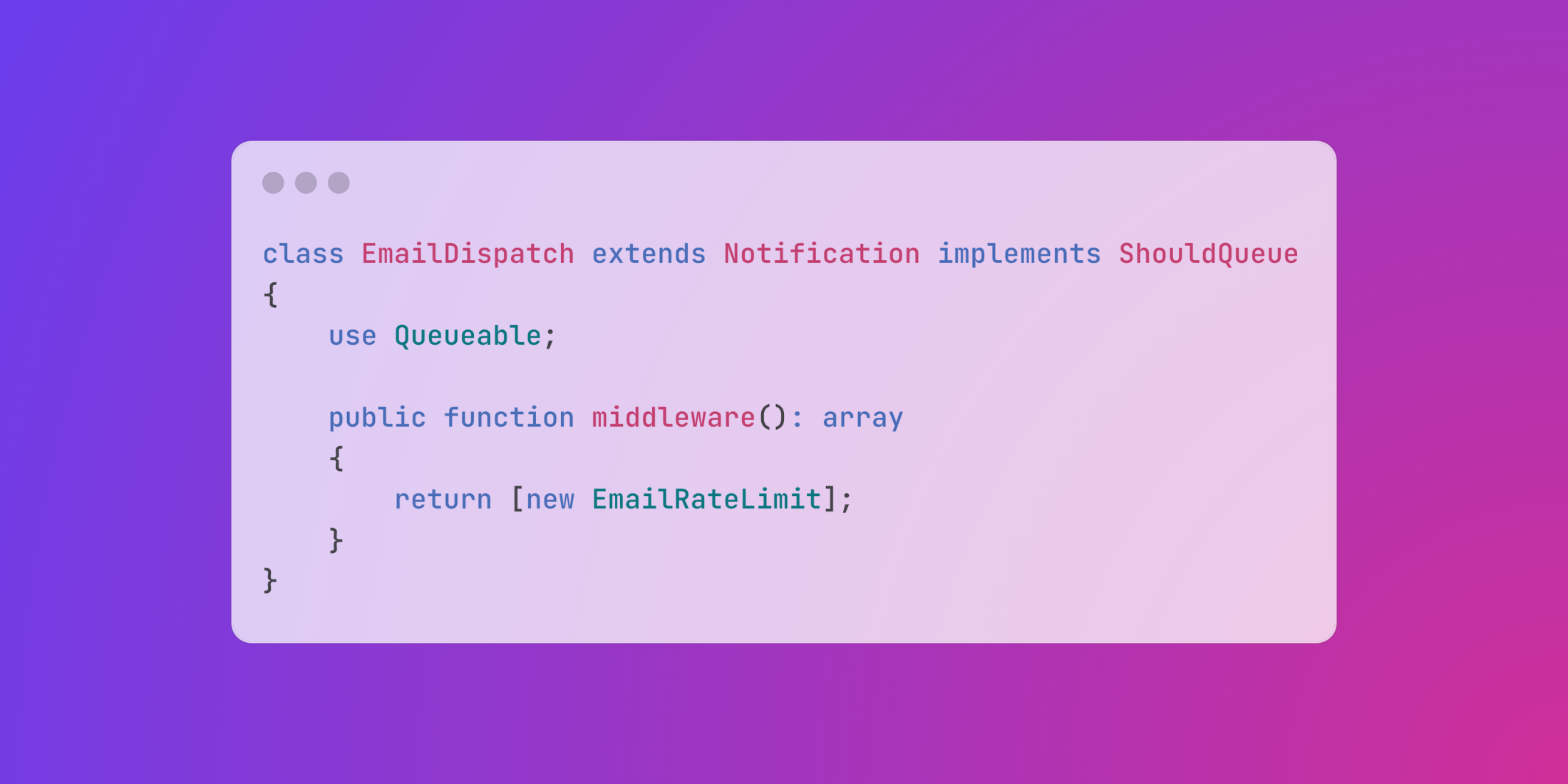
<?php namespace App\Notifications; use Illuminate\Bus\Queueable;use Illuminate\Contracts\Queue\ShouldQueue;use Illuminate\Notifications\Notification;use Illuminate\Notifications\Messages\MailMessage;use App\Http\Middleware\EmailRateLimit; class EmailDispatch extends Notification implements ShouldQueue{ use Queueable; protected $content; public function __construct($content) { $this->content = $content; } public function via($notifiable) { return ['mail']; } public function toMail($notifiable) { return (new MailMessage) ->subject($this->content['subject']) ->line($this->content['body']); } public function middleware(): array { return [new EmailRateLimit]; }}And finally, implementing it in your controller:
<?php namespace App\Http\Controllers; use App\Models\User;use App\Notifications\EmailDispatch;use Illuminate\Http\Request; class MailController extends Controller{ public function dispatch(Request $request) { $content = [ 'subject' => 'Important Update', 'body' => 'Your account has been updated successfully.' ]; $user = User::find($request->user_id); $user->notify(new EmailDispatch($content)); return response()->json(['message' => 'Email queued for delivery']); }}This implementation ensures your application respects API rate limits while maintaining efficient email delivery through AWS SES or any other email service provider.