
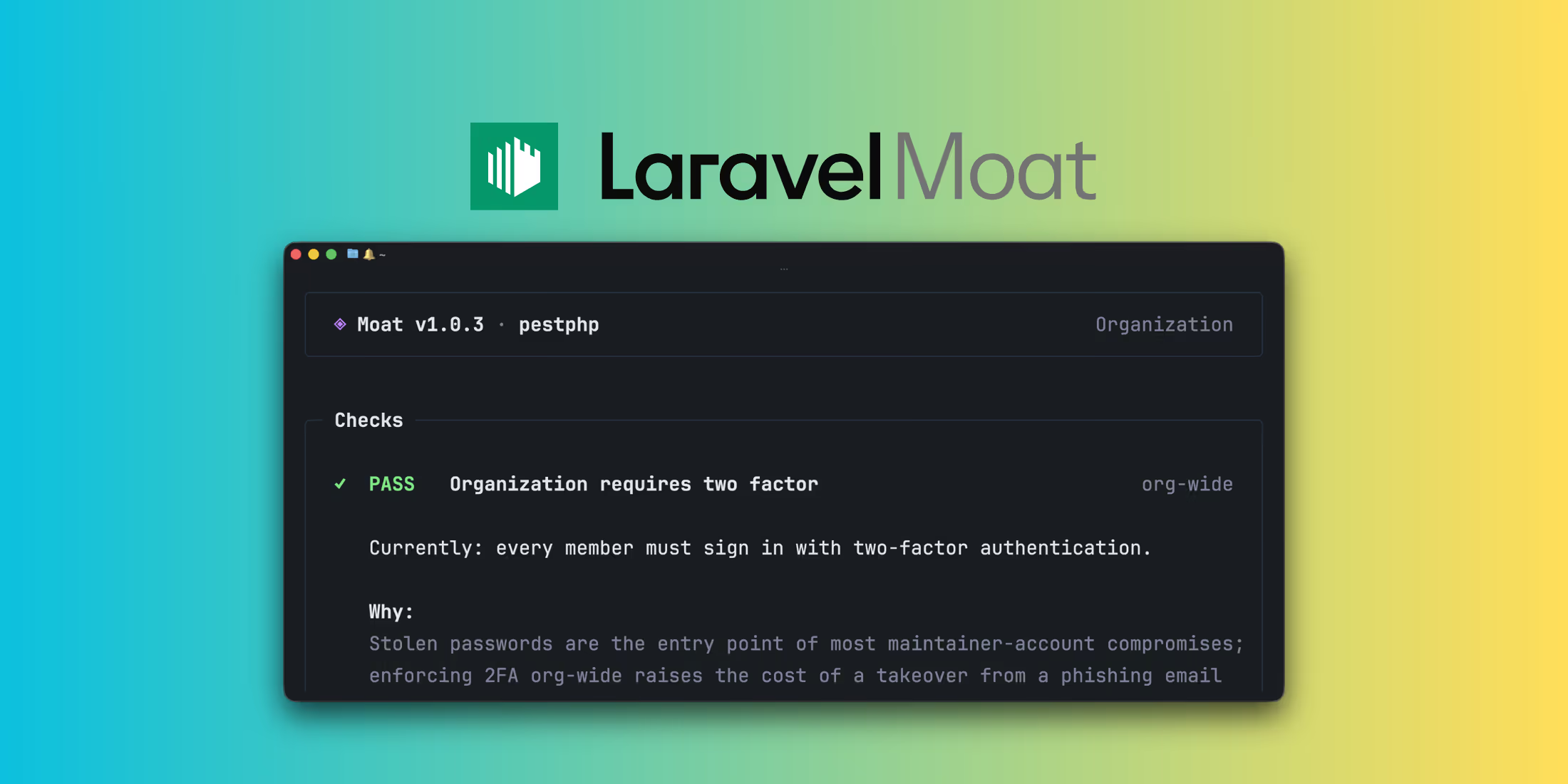
Moat is a new command-line tool that reviews the security posture of a GitHub user, organization, or repository. With a single command, it inspects GitHub's built-in security controls and returns a report showing what is enabled, what is missing, and which settings may deserve attention.
The idea is that these controls already exist on GitHub, but they are spread across dozens of settings pages. Moat gathers them into one review so you can see the whole picture at once. For package authors, this matters because every tagged release flows from GitHub into Composer and into the applications that depend on it.
What It Checks
Moat verifies settings across user, organization, repository, branch, release, and workflow scopes. The checks include:
- Two-factor authentication
- Branch protection
- Signed commits
- Secret scanning and secret push protection
- Dependabot alerts and security updates
- Immutable releases
- Fork pull request approval
- Workflow permissions and pinned actions
pull_request_targetmisuse- Repository webhooks
- Direct collaborators
- Private vulnerability reporting
- The presence of a
SECURITY.mdfile
Each finding comes with a short explanation of the risk, and the report includes a hardening score alongside PASS and FAIL totals.
Getting Started
Moat is available through Homebrew or as prebuilt binaries. Once installed, point it at any account, organization, or repository:
moat <github-account-or-organization-or-repository>For authentication, Moat resolves a GitHub token from GITHUB_TOKEN, GH_TOKEN, or your authenticated GitHub CLI session via gh auth token.
To customize the review, add a moat.toml file at the root of a repository. This lets you turn individual checks off or declare additional release branches.
What Moat Is Not
The project is clear about its scope. Moat is read-only and does not modify any settings or harden repositories on your behalf. It does not prevent intrusions or remediate a compromise, and it surfaces suggestions based on GitHub settings that remain yours to evaluate.
A clean report does not certify that an account is secure, and a failing report does not mean it has been compromised. Moat is a checklist for GitHub's own security controls, not a supply chain security product.
To try it out, visit the Moat repository on GitHub.












