
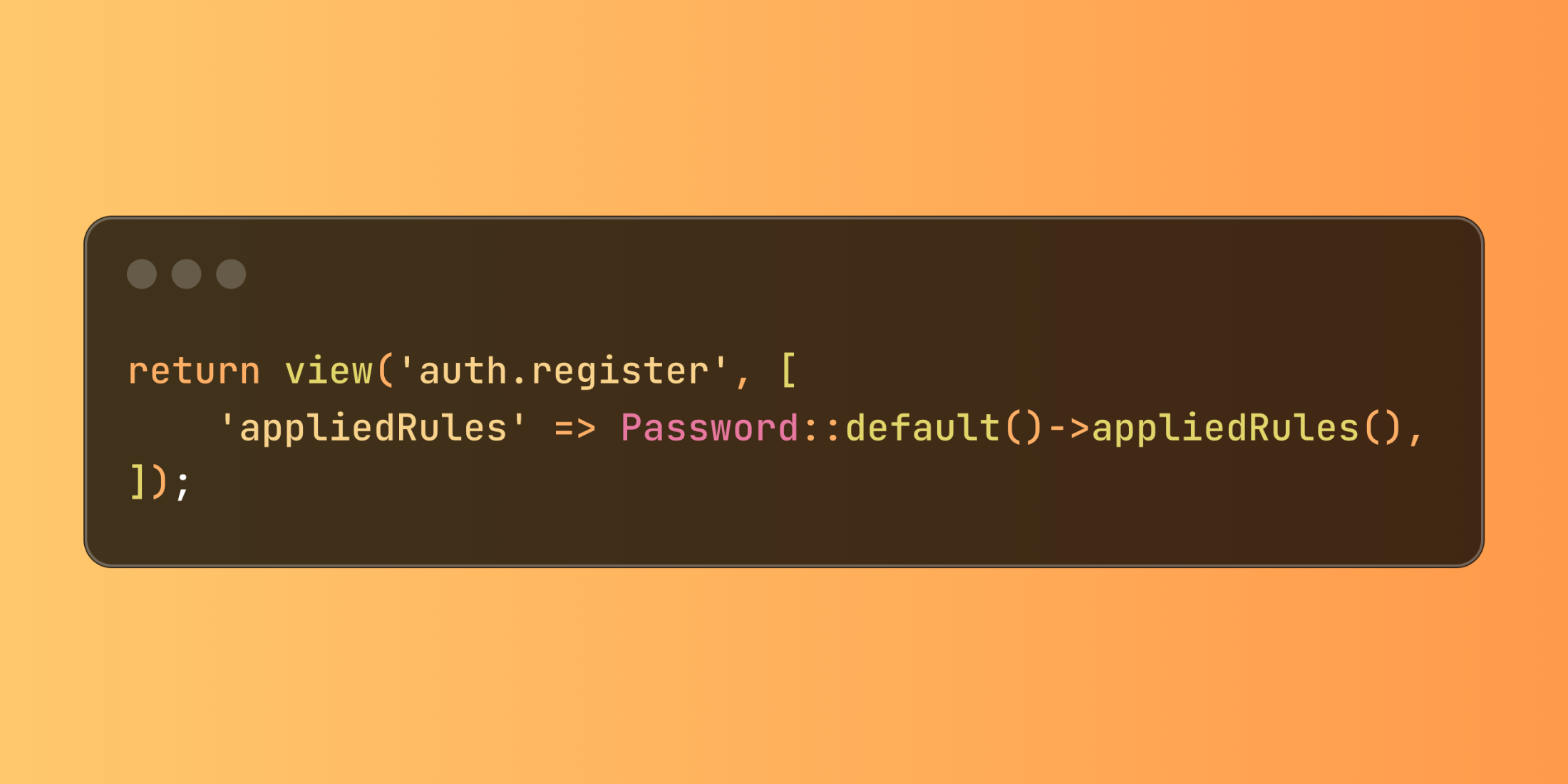
Laravel introduces the appliedRules() method for the Password validation builder, making it significantly easier to create user-friendly password requirement indicators. This feature provides direct access to password validation rules for seamless display in views.
When designing registration or password reset forms, clearly communicating password requirements enhances user experience. Previously, developers needed to maintain these requirements in both validation rules and views separately. The new appliedRules() method eliminates this redundancy by providing direct access to all currently applied password rules:
// In your controllerreturn view('auth.register', [ 'appliedRules' => Password::default()->appliedRules(),]);The method returns an array containing all available password rules and their current status (true if applied, false or a specific value if not).
This approach particularly shines when creating dynamic password requirement lists that automatically stay synchronized with validation logic:
// In AppServiceProvider or another service providerPassword::defaults(function () { return Password::min(10) ->letters() ->mixedCase() ->numbers();}); // In your controllerclass AccountController extends Controller{ public function showPasswordForm() { return view('account.password', [ 'appliedRules' => Password::default()->appliedRules(), ]); }}In your Blade view, you can then dynamically display the requirements:
<div class="password-requirements"> <h4>Your password must meet these requirements:</h4> <ul> <li class="{{ $appliedRules['min'] ? 'requirement-active' : 'requirement-inactive' }}"> Contains at least {{ $appliedRules['min'] }} characters </li> @if ($appliedRules['letters']) <li>Includes letters</li> @endif @if ($appliedRules['mixedCase']) <li>Contains both uppercase and lowercase letters</li> @endif @if ($appliedRules['numbers']) <li>Includes at least one number</li> @endif @if ($appliedRules['symbols']) <li>Contains at least one special character</li> @endif </ul></div>The appliedRules() method creates a more consistent user experience by ensuring interface elements accurately reflect actual validation requirements, reducing user frustration and support requests related to password creation.













