
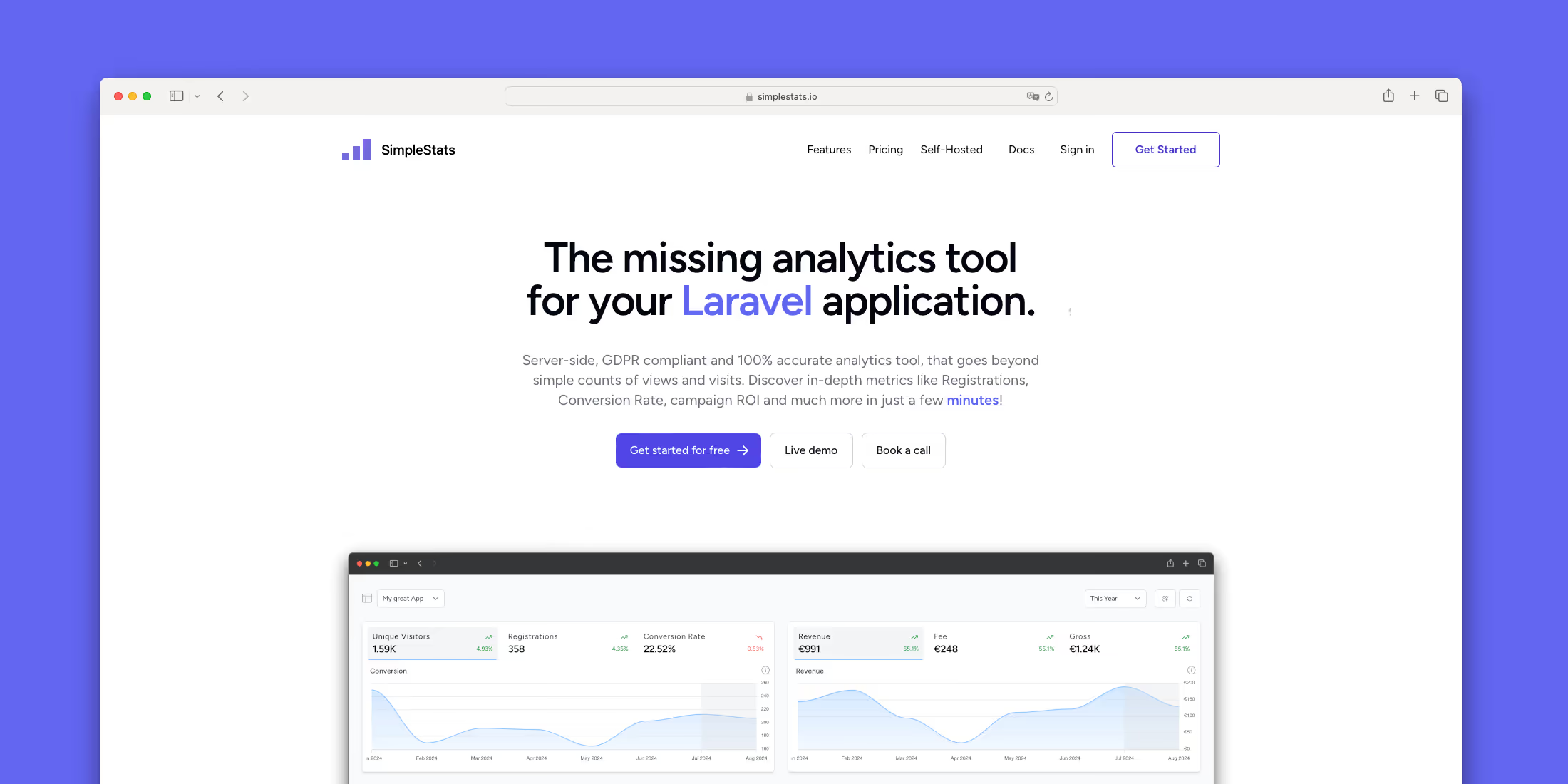
Common analytics tools like Google Analytics, Plausible or Fathom focus on data like views and visits, which is useful - but what really matters is understanding which marketing channels drive registrations, where visitors convert, and which user groups spend the most money in your app. By focusing on these KPIs, you can identify your most profitable campaigns and decide where to increase your marketing budget or social media efforts.
Thats exactly what SimpleStats is built for! Consider it as the missing analytics tool for Laravel applications. It's a server-side, GDPR compliant and 100% accurate analytics tool, that goes beyond simple counts of views and visits. With SimpleStats you will discover in-depth metrics like Registrations, Conversion Rates, Campaign ROI, Average Revenue per User (ARPU), Daily Active Users (DAU) and much more in just a few minutes - all filterable by UTMs, Referrers, Devices and Country!
Setup
Install the client
To get started the first thing you have to do is install the SimpleStats client:
composer require simplestats-io/laravel-clientCongrats, the tool is now already tracking your visitors!
Track your users
Next, to make the client track your user registrations, you have to add the TrackablePerson interface:
class User extends Authenticatable implements TrackablePerson{ public function getTrackingTime(): CarbonInterface { return $this->created_at; }}Track your sales
To enable the client to track your app's payments, you need to add the TrackablePayment interface to your payment/transaction model and implement the contract:
class Transaction extends Model implements TrackablePayment{ public function getTrackingPerson(): TrackablePerson { return User::find($this->user_id); } public function getTrackingTime(): CarbonInterface { return $this->created_at; } public function getTrackingGross(): float { return $this->total; } public function getTrackingNet(): float { return $this->total - $this->tax; } public function getTrackingCurrency(): string { return $this->currency; }}Congrats, you're all set! Login to SimpleStats and analyse your data on our nice looking dashboard!
How does it work?
Once you’ve installed the composer package, a tracking session is created whenever a new visitor accesses your site. This session captures data such as IP address, referrer, UTM codes, current page, and user agent. The IP and user agent are used only to generate a unique daily visitor hash, allowing us to identify the user as unique throughout the day. This data is then sent to our API via a background job and stored securely. Importantly, we never store the IP address or user agent on our servers!
After you've added the Trackable interface and implemented the contracts on your User and Transaction model and defined those in our config file, the package starts listening for a created event on these models. Now whenever a new User or Transaction is created, the tracking data is sent to our API in the background.
Server-Side vs Client-Side Tracking
Some might wonder if you can trust server-side tracking and if it's accurate. Actually it is much more accurate then client-side tracking. Client-side analytics often face issues with ad blockers and privacy tools, blocking up to 30-50% of tracking data and leading to inaccurate insights. In contrast, server-side analytics bypass these limitations by collecting data directly on the server, ensuring accuracy and completeness. Additionally, server-side tracking offers better data security, avoids reliance on third-party cookies, and aligns with privacy regulations like GDPR, making it the more reliable choice for businesses seeking accurate metrics.
KPIs
SimpleStats provides you with the following KPIs out of the box:
- Unique Visitors (VISITORS): Number of unique visitors for the selected period.
- Registrations (REG): Number of new registrations for the selected period.
- Conversion Rate (CR): Percentage of unique visitors who registered at the selected period.
- Net revenue (NET): Net revenue for the selected period.
- Gross revenue (GROSS): Gross revenue for the selected period.
- Average revenue Per DAU (ARPDAU): The average revenue per DAU.
- Average revenue Per User (ARPU): The average revenue per User (how much is a user/lead/reg worth in money).
- Average revenue Per Visitor (ARPV): The average revenue per Unique Visitor (how much is a unique visitor worth in money).
- New Active Users (NAU): Number of users who returned at the selected period to the app (=2nd login) after the registration (=1st login).
- New Active Paying Users (NAPU): Number of users who did their first payment at the selected period.
- Paying Users (PU): Number of users who did at least one payment over lifetime.
- Average revenue Per Paying User (ARPPU): The average revenue per paying User.
- Daily Active Users (DAU): Number of users who logged in at the selected period (without 1st login = registration).
- Daily Active Paying Users (DAPU): Number of users who logged in or registered at the selected period and did at least one payment over lifetime (including the selected period)
- Daily Active Active Paying Users (DAAPU): Number of users who logged in or registered during the given period and did at least one payment in the last 20 days (including the selected period)
- Monthly Active Users (MAU): Number of users who logged in at the selected period (without 1st login = registration).
- Monthly Active Paying Users (MAPU): Number of users who logged in or registered at the selected period and did at least one payment over lifetime (including the selected period)
- Monthly Active Active Paying Users (MAAPU): Number of users who logged in or registered during the given period and did at least one payment in the last 20 days (including the selected period)
- Reg. to DAU (REG2DAU): Percentage of registered users who become DAUs
- Reg. to MAU (REG2MAU): Percentage of registered users who become MAUs
- Reg. to Pay (REG2PU): Percentage of registered users who become paying user.
That's a wrap, thanks for reading and happy analysing!











