
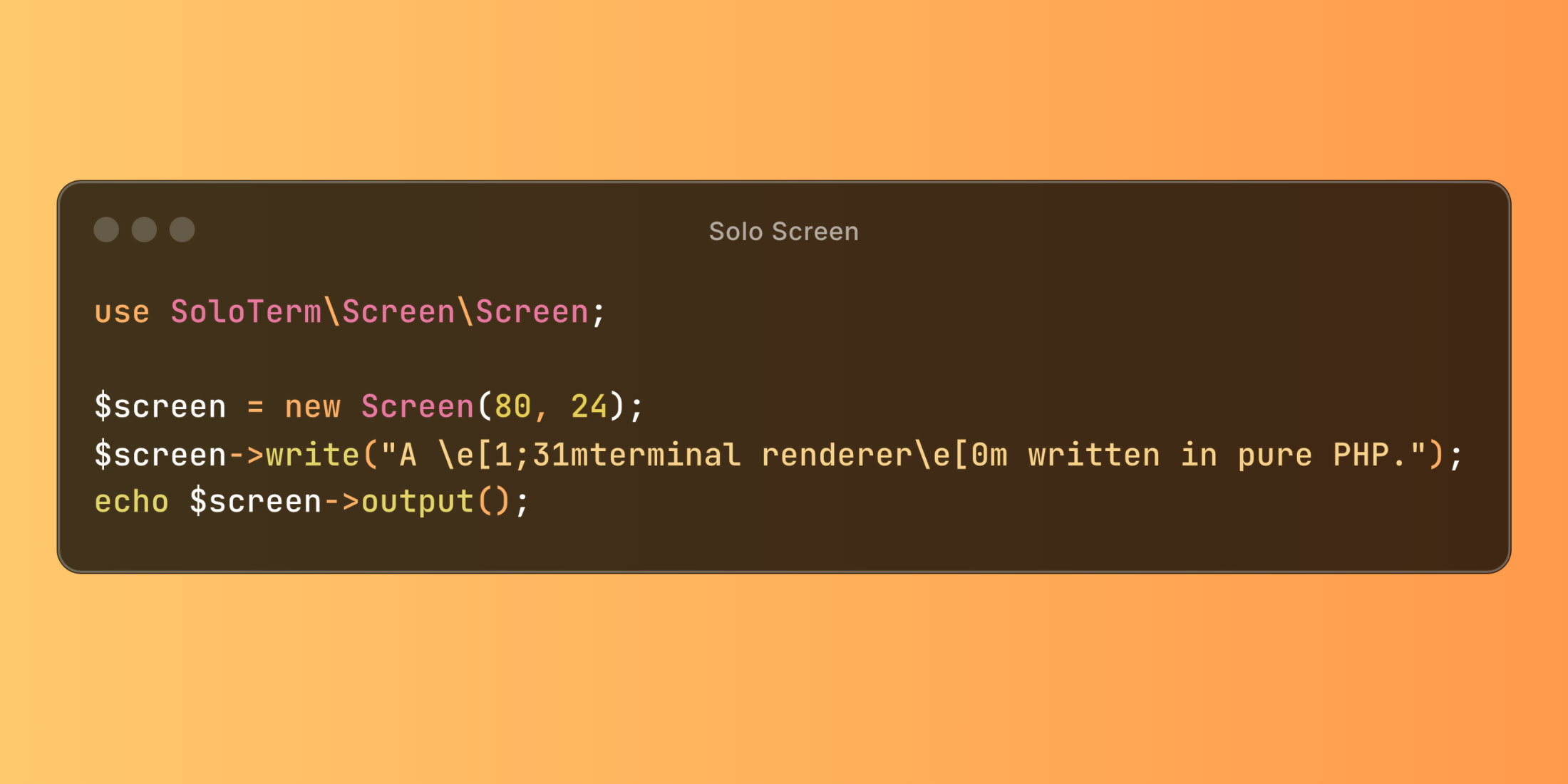
Screen is a terminal renderer created by Aaron Francis that is written in pure PHP. It powers Solo for Laravel and can be used to build rich text-based user interfaces in any PHP application. However, it is not a standalone terminal application and should not be confused with the GNU Screen application in Linux.
What is a terminal renderer? A terminal renderer is responsible for processing text, and ANSI escape sequences to create a virtual representation of the terminal output. It interprets escape sequences to track cursor position, apply text formatting, and manage screen content.
Screen, therefore, helps to safely interpret ANSI operations within an isolated environment, ensuring terminal output is rendered correctly and contained within designated areas.
Features
- Pure PHP Implementation: Only one dependency (Grapheme, another Solo library)
- Comprehensive ANSI Support: Handles cursor positioning, text styling, and screen manipulation
- Unicode/Multibyte Support: Properly handles UTF-8 characters including emojis and wide characters
- Buffer Management: Maintains separate buffers for text content and styling
- Character Width Handling: Correctly calculates display width for CJK and other double-width characters
- Scrolling: Support for vertical scrolling with proper content management
Example
use SoloTerm\Screen\Screen; // Create a screen with dimensions (columns, rows)$screen = new Screen(80, 24); // Draw a border$screen->write("┌" . str_repeat("─", 78) . "┐\n");for ($i = 0; $i < 6; $i++) { $screen->write("│" . str_repeat(" ", 78) . "│\n");}$screen->write("└" . str_repeat("─", 78) . "┘"); // Write text and ANSI escape sequences$screen->write("\e[3;25HHello, \e[1;31mLaravel News Community!\e[0m"); // Move cursor and add more text$screen->write("\e[5;30HYou are amazing! 🎉"); // Get the rendered contentecho $screen->output();The output would look like the following:
 Install this package via Composer:
composer require soloterm/screenLearn more about this package and view the source code on GitHub.











