
Have you ever wanted to log specific levels in Laravel? Sure, you can use the level config option to specify the minimum level to log, but what if you only want Debug and Info logs to go in a specific logger?
Let's say you are writing a CLI and want to split logging between stdout and stderr. Using something like Laravel Zero or Artisan, you might have the following command to demonstrate sending only stderr logs somewhere:
php artisan my-command 2> storage/logs/stderr.log [2024-10-01 02:48:34] development.INFO: Daemon started.[2024-10-01 02:48:34] development.INFO: The daemon has run 1 times.[2024-10-01 02:48:37] development.INFO: The daemon has run 2 times.[2024-10-01 02:48:40] development.INFO: The daemon has run 3 times.[2024-10-01 02:48:43] development.INFO: The daemon has run 4 times.And then the stderr logs might look something like the following:
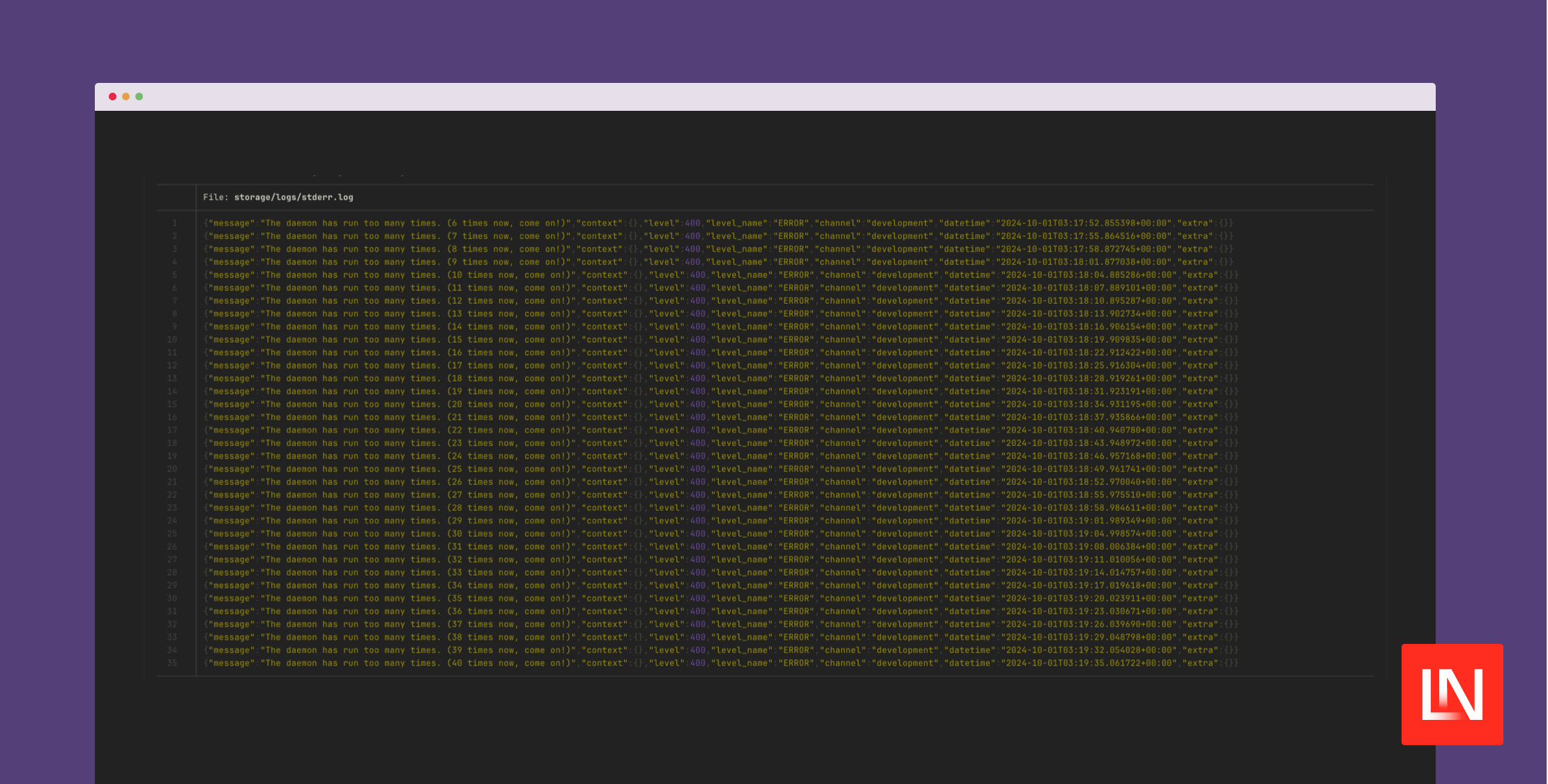
[2024-10-01 02:48:49] development.ERROR: The daemon has run too many times. (6 times now, come on!)[2024-10-01 02:48:52] development.ERROR: The daemon has run too many times. (7 times now, come on!)[2024-10-01 02:48:55] development.ERROR: The daemon has run too many times. (8 times now, come on!)[2024-10-01 02:48:58] development.ERROR: The daemon has run too many times. (9 times now, come on!)[2024-10-01 02:49:01] development.ERROR: The daemon has run too many times. (10 times now, come on!)[2024-10-01 02:49:04] development.ERROR: The daemon has run too many times. (11 times now, come on!)[2024-10-01 02:49:07] development.ERROR: The daemon has run too many times. (12 times now, come on!)[2024-10-01 02:49:10] development.ERROR: The daemon has run too many times. (13 times now, come on!)[2024-10-01 02:49:13] development.ERROR: The daemon has run too many times. (14 times now, come on!)Configuring Laravel to Filter Log Levels
The trick to configuring Laravel's logger to split logs is using Monolog's FilterHandler, which only lets records of a given level through the wrapped handler. A direct example might look as follows:
use Monolog\Handler\FilterHandler;use Monolog\Handler\StreamHandler;use Monolog\Level; // Using minimum and maximum level parameters$handler = new FilterHandler( handler: new StreamHandler('php://stdout'), minLevelOrList: Level::Debug, maxLevel: Level::Info,); // Using a list$handler = new FilterHandler( handler: new StreamHandler('php://stdout'), minLevelOrList: [Level::Debug, Level::Info]);I've used named arguments to help illustrate how we can configure the FilterHandler in Laravel's logging.php configuration file. We can change the stderr and stdout log channels (or create new ones) with the following configuration, using the stack driver:
<?php return [ 'channels' => [ 'stack' => [ 'driver' => 'stack', 'channels' => explode(',', env('LOG_STACK', 'stdout,stderr')), 'ignore_exceptions' => false, ], 'stdout' => [ 'driver' => 'monolog', 'handler' => \Monolog\Handler\FilterHandler::class, 'formatter' => env('LOG_STDOUT_FORMATTER'), 'with' => [ 'handler' => fn () => new StreamHandler('php://stdout'), 'minLevelOrList' => [Monolog\Level::Debug, Monolog\Level::Info], ], 'processors' => [PsrLogMessageProcessor::class], ], 'stderr' => [ 'driver' => 'monolog', 'handler' => StreamHandler::class, 'formatter' => env('LOG_STDERR_FORMATTER'), 'with' => [ 'stream' => 'php://stderr', ], 'level' => 'notice', 'processors' => [PsrLogMessageProcessor::class], ], ],];Notice how the with keys match the FilterLogger constructor named arguments? The stdout logger will log the debug and info logs, while the stderr logger has the level set to notice to capture any CLI errors of notice or above.
I'd also like to point out that Monolog accepts a Closure for the FilterHandler handler so that the wrapped StreamHandler instance is not created until the log channel is used:
'handler' => fn () => new StreamHandler('php://stdout'),Capturing logs in this manner is helpful in headless/daemon CLI commands when we send logs from a container to a logging service. For example, format error logs with JSON for consumption by a service like DataDog. Here's an example of the environment settings you might have, illustrated in a compose.yaml file:
services: cli: build: context: . dockerfile: build/Dockerfile # Do not output any messages to the console. # Only logs will be sent. command: ["daemon", "--quiet"] environment: LOG_CHANNEL: "stack" LOG_LEVEL: "info" LOG_STACK: "stdout,stderr" LOG_STDOUT_FORMATTER: "\\Monolog\\Formatter\\JsonFormatter" LOG_STDERR_FORMATTER: "\\Monolog\\Formatter\\JsonFormatter"Monolog has many Handlers, Formatters, and Processors available that you can configure in Laravel, and all of the common use-cases are already covered in the logging.php configuration file.
You can learn more about logging in Laravel applications in the official documentation.








