
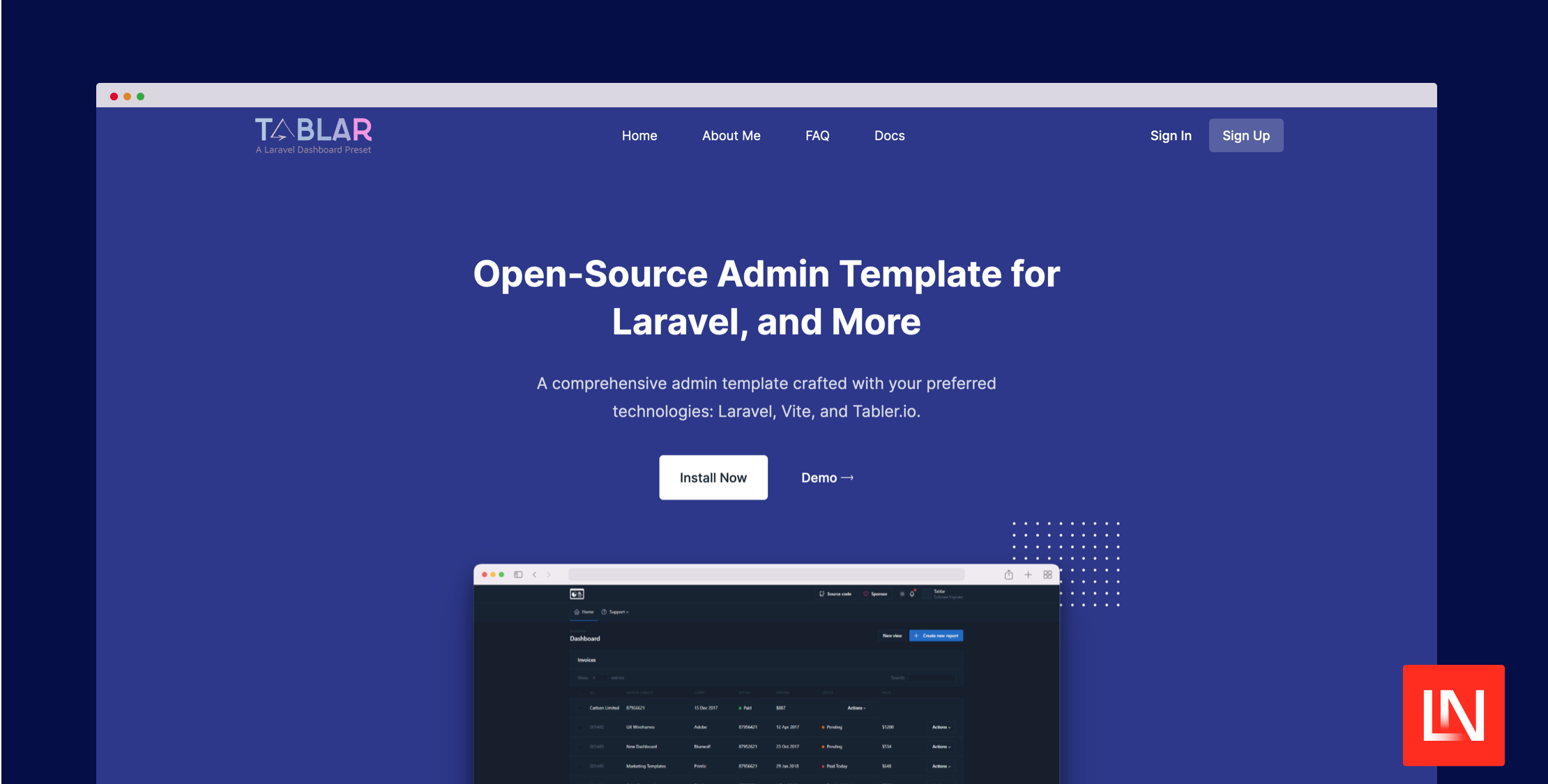
The Tablar Kit package for Laravel adds a UI kit for your Tablar admin dashboard. This UI kit adds many easy-to-use components, making your dashboard more visually appealing and user-friendly. It's all about simplicity and enhancing your experience with Laravel Tablar:
- Standard Form Components: Includes text fields, radio selections, checkboxes, and secure password inputs, along with datepicker & custom buttons. Tailored for efficient data entry and user interaction.
- Advanced Dropdown: Includes both standard and dependent Dropdown, suitable for dropdown data relationships.
- File Upload with On-the-Fly Image Editing: This feature not only simplifies the file uploading process but uniquely offers on-the-fly image editing capabilities, adding a layer of convenience and efficiency to your workflow.
- Optimized Data Tables with Export Options: The data table component not only organizes and displays information but also enables data export in formats such as CSV, XLS, PDF, and HTML, catering to diverse data analysis and reporting needs.
- Rich Text Editor with File Upload and Browser Features: Enhance your content creation with an editor that supports seamless file uploads. It includes a file browser feature, ensuring a comprehensive and uninterrupted content creation process.
- Responsive and Customizable Design: Each component in the Tablar Kit is built to be fully responsive, ensuring compatibility with various screen sizes. Moreover, customization options abound, allowing you to align each component with your application's theme, including support for dark mode.
The Tablar UI Kit provides Laravel Blade components and the required JavaScript code for components to function. For example, you can easily add date pickers, file uploads, WYSIWYG editors, and more using premade components to your Tablar dashboards:
{{-- Datepickers --}}<x-flat-picker name="admission_date"></x-flat-picker><x-lite-picker name="admission_date"></x-lite-picker> {{-- File uploader --}}<x-filepond name="profile_image"/> {{-- Jodit editor (https://xdsoft.net/jodit/) --}}<x-jodit name="editor"></x-jodit> {{-- More at https://tablar.ebuz.xyz/docs/11.0/components --}}You can learn more about this package, get full installation instructions, and view the source code on GitHub. Also, you can view the Tablar Kit documentation to get familiar with the UI components. This package requires the Tablar Laravel Admin Template, which you can learn about here.







