
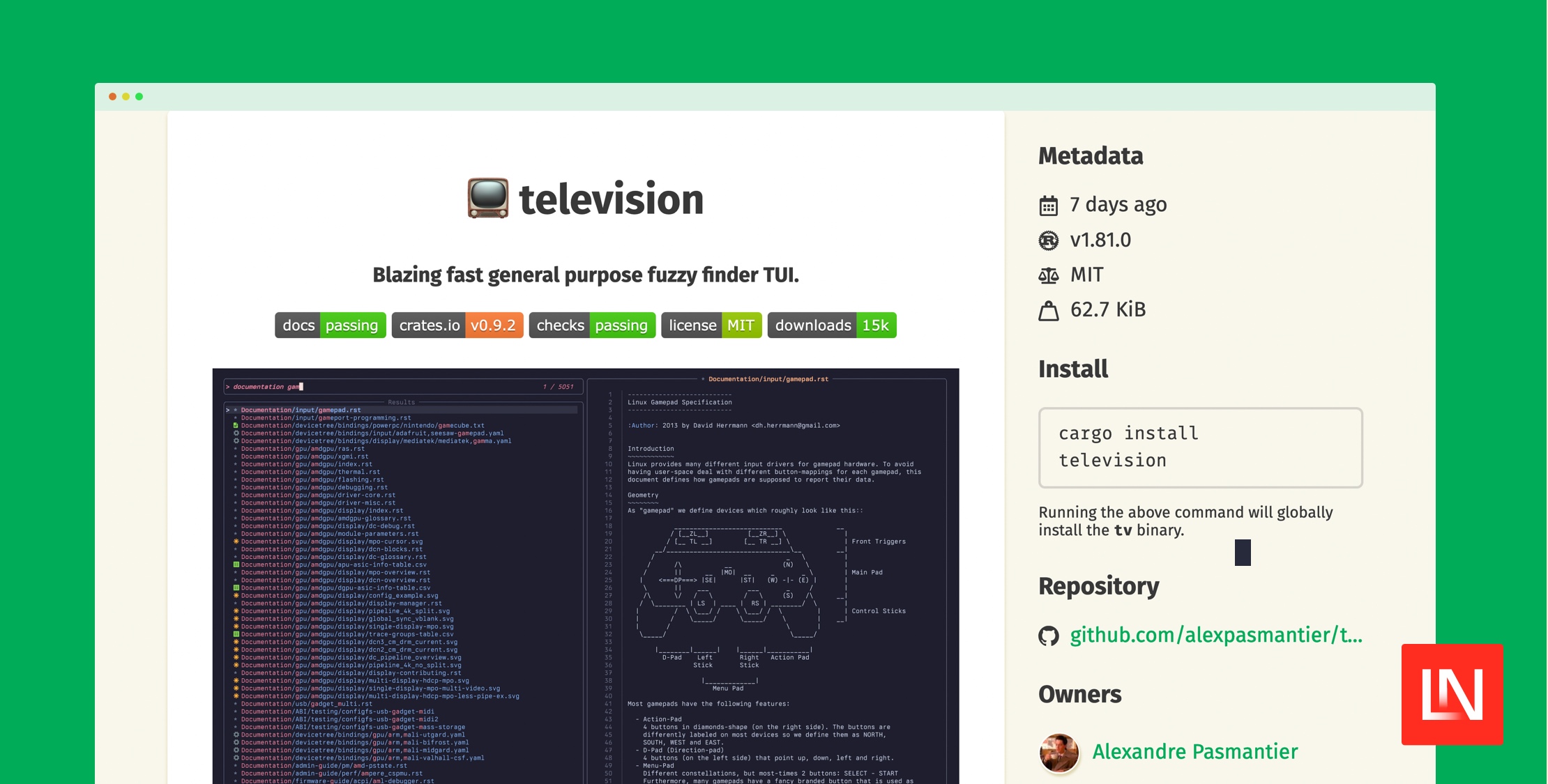
Television is a blazing-fast general-purpose fuzzy finder TUI. It is highly configurable and allows you to quickly search through all kinds of data sources, such as files, Git history, environment variables, etc.
Out of the box, the tv command has various built-in "channels" you can use:
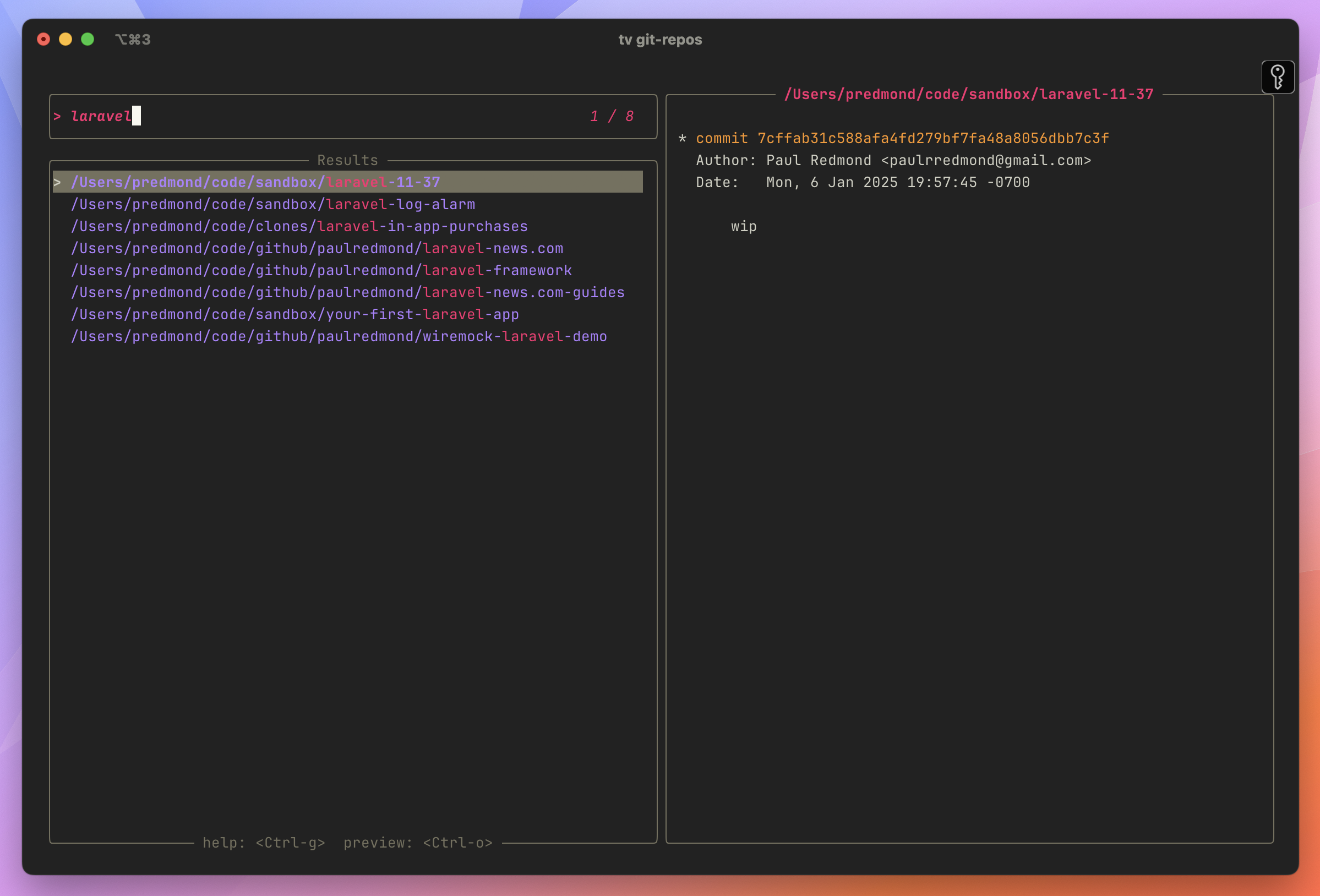
tv list-channels Builtin channels: env files git-repos dirs text alias Custom channels: zsh-history git-diff fish-history s3-buckets git-branch bash-history docker-images my-dotfiles git-log git-reflogLet's say you wanted to quickly find a git repository on your filesystem. You could use the git-repos channel to get a fuzzy search to all the git repos on your computer:
Main Features
- High Speed: asynchronous I/O and multithreading to ensure a smooth and responsive UI.
- Fuzzy Matching: cutting-edge fuzzy matching library for efficiently filtering through lists of entries.
- Batteries Included: comes with a set of builtin channels and previewers that you can start using out of the box.
- Shell Integration: benefit from smart completion anywhere using television's shell integration.
- Channels: designed around the concept of channels, which are a set of builtin data sources that you can search through (e.g. files, git repositories, environment variables, etc).
- Previewers: allows you to preview the contents of an entry in a separate pane.
- Builtin Syntax Highlighting: comes with builtin asynchronous syntax highlighting for a wide variety of file types.
- Keybindings: includes a set of intuitive default keybindings inspired by vim and other popular terminal shortcuts.
- Themes: either use one of the 10 builtin themes or create your own easily.
- Cross-platform: works on Linux, MacOS and Windows.
- Terminal Emulator Compatibility: television works flawlessly on all major terminal emulators.
If you want to try out television, it's cross-compatible with most major terminal emulators and cross-platform on Linux, macOS, and Windows. The best place to get started is by reading the Installation documentation, after which the channels documentation will familiarize you with built-in channels as well as popular community channels. Lastly, the Shell Autocompletion docs will help you integrate television with your shell.








