
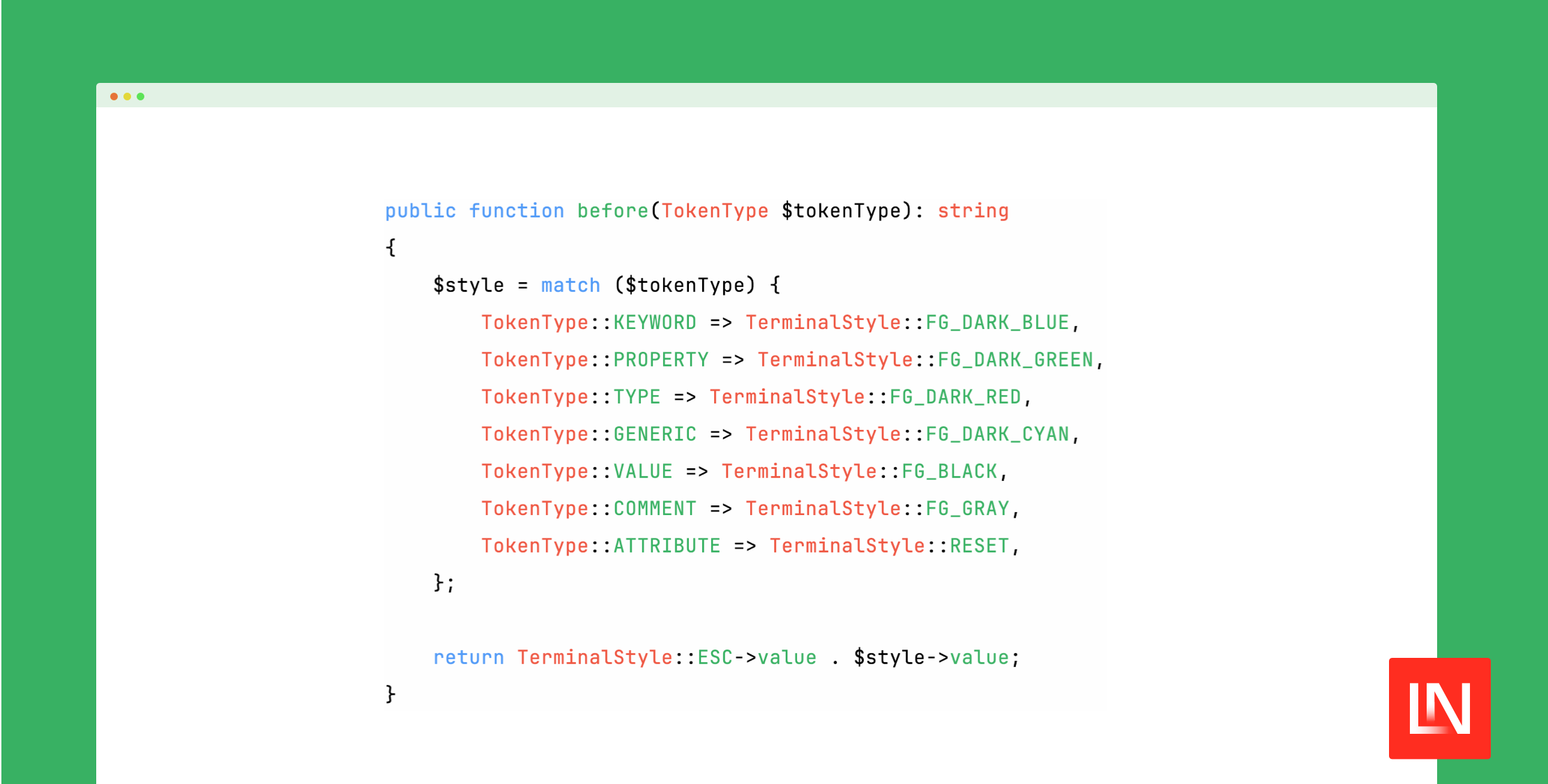
The Tempest highlight package by Brent Roose released v1.0 yesterday, offering a fast, extensible, server-side code highlighting for HTML and terminal in PHP:
require __DIR__.'/vendor/autoload.php'; use Tempest\Highlight\Highlighter;use Tempest\Highlight\Themes\LightTerminalTheme; $highlighter = new Highlighter(new LightTerminalTheme()); $code = <<<'CODE'<?php require __DIR__.'/vendor/autoload.php'; use Tempest\Highlight\Highlighter;use Tempest\Highlight\Themes\LightTerminalTheme; $highlighter = new Highlighter(new LightTerminalTheme());CODE; echo "\n", $highlighter->parse($code, 'php'), "\n\n\n";Given the above code example, here's what the syntax highlighting looks like in the console:

Note: the built-in theme in the tempest/highlight package is for a light terminal theme, and it seems easy to provide your own highlighter theme for the console 👍
At the time of writing, v1.0.0 was released, and supports the following languages (and a few I wasn't familiar with):
- Blade
- CSS
- DocComment
- Gdscript
- HTML
- JavaScript
- JSON
- PHP
- SQL
- Twig
- XML
- YAML
You can add your own languages or extend them easily. Check out the package's readme on adding or extending languages. This package also has a commonmark integration which you can use to highlight code blocks and inline code.
Learn More
You can learn more about this package, get full installation instructions, and view the source code on GitHub. The readme has info about special tags for emphasis, strong, blur, and additions/deletions, etc.
Brent Roose wrote A syntax highlighter that doesn't suck, which gives you the background on why he created the tempest/highlight package.








