I recently had a queue job that needed to temporarily download a file to the server, process it, and finally clean up the temporary file. That’s not difficult in PHP, and you might have started with something like the following:
file_put_contents('/tmp/' . $tmpFile, file_get_contents($video));To make it more cross-platform compatible, perhaps perhaps you’d use PHP’s built-in sys_get_temp_dir() function to get the directory path used for temporary files:
$basePath = rtrim(sys_get_temp_dir(), DIRECTORY_SEPARATOR);$tmpPath = $basePath.$tmpFile; // Download the file// Process it// Clean upThis is all fine; however, Spatie has a simple but effective package that nicely cleans up this boilerplate code with a small package called spatie/temporary-directory. I have covered various Spatie packages, but this one surprised me and is one of my favorites.
This package is one class (and two exception classes) and provides a nice object-oriented interface for creating and managing temporary files:
use Spatie\TemporaryDirectory\TemporaryDirectory; $tmpDir = (new TemporaryDirectory())->create(); // Or using the make() static constructor$tmpDir = TemporaryDirectory::make(); // Return a path inside the temporary directory$tmpDir->path('659c896e52a29.mov');// return /tmp/490784976-0213323001704757672/659c896e52a29.movUsing my example of processing a video file, I can download the file to the temporary path easily with Laravel’s HTTP client’s sink() method:
use Illuminate\Support\Facades\Http;use Spatie\TemporaryDirectory\TemporaryDirectory; // Normalize the video and get the filename$videoUrl = str($videoUrl)->replace(' ', '%20');$tmpFile = $videoUrl->afterLast('/'); // Create a temporary directory and download a file to that path$tmpDir = TemporaryDirectory::make();$tmpPath = $tmpDir->path($tmpFile);Http::sink($tmpPath)->throw()->get($videoUrl->toString()); // Process the file // Cleanup the temporary file$tmpFile->delete();Neat! We have an encapsulated, consistent way of creating a temporary directory and files within it and the ability to clean up afterward. Spatie also makes the cleanup even more convenient by using the following method when you create the object:
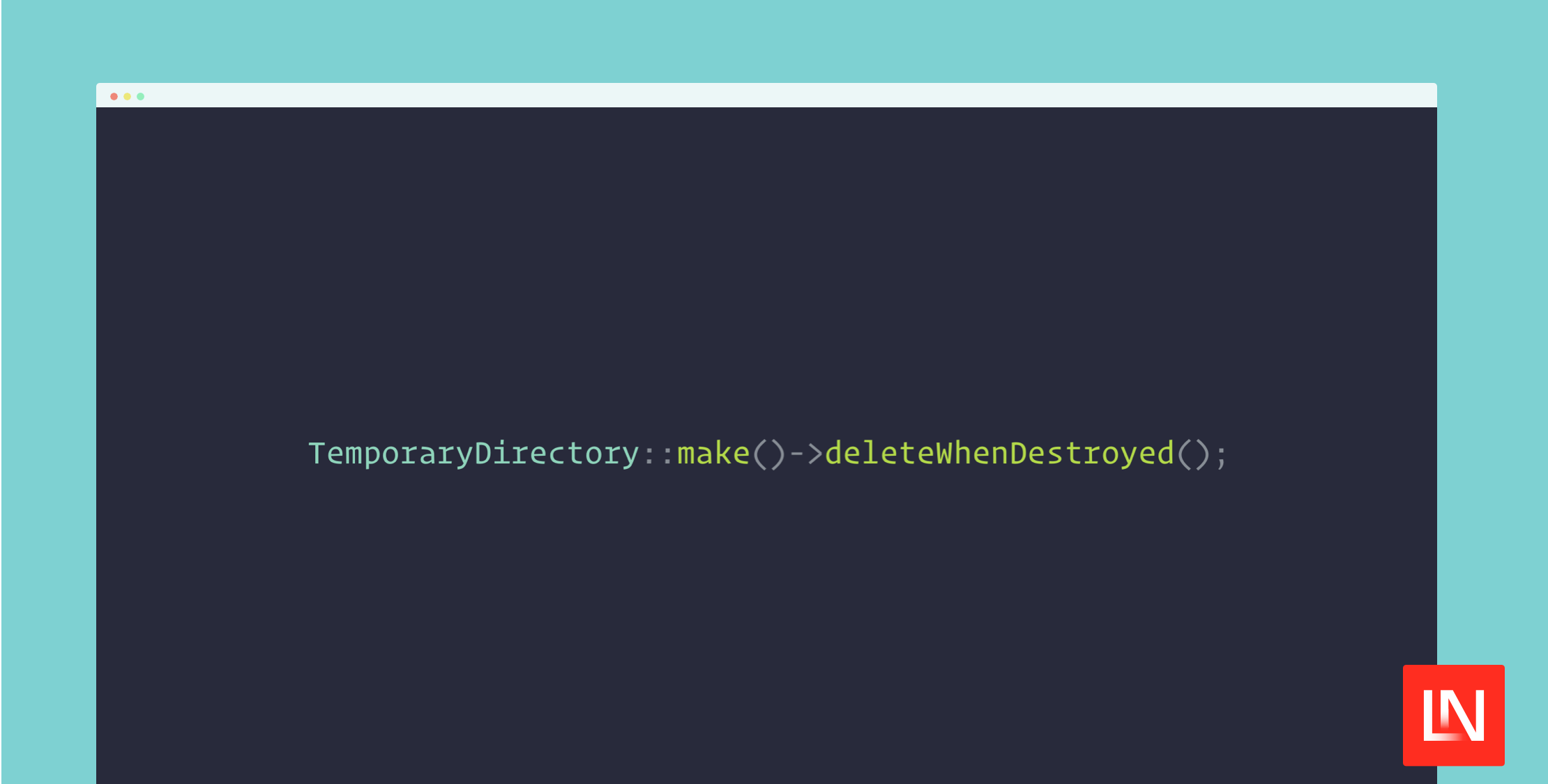
$tmpDir = (new TemporaryDirectory()) ->deleteWhenDestroyed() ->create(); // Or via `make()`$tmpDir = TemporaryDirectory::make()->deleteWhenDestroyed();The deleteWhenDestroyed() will remove the directory using the object’s __destruct() method, so you don’t have to worry about cleaning up afterward.
This package has other conveniences, such as a custom directory name and location and a method to empty the temporary directory of all files. You can see the documentation in the project's readme, located in the repository on GitHub at spatie/temporary-directory.