Scripts, screenshots, and gotchas for secure private Composer auth in Codex environment containers.
Why this guide?
Private packages (like Laravel Nova) need credentials at install time. On Codex Web, secrets are only exposed during the Setup phase. If you try to install Nova later, auth won’t be available and Composer will 401. This guide shows a battle‑tested structure you can copy for your Laravel project.
✅ Works for any private Composer source (e.g., self‑hosted Satis/Private Packagist) — just swap the domain and credentials in the Composer config lines.

Here’s the practical, “what goes where” difference on Codex Web:
- Setup script *→ runs when Codex builds a fresh environment container (and when it warms the cache). Use it to install toolchains, OS packages, language runtimes, and project dependencies; do one‑time project bootstrapping. Secrets are available only here.
- Maintenance script → runs when Codex resumes an environment container from cache (e.g., on follow‑ups within ~12 hours) to bring your workspace up‑to‑date for the current commit/branch: pull latest deps, rebuild artifacts, run light migrations, etc. It’s optional but saves you from re‑doing heavy installs.
When does each run?
- Fresh task or cache warm: setup runs, and the resulting container state is cached for up to ~12 hours.
- Follow‑up task using that cache: maintenance runs to reconcile the container with the current code. Cache resets if you change setup/maintenance scripts, env vars, or secrets.
Quick rules of thumb
- Put heavy installs & one-time bootstraps in setup; put incremental updates in maintenance.
- Any work needing secrets must happen in setup; they’re not available afterward.
Part 1 — Installing Laravel Nova (or any private Composer package)
1) Add secrets in Codex Web
Create two secrets in your environment:
- NOVA_USERNAME
- NOVA_LICENSE_KEY
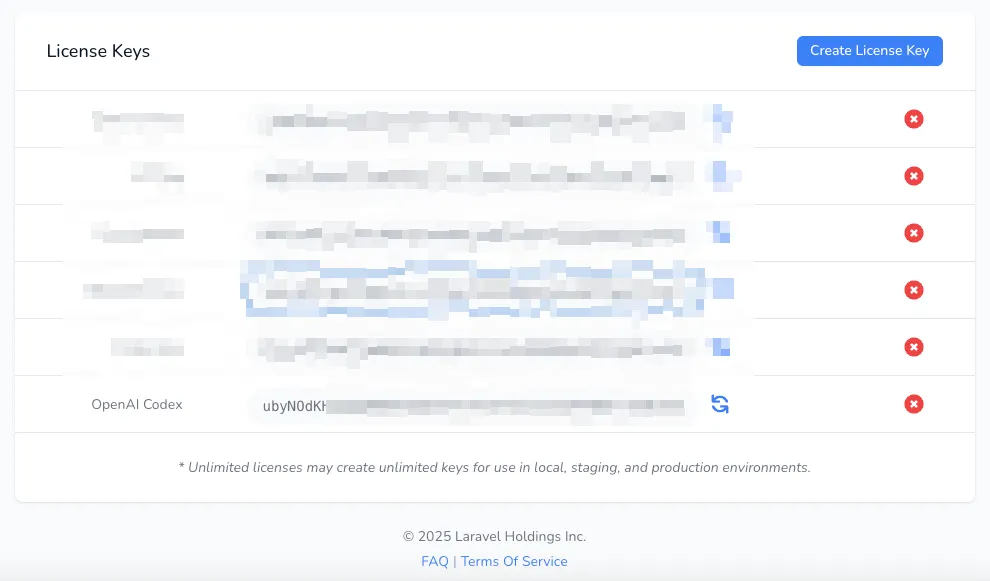
If it isn’t already obvious, don’t commit these values to your repo. Codex will decrypt and expose them only while Setup runs.
2) Authenticate Composer & install deps in Setup script
Add this to your environment’s Setup script:
# [Rest of your setup scripts] # Authenticate to Nova using secrets exposed to setup scriptscomposer config "http-basic.nova.laravel.com" " $NOVA_USERNAME " " $NOVA_LICENSE_KEY " # Install PHP deps (no-dev typical for CI/agent use; tweak as you need)composer install --no-interaction --optimize-autoloader --no-dev3) Keep Maintenance script light
Maintenance doesn’t have access to secret values; it’s for quick refreshes only:
pnpm run buildcp .env.example .envsed -i 's/^DB_CONNECTION=.*/DB_CONNECTION=sqlite/' .envphp artisan key:generatephp artisan migrate --forcephp artisan cache:clearphp artisan optimizePart 2 — The end result: your Codex Web environment container (Laravel)
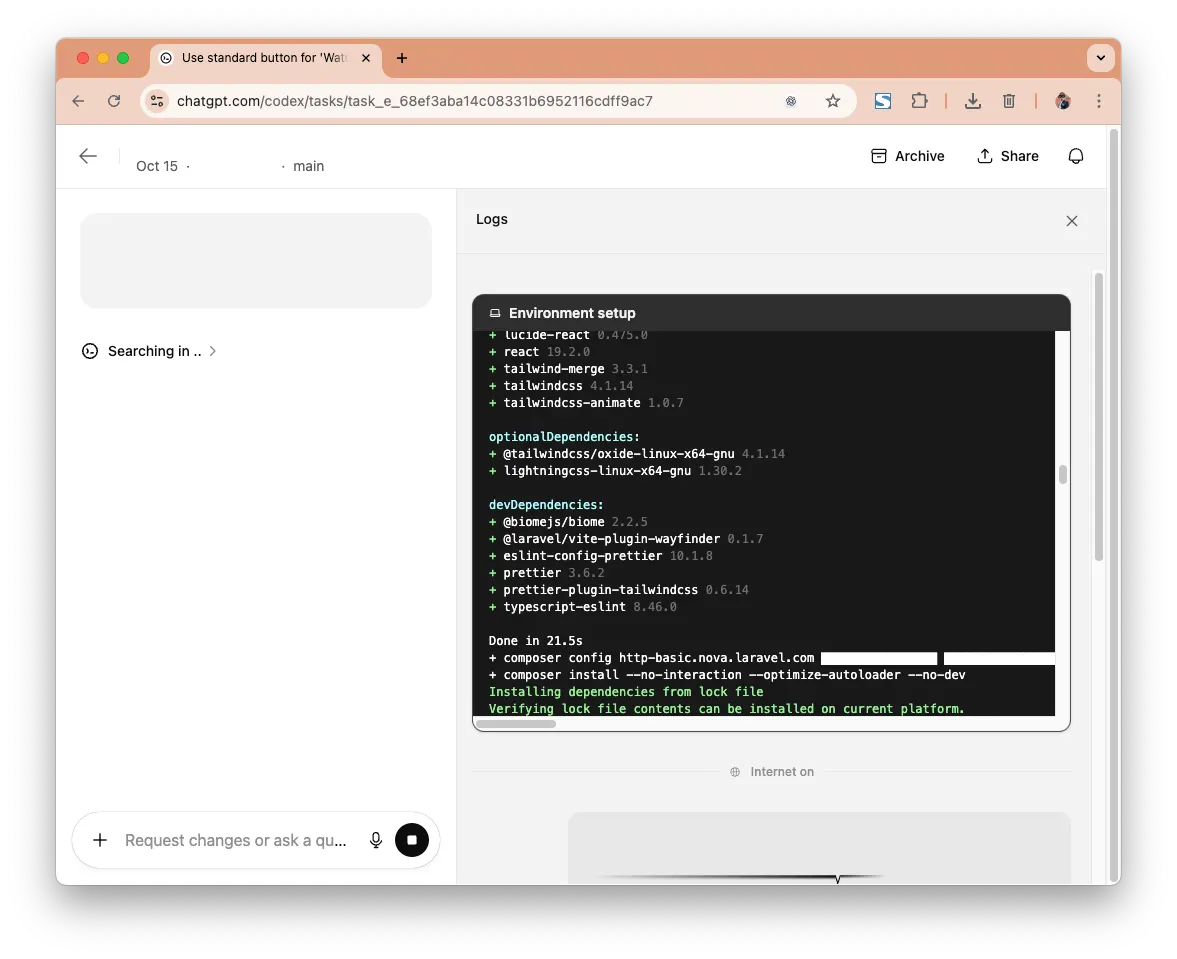
Below is the final shape we aim for — all Nova auth and Composer install happen in Setup; Maintenance is a quick Laravel refresh.

Part 3 — Security & reliability tips
- Never commit auth: keep Nova credentials (or any private registry auth) in Secrets only.
- Use branch protection rules: Lock down your master/main branch and ensure safeguards are in place to prevent a rogue agent from pushing to it directly.
- Create an AGENTS.md file: Set up a some guardrails and put sensible rules like “Create a unit tests for every component you introduce” or “Run the entire suite suite once you’re done”.
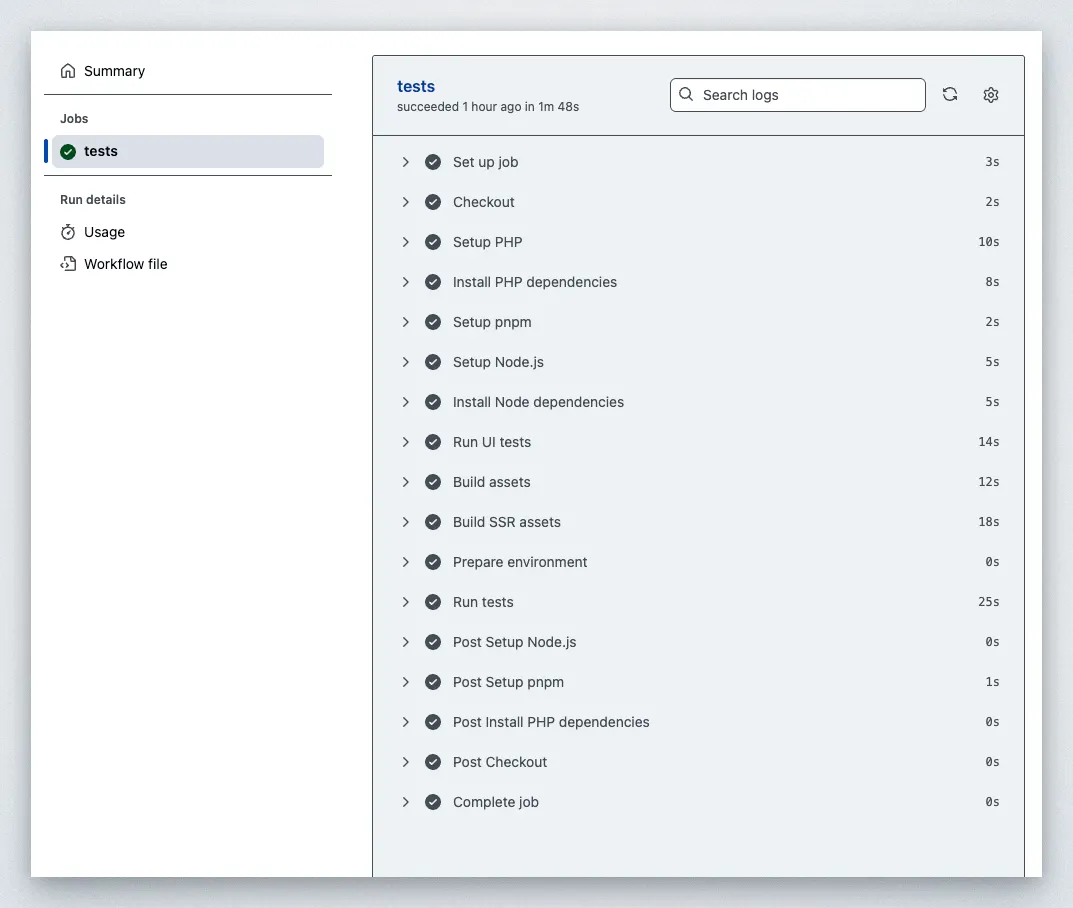
- Use GitHub Action workflows: Run your linters and unit/integration/E2E tests in the CI on every push to vet reliability of AI-generated code.
- Composer hygiene: --prefer-dist reduces source downloads; --no-interaction avoids prompts; consider COMPOSER_MEMORY_LIMIT=-1 if you hit OOM in large repos.
- Pin versions: lock images/tools when reproducibility matters.
- Don’t rely on .rc files for persistence: environment containers are ephemeral; rerun any required exports within Setup or use absolute paths.
- Make Maintenance idempotent: it should be safe to run multiple times without changing state unexpectedly.
Part 4 — I’ll leave that bit to you
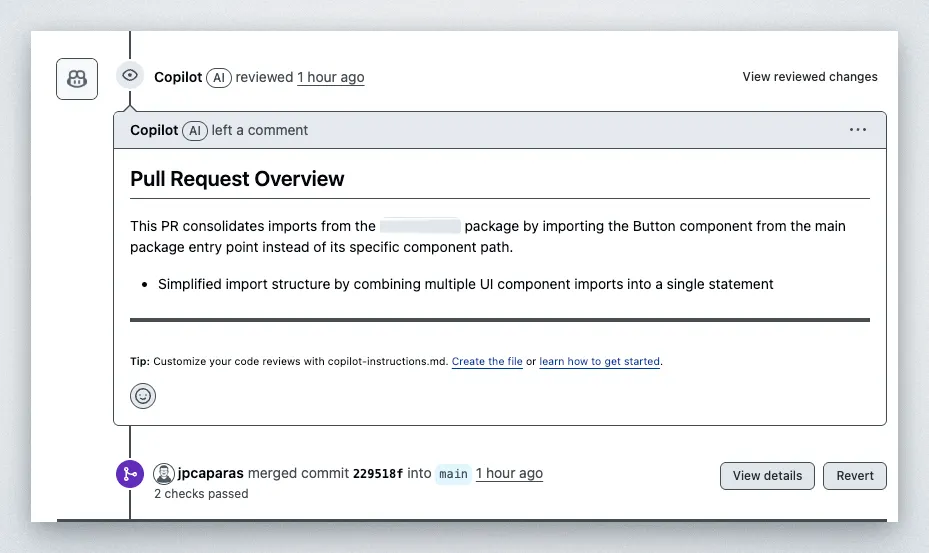
So far I’ve only been using Codex web to make small cosmetic changes on the fly. It hooks up really nicely with GitHub and if you have a GitHub Copilot subscription, you can even have it auto-review the code that Codex generates. Pretty fun tandem.
Enjoy!