
Laravel's cache event system enables comprehensive monitoring of cache operations throughout your application. These events provide insights into cache performance and usage patterns.
Laravel fires specific events for different cache activities:
use Illuminate\Cache\Events\{ CacheHit, CacheMissed, KeyForgotten, KeyWritten};You can create listeners to respond to these events and gather performance data or trigger additional actions based on cache behavior.
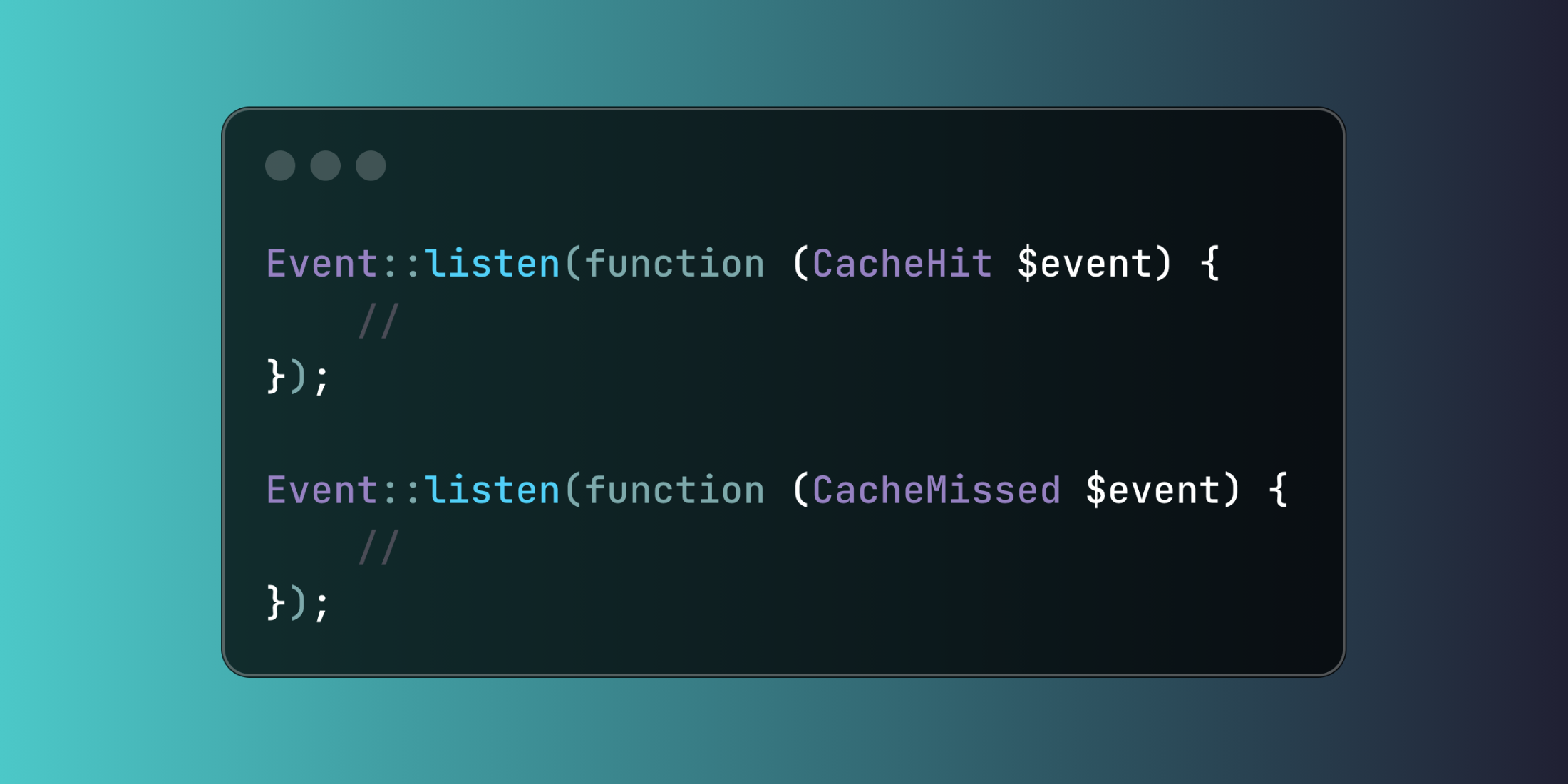
use Illuminate\Support\Facades\Event; Event::listen(function (CacheHit $event) { Log::info("Cache hit for key: {$event->key}");}); Event::listen(function (CacheMissed $event) { Log::info("Cache miss for key: {$event->key}");});Here's a comprehensive cache analytics system that tracks all cache operations:
use Illuminate\Support\Facades\Event;use Illuminate\Support\Facades\DB; class CacheAnalyticsService{ public function registerListeners() { Event::listen(function (CacheHit $event) { $this->trackCacheOperation('hit', [ 'cache_key' => $event->key, 'store' => $event->store ?? 'default', 'timestamp' => now() ]); }); Event::listen(function (CacheMissed $event) { $this->trackCacheOperation('miss', [ 'cache_key' => $event->key, 'store' => $event->store ?? 'default', 'timestamp' => now() ]); }); Event::listen(function (KeyWritten $event) { $this->trackCacheOperation('write', [ 'cache_key' => $event->key, 'expiry_seconds' => $event->seconds, 'store' => $event->store ?? 'default', 'timestamp' => now() ]); }); Event::listen(function (KeyForgotten $event) { $this->trackCacheOperation('delete', [ 'cache_key' => $event->key, 'store' => $event->store ?? 'default', 'timestamp' => now() ]); }); } private function trackCacheOperation(string $operation, array $metadata) { DB::table('cache_analytics')->insert([ 'operation_type' => $operation, 'cache_key' => $metadata['cache_key'], 'store_name' => $metadata['store'], 'expiry_time' => $metadata['expiry_seconds'] ?? null, 'recorded_at' => $metadata['timestamp'] ]); }}Event monitoring can impact performance, so you can disable it per cache store in your configuration when needed.














