
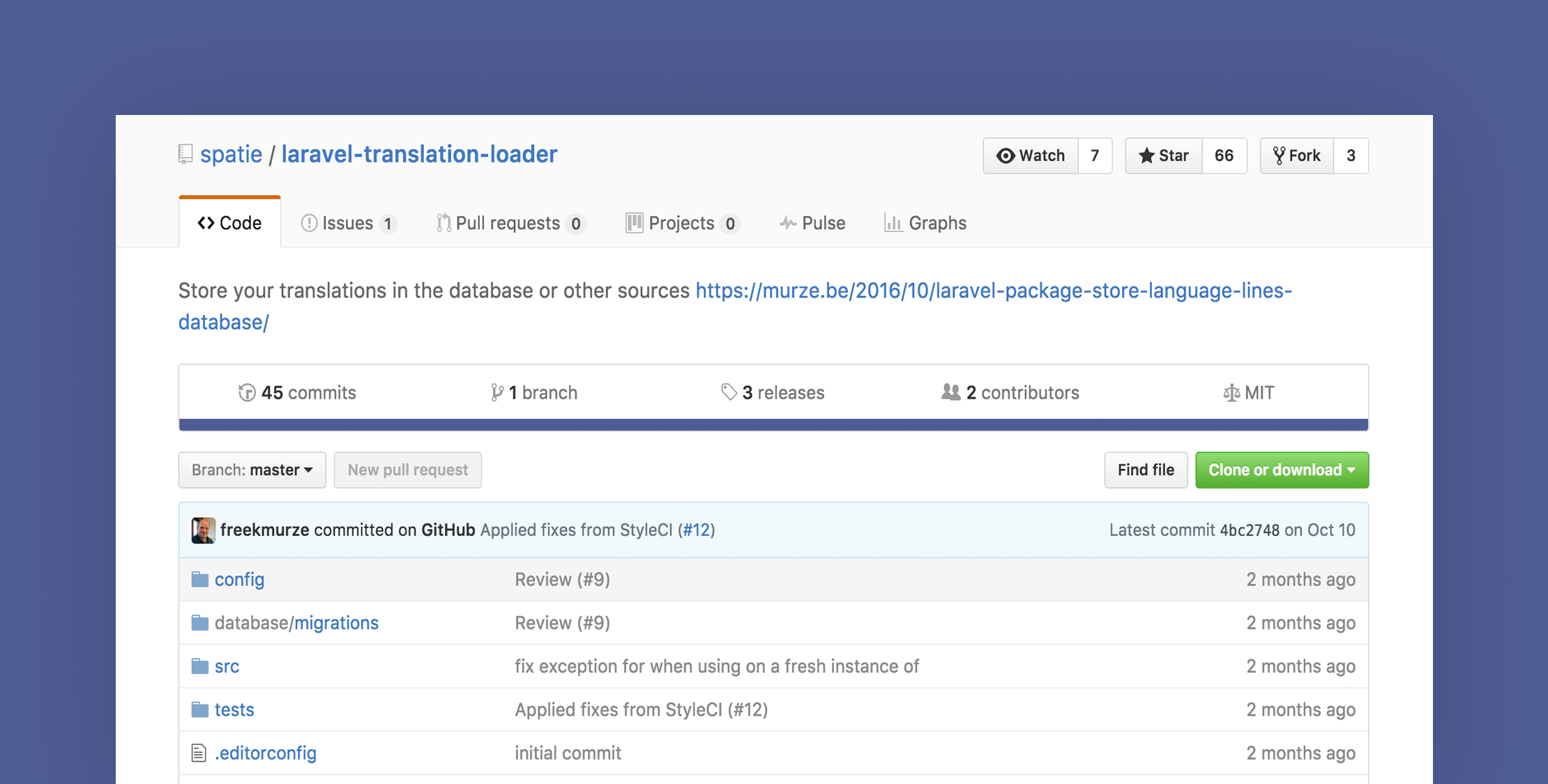
Laravel has built-in support for localization using arrays stored in language files and in 5.4 they are adding the ability for JSON based language files.
Some applications are better suited to have the language strings stored in the database so that end users can change them through a custom user interface, and that’s where the Laravel translation loader package can be helpful.
Let’s take a look at how this package can be set up and used.
Installation
First, install Laravel translation loader through Composer:
composer require spatie/spatie/laravel-translation-loaderNext, open your config/app.php and replace Laravel’s translation service provider:
Illuminate\Translation\TranslationServiceProvider::class,with Laravel translation loader service provider:
Spatie\TranslationLoader\TranslationServiceProvider::class,Then publish Laravel translation loader migration file:
php artisan vendor:publish --provider="Spatie\TranslationLoader\TranslationServiceProvider" --tag="migrations"Finally, run the migrations, it will create a new table called language_lines in the database which will hold your application translations:
php artisan migrateOverview
After you complete the installations, adding a new language line to the database will be easy as this:
use Spatie\TranslationLoader\LanguageLine; LanguageLine::create([ 'group' => '<span id="result_box" class="short_text" lang="en"><span class="">greetings</span></span>', 'key' => 'hello', 'text' => ['en' => 'Hello', 'ar' => 'السلام عليكم ورحمة الله وبركاته', 'es' => 'Hola'],]);And to fetch the translation from the database, use the default Laravel trans function like this:
echo trans('<span id="result_box" class="short_text" lang="en"><span class="">greetings</span></span>.hello');// Will return 'Hello' if the locale is English and Will return 'السلام عليكم ورحمة الله وبركاته' if the locale is ArabicOr you can use blade syntax and @lang directive like this:
{{ trans('<span id="result_box" class="short_text" lang="en"><span class="">greetings</span></span>.hello') }}// Or@lang('<span id="result_box" class="short_text" lang="en"><span class="">greetings</span></span>.hello')You can also use the parameter feature of laravel trans function which will allow you to use placeholders in the translations and replace it later by passing an array of replacements as the second argument to the trans function like this:
trans('<span id="result_box" class="short_text" lang="en"><span class="">greetings</span></span>.welcome', ['name' => 'Diaa'])One nice feature of Laravel translation loader is allowing you to save your translations in both language files and the database at the same time. By default, it will look for the database version then fall back to the file. Another feature is that you can extend the package to support other translation providers like YAML, CSV, etc.
That’s it, if you want a very useful package that provides a clean and easy way to save your translations in the database, check out Laravel translation loader.








