
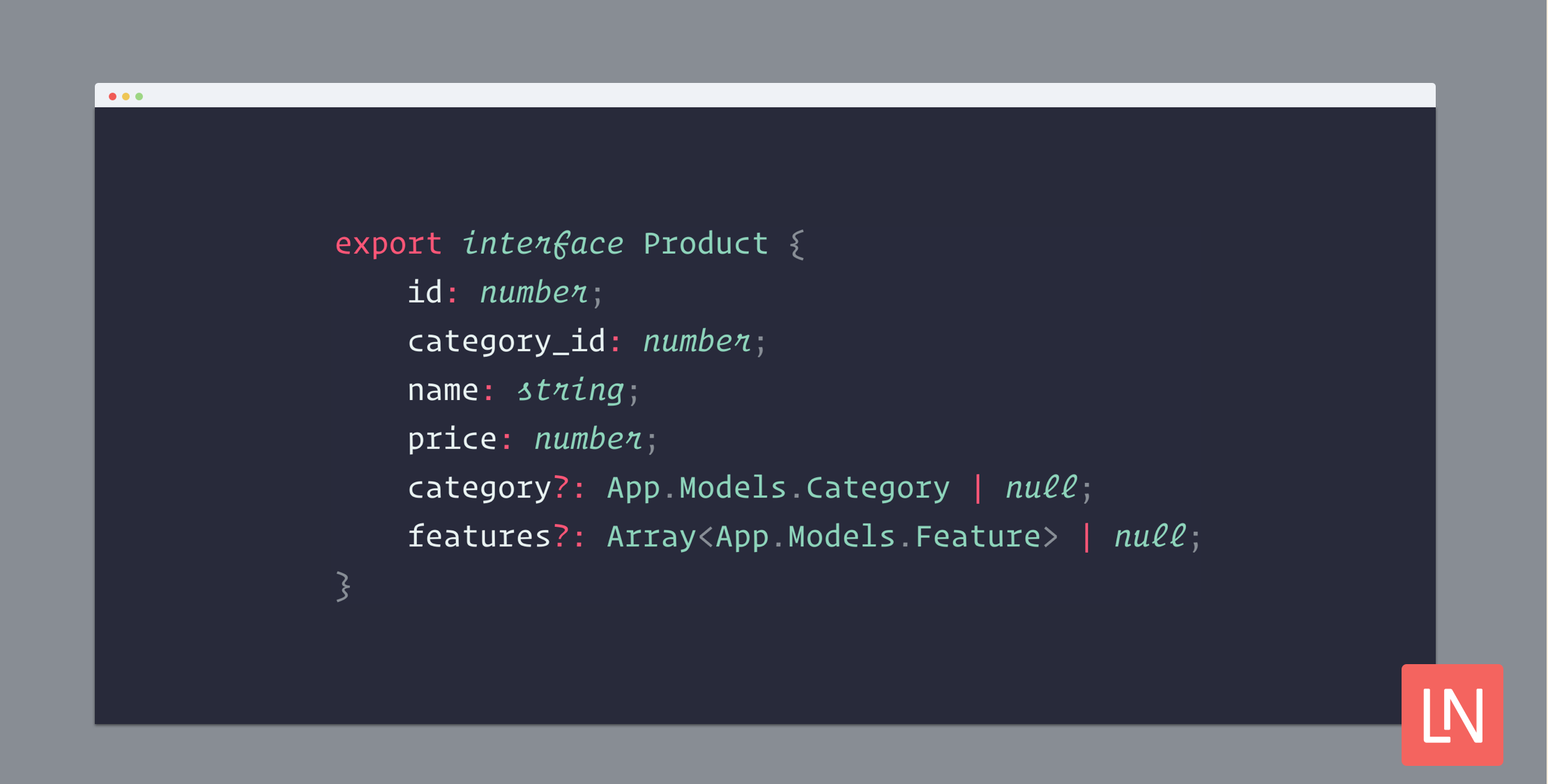
A growing number of PHP and, more specifically, Laravel developers have started to write more strongly typed code, while full-stack developers tend not to apply the same practices to their front end code. One reason is that TypeScript is considered a "different" way to write front end components.
The main misconception is that TypeScript is too complex for primarily backend developers and only bloats code without providing any extra value.
In reality, TypeScript does not force you to declare types. Here is the important part: TypeScript is a JavaScript superset that enables you to add things on top, but any valid JS is also valid TS.
The real-world impact of this is that you can rename your file from .js to .ts and gradually add types or start using types in new files. Your codebase does not have to reach 100% type coverage ever. You can use TypeScript to the extent you choose.
Why TypeScript
TypeScript provides optional static typing, which lets you structure and validate your code at the compilation stage. It also brings the IDE autocompletion and validation support along with the code navigation feature. In short, TypeScript enhances code readability and improves the debugging process.
Adding TypeScript support to your Laravel project is quite simple and only takes minutes but can boost your front-end experience. Let's review the process with a fresh Laravel Breeze install with Vue 3 on board.
1. Install the dependencies
Let's start with installing the TypeScript compiler and corresponding Webpack loader.
npm install ts-loader typescript --save-dev# oryarn add ts-loader typescript -D2. Set up the TypeScript config
TypeScript compiler needs a configuration file containing required options. It is also desirable for proper IDE autocompletion.
tsconfig.json
{ "compilerOptions": { "target": "es5", "module": "es2020", "moduleResolution": "node", "baseUrl": "./", "strict": true, // Enable strict type-checking options "skipLibCheck": true, // Skip type checking of declaration files "noImplicitAny": false // Bypass raising errors on `any` type }, "include": ["resources/js/**/*"] // Frontend paths pattern}3. Configure Laravel Mix
Initial Laravel installation comes with a boilerplate JavaScript entry point, which needs to get converted into TypeScript. All you need is to rename .js to .ts.
-resources/js/app.js+resources/js/app.tsThen, let Mix know that it should handle the JavaScript code as TypeScript. Laravel Mix comes with built-in TypeScript support.
webpack.mix.js
-mix.js('resources/js/app.js', 'public/js')+mix.ts('resources/js/app.ts', 'public/js')You also need to tell the compiler and the IDE that the components' code must be treated as TypeScript. Append the lang="ts" part to the components script part.
<script lang="ts">import { defineComponent } from "@vue/runtime-core"; export default defineComponent({ ...});</script>That is it; you are all set! You can keep writing code the way you used to and utilize some TypeScript features and improve your front-end experience.
Example usage
TypeScript lets you type-hint variables and methods with simple types as well as with complex structs. As we primarily focus on interacting with a backend, let's look at the example of interacting with a model.
Let's create a file that will contain all the necessary types' declarations – resources/js/types.d.ts.
Say you have a model User that you interact with from the front-end side. Here is the basic TypeScript representation of a default User model. It describes what properties an object could have and what types the properties should be.
resources/js/types.d.js
declare interface User { id: number; name: string; email: string;}Now, you can use this interface when assigning variables or returning a value from methods.
let user = <User>{ id: 1, name: 'Taylor Otwell' } function getUser(): User { ...}So, when you access the user variable, your IDE will suggest the corresponding object properties. And it also will let you know when the type error appears before you even compile the code.
Writing interfaces for all models and keeping them in sync with your backend code requires extra time. You may want to consider using the laravel-typescript package, which lets you transform your Laravel models into TypeScript declarations and keep them up to date with your migrations.







