
Laravel introduces a more elegant approach to URL generation with query parameters through its new query() method. This dedicated API simplifies the creation of complex URLs with query strings, reducing repetitive code and potential errors.
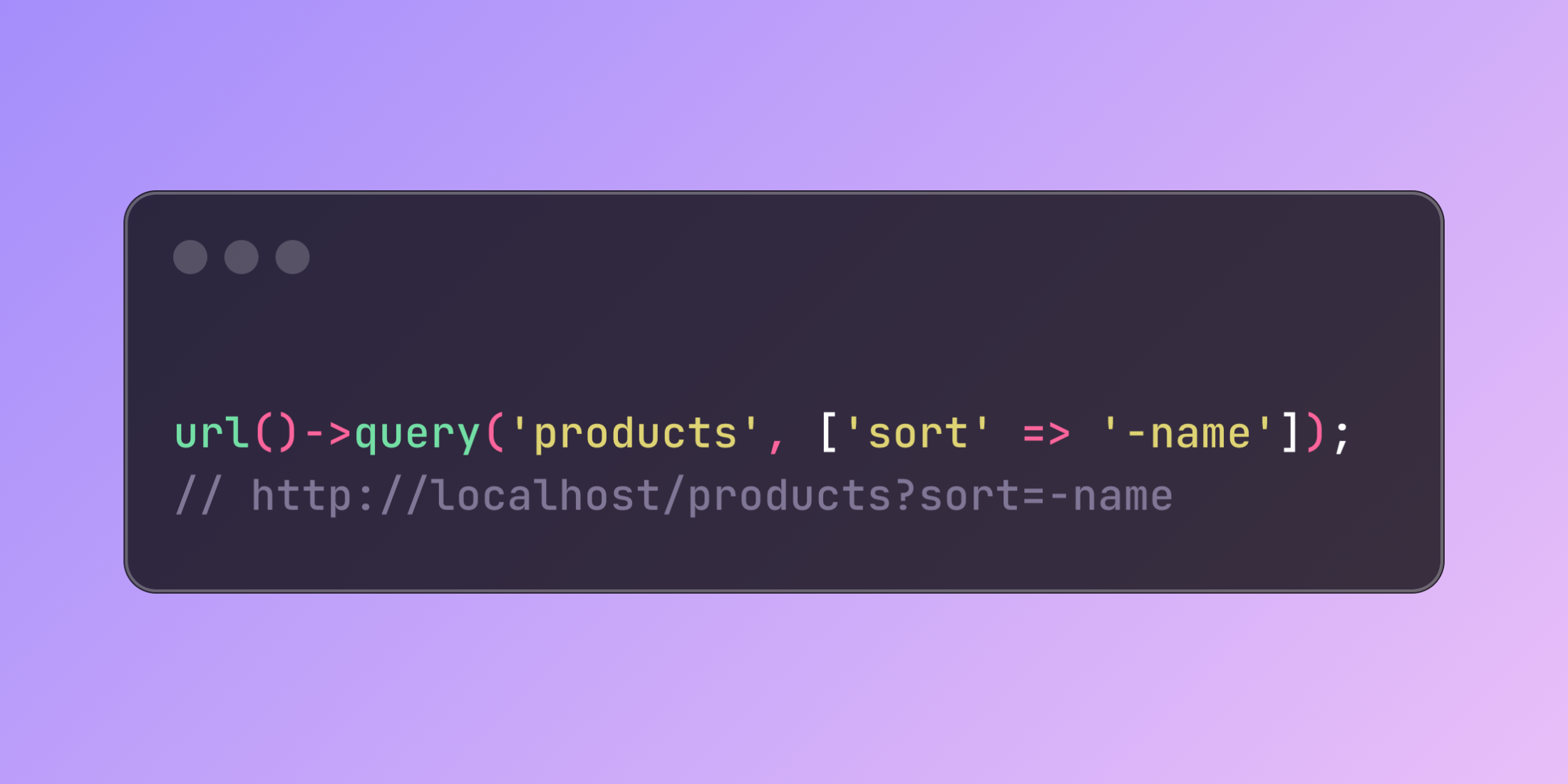
// Generate: http://localhost/products?sort=-nameurl()->query('products', ['sort' => '-name']);The query() method takes a base path as its first argument and an array of query parameters as the second, then handles all the complexity of properly combining and encoding them into a complete URL.
// Simple key-value pairs// http://localhost/products?sort=-nameurl()->query('products', ['sort' => '-name']); // Arrays as parameters (for filters, columns, etc.)// http://localhost/products?columns[0]=name&columns[1]=price&columns[2]=quantityurl()->query('products', ['columns' => ['name', 'price', 'quantity']]); // Overriding existing parameters// http://localhost/products?sort=-priceurl()->query('products?sort=-name', ['sort' => '-price']); // Appending parameters to existing ones// http://localhost/products?sort=-name&search=samsungurl()->query('products?sort=-name', ['search' => 'samsung']);This method particularly shines when implementing features that require sophisticated filtering and sorting capabilities. For instance, when building a product catalog with dynamic filtering:
class ProductController extends Controller{ public function index(Request $request) { $products = Product::query(); // Apply filters based on request parameters if ($request->has('category')) { $products->where('category_id', $request->category); } // Apply sorting if ($request->has('sort')) { $sort = $request->sort; $direction = str_starts_with($sort, '-') ? 'desc' : 'asc'; $column = ltrim($sort, '-'); $products->orderBy($column, $direction); } $products = $products->paginate(20); // Generate next page URL with all current filters $nextPageUrl = null; if ($products->hasMorePages()) { $params = $request->query(); $params['page'] = $products->currentPage() + 1; $nextPageUrl = url()->query('products', $params); } return view('products.index', [ 'products' => $products, 'nextPageUrl' => $nextPageUrl, 'filterUrl' => function($newParams) use ($request) { // Generate URLs for filter controls while preserving other parameters $params = array_merge($request->query(), $newParams); return url()->query('products', $params); } ]); }}By using the query() method consistently across your application, you create a more maintainable codebase while eliminating common mistakes like improper parameter encoding or accidentally overriding existing query strings.














