News

How to check what version of Laravel you have installed in 2 seconds

Published Updated

Ever wanted to know what version of Laravel you have installed?

Here is the quickest way to find out...

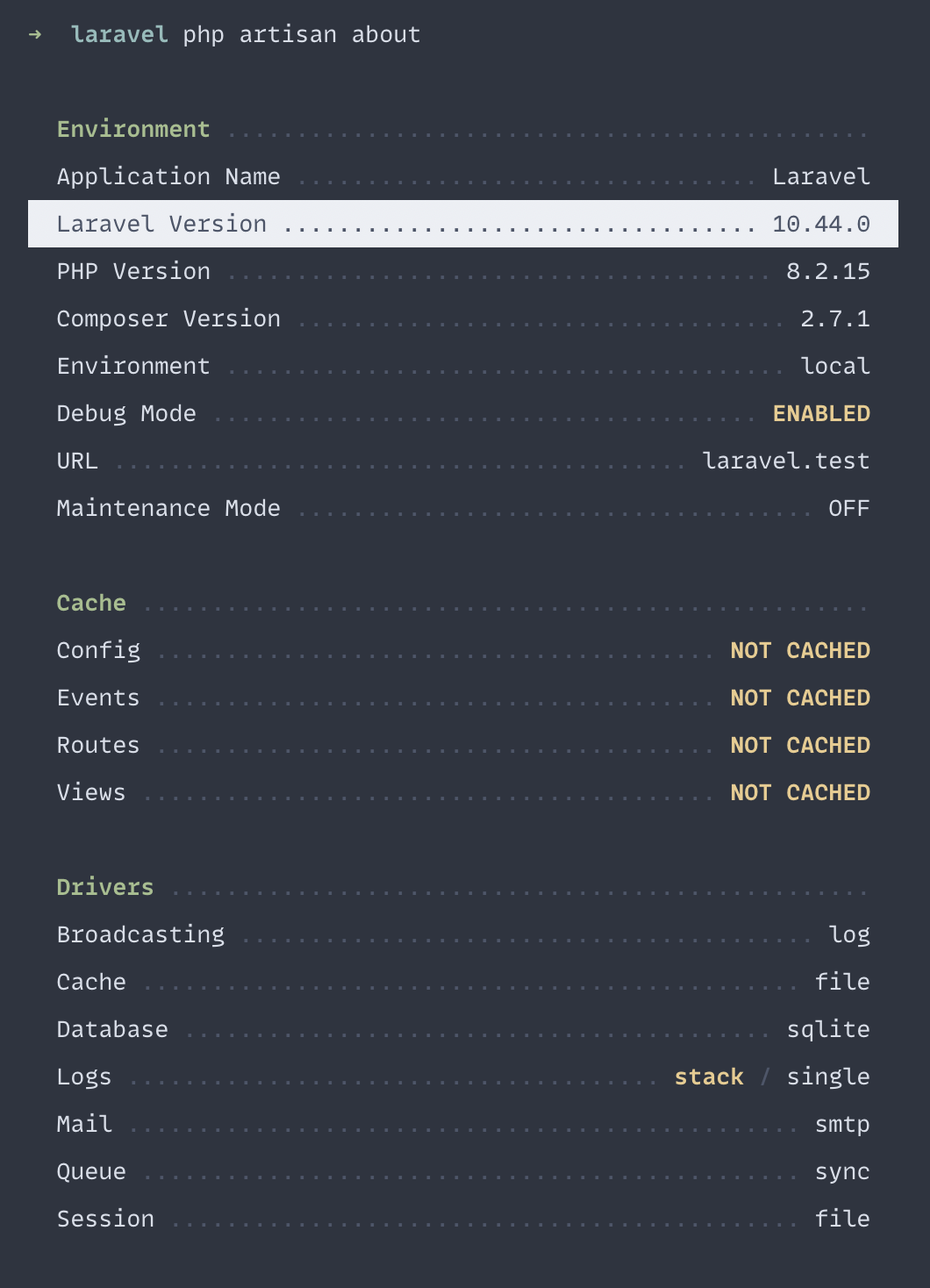
Open your terminal and cd into your project then run:

php artisan about

This will give you a complete list of all your sites details including the version.
Eric L. Barnes photo

Eric is the creator of Laravel News and has been covering Laravel since 2012.

Filed in

Sponsored

serpapi logo
SerpApi

The Web Search API for Your LLM and AI Applications

Visit SerpApi

The latest

View all →
CPX: The Composer Package Executor for PHP image

CPX: The Composer Package Executor for PHP

Read article
Laravel AI SDK Adds Human-in-the-Loop Tool Approval image

Laravel AI SDK Adds Human-in-the-Loop Tool Approval

Read article
Pest 5 Released With Test Impact Analysis, Agent Verification, and Evals image

Pest 5 Released With Test Impact Analysis, Agent Verification, and Evals

Read article
Queue-SQL: Run Mass Deletes and Updates Across Parallel Queue Jobs image

Queue-SQL: Run Mass Deletes and Updates Across Parallel Queue Jobs

Read article
Blade Formatting in Laravel Pint image

Blade Formatting in Laravel Pint

Read article
Inertia DevTools Is Now on the Chrome Web Store image

Inertia DevTools Is Now on the Chrome Web Store

Read article








