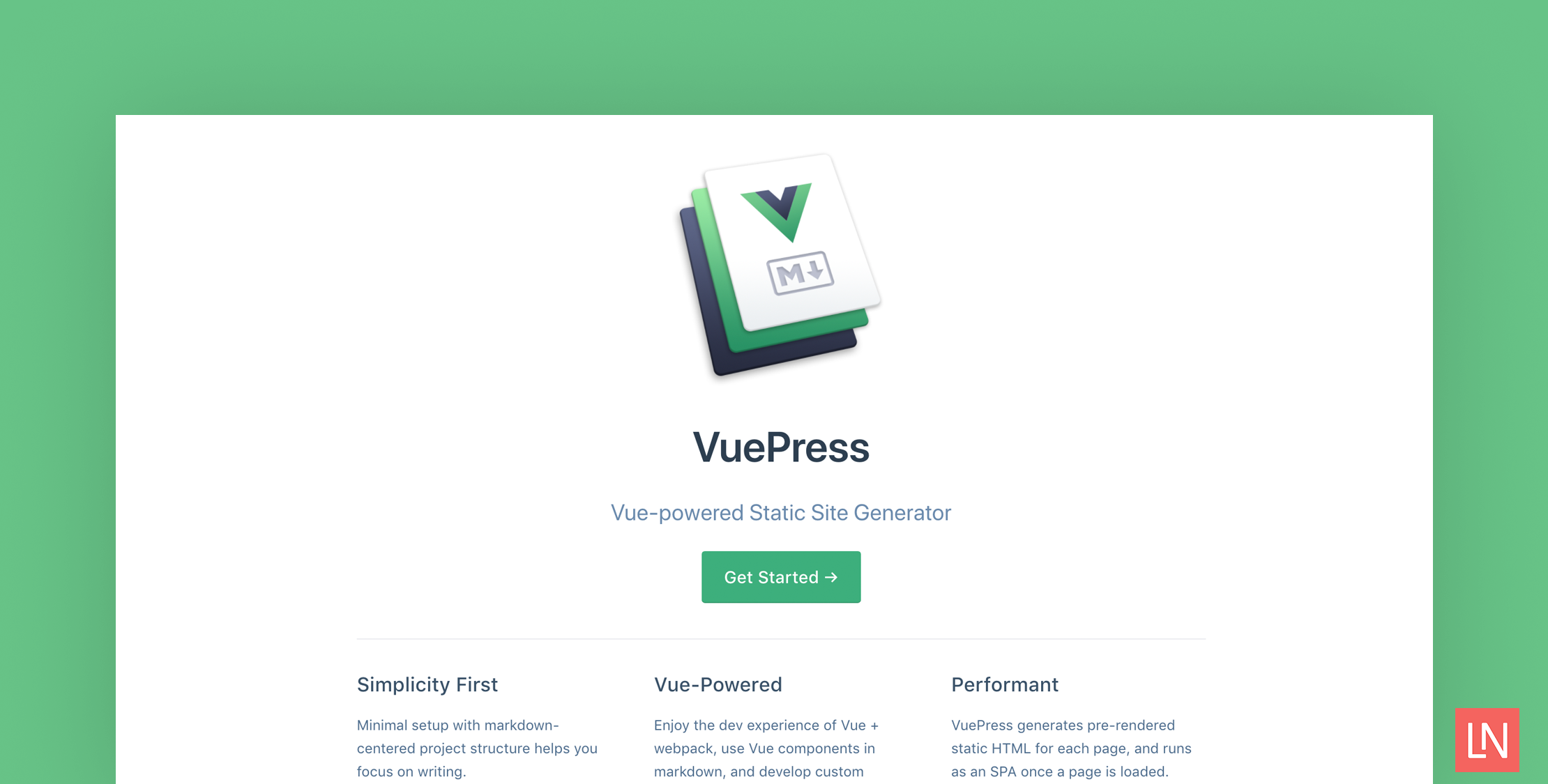
VuePress is a minimalistic Vue-powered static site generator from Evan You, the creator of Vue.js. It was built to support the documentation needs of Vue’s projects. By default, the generated theme comes optimized for technical documentation.
VuePress sites are an SPA, and during a build, a server-rendered version gets created by visiting each route. VuePress is powered by Vue, Vue Router, and Webpack. You also can use Vue inside of your markdown!
Getting Started with VuePress
You can quickly add documentation to an existing project writing in Markdown format. The following example is from the getting started section of the guide and serves as an example of how quickly you can get started:
# install as a local dependencyyarn add -D vuepress # OR npm install -D vuepress # create a docs directorymkdir docs# create a markdown fileecho '# Hello VuePress' > docs/README.mdWhile you are writing content, the browser gets updated in real-time, which is extremely helpful while building documentation.
Features
Vue components in .vuepress/components are automatically registered as global, async components that can be used directly in your markdown documentation.
Markdown files are first compiled to HTML and passed on as a Vue component to vue-loader, and you can use Vue interpolation and have access to site data:
{{ 5 + 5 }} {{ $page }}VuePress enables custom theming through Vue single file components. You can create a custom theme at .vuepress/themes/Layout.vue, and you can organize your theme however you want. You can use a custom theme from a dependency with the format of an NPM module vuepress-theme-xxx, in the following example that would be vuepress-theme-cobalt:
module.exports = { theme: 'cobalt'}You can use Markdown extensions including YAML front matter, emoji support, Github-style tables, and custom blocks:
::: danger STOPDanger zone, do not proceed:::Which might look something like the following with the default theme:
Learn More
Get started with by checking out the official site. If you want to learn from a real example, look no further than the source code of the VuePress documentation on GitHub that powers vuepress.vuejs.org.