Laravel Tutorials

Learn how to set up Xdebug for PhpStorm and Laravel Valet

Published
Learn how to set up Xdebug for PhpStorm and Laravel Valet image

I’ve been developing web applications for about 15 years, but somehow Xdebug is still challenging to set up. Follow along and learn how to find Xdebug settings and configure it for local development with PhpStorm.

If you are using PHP-FPM locally, you might have run into an annoying issue that no matter what you do Xdebug won’t work! I might have an answer for you in this video.

Here are my Xdebug settings from the video so you can easily copy and paste them if you want:

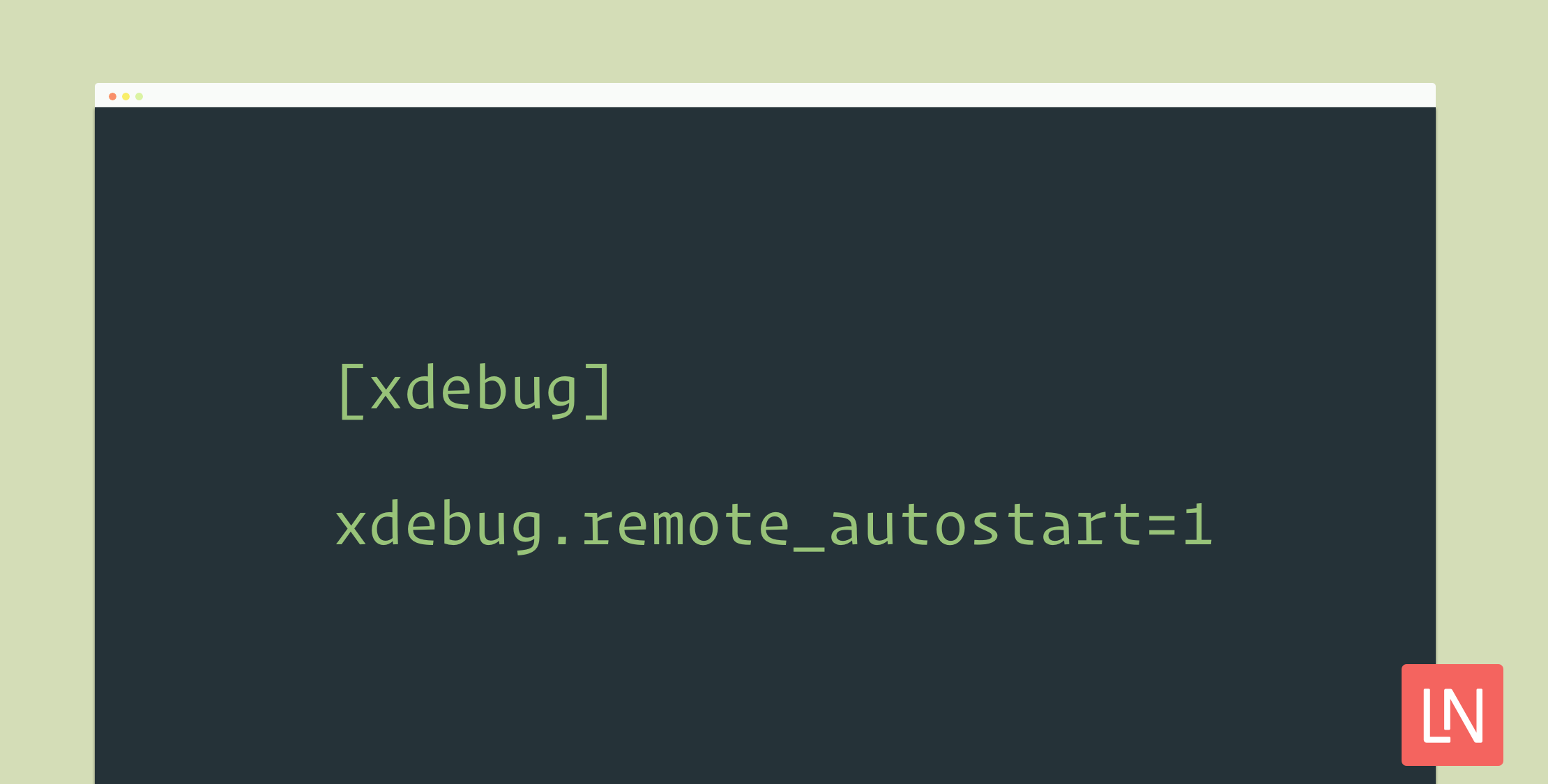
[xdebug]
zend_extension="/usr/local/opt/php71-xdebug/xdebug.so"
xdebug.remote_autostart=1
xdebug.default_enable=1
xdebug.remote_port=9001
xdebug.remote_host=127.0.0.1
xdebug.remote_connect_back=1
xdebug.remote_enable=1
xdebug.idekey=PHPSTORM

If you find this video useful, the best thing you can do is follow our YouTube channel and share this article on your favorite social networks!

Paul Redmond photo

Staff writer at Laravel News. Full stack web developer and author.

Sponsored

masteringlaravel logo
Laravel Code Review

Get expert guidance in a few days with a Laravel code review

Visit Laravel Code Review

The latest

View all →
CPX: The Composer Package Executor for PHP image

CPX: The Composer Package Executor for PHP

Read article
Laravel AI SDK Adds Human-in-the-Loop Tool Approval image

Laravel AI SDK Adds Human-in-the-Loop Tool Approval

Read article
Pest 5 Released With Test Impact Analysis, Agent Verification, and Evals image

Pest 5 Released With Test Impact Analysis, Agent Verification, and Evals

Read article
Queue-SQL: Run Mass Deletes and Updates Across Parallel Queue Jobs image

Queue-SQL: Run Mass Deletes and Updates Across Parallel Queue Jobs

Read article
Blade Formatting in Laravel Pint image

Blade Formatting in Laravel Pint

Read article
Inertia DevTools Is Now on the Chrome Web Store image

Inertia DevTools Is Now on the Chrome Web Store

Read article





