4,000 emails/month for free | Mailtrap sends real emails now!

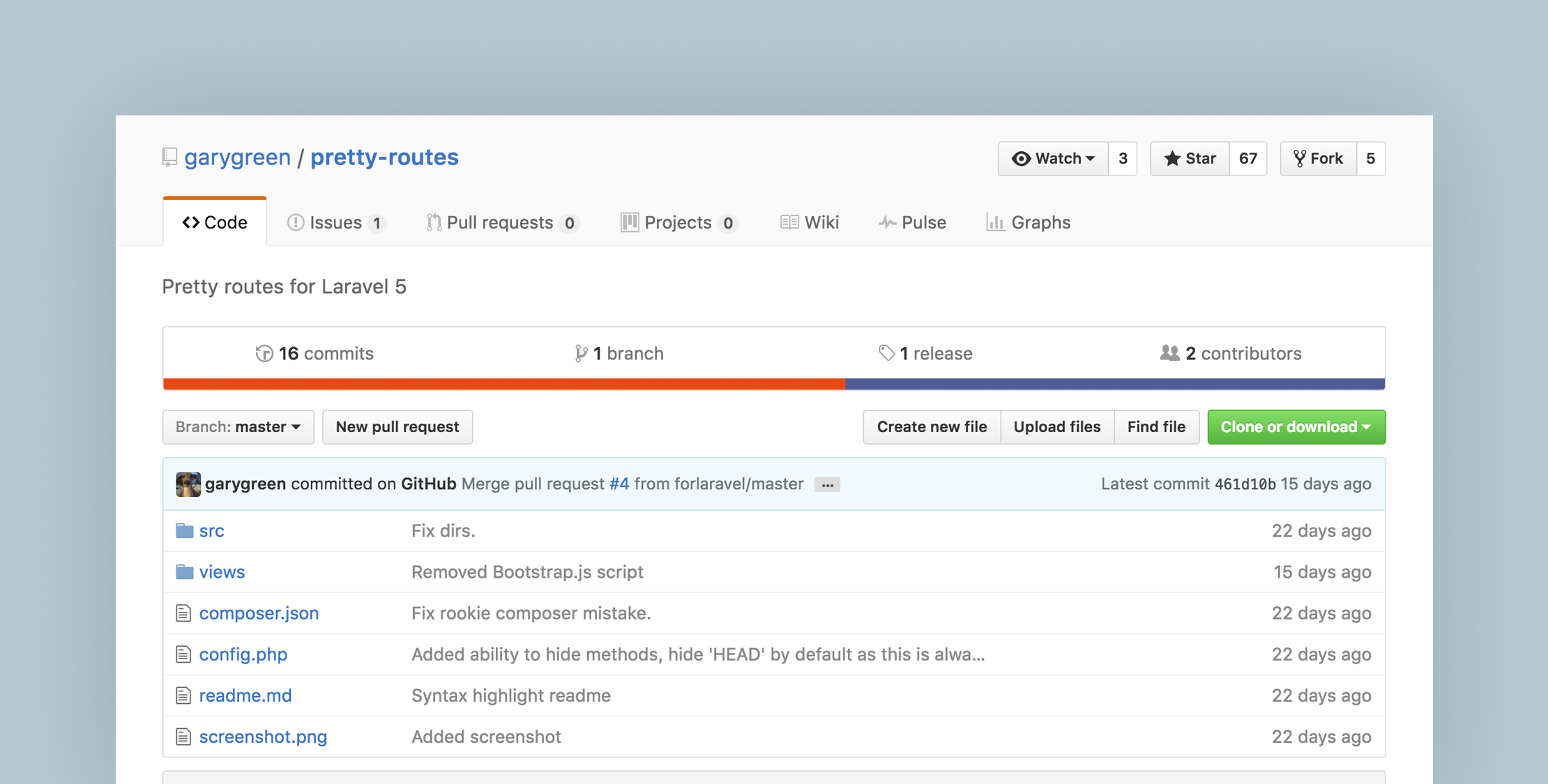
View your routes through the browser with the Pretty Routes package

Published on by

View your routes through the browser with the Pretty Routes package image

One nice Laravel feature is its routing, by visiting your routing file, you can get an eagle eye view of your application and a map that shows which URL is corresponding to which file.

By default, Laravel provides a handy Artisan command php artisan route:list that can be used to list your routes in a table in your terminal, Pretty Routes is a third party package that aims to offer an alternative way to view the routes through the browser.

Pretty Routes Installation

First, install Pretty routes through Composer:

composer require garygreen/pretty-routes

Then add its Service provider in config/app.php:

'providers' => [
...
PrettyRoutes\ServiceProvider::class,

Finally, you have to publish the config file so you can configure it to your needs, run the following command in your terminal:

php artisan vendor:publish --provider="PrettyRoutes\ServiceProvider"

Now you have everything you need to start using the Pretty routes.

Pretty Routes Overview

If you opened Pretty routes configuration file config/pretty-routes.php, you will see the following:

return [
/**
* The endpoint to access the routes.
*/
'url' => 'routes',
 
/**
* The methods to hide.
*/
'hide_methods' => [
'HEAD',
],
];

First, you can specify the route ‘url’ that you will access Pretty routes GUI through. Second, you can add the HTTP methods that you want to hide by adding them to ‘hide_methods’ array.

Now let’s access Pretty routes URL to view our routes through the browser, you will see nice looking list that displays HTTP method, Path, Name, Action and applied Middlewares for each route:

The package does take into account your app.debug setting and will only display routes if your application is in debug mode.

The core

If you want to know how Pretty routes works, take a look at the following code inside pretty-routes/src/MainMiddleware.php file:

At line 18, there is a condition to check if requested URL equals the URL that you specify for accessing Pretty routes, If so, it reads all your routes and fill routes variable using getRoutes method, Then it responses with the Pretty routes view file and passes the routes variable with it. After that, the returned routes go through a series of foreach statements and formatting operations to structure the nice looking list that you see in the browser.


That’s it, give Pretty Routes a try if you are looking for a beautiful way to view your routes through the browser.

Diaa Fares photo

Laravel Artisan, Web Developer, Tech Geek

Cube

Laravel Newsletter

Join 40k+ other developers and never miss out on new tips, tutorials, and more.

image
Tinkerwell

Enjoy coding and debugging in an editor designed for fast feedback and quick iterations. It's like a shell for your application – but with multi-line editing, code completion, and more.

Visit Tinkerwell
Bacancy logo

Bacancy

Supercharge your project with a seasoned Laravel developer with 4-6 years of experience for just $3200/month. Get 160 hours of dedicated expertise & a risk-free 15-day trial. Schedule a call now!

Bacancy
Tinkerwell logo

Tinkerwell

The must-have code runner for Laravel developers. Tinker with AI, autocompletion and instant feedback on local and production environments.

Tinkerwell
Get expert guidance in a few days with a Laravel code review logo

Get expert guidance in a few days with a Laravel code review

Expert code review! Get clear, practical feedback from two Laravel devs with 10+ years of experience helping teams build better apps.

Get expert guidance in a few days with a Laravel code review
Acquaint Softtech logo

Acquaint Softtech

Acquaint Softtech offers AI-ready Laravel developers who onboard in 48 hours at $3000/Month with no lengthy sales process and a 100 percent money-back guarantee.

Acquaint Softtech
Kirschbaum logo

Kirschbaum

Providing innovation and stability to ensure your web application succeeds.

Kirschbaum
Shift logo

Shift

Running an old Laravel version? Instant, automated Laravel upgrades and code modernization to keep your applications fresh.

Shift
Harpoon: Next generation time tracking and invoicing logo

Harpoon: Next generation time tracking and invoicing

The next generation time-tracking and billing software that helps your agency plan and forecast a profitable future.

Harpoon: Next generation time tracking and invoicing
Lucky Media logo

Lucky Media

Get Lucky Now - the ideal choice for Laravel Development, with over a decade of experience!

Lucky Media
SaaSykit: Laravel SaaS Starter Kit logo

SaaSykit: Laravel SaaS Starter Kit

SaaSykit is a Multi-tenant Laravel SaaS Starter Kit that comes with all features required to run a modern SaaS. Payments, Beautiful Checkout, Admin Panel, User dashboard, Auth, Ready Components, Stats, Blog, Docs and more.

SaaSykit: Laravel SaaS Starter Kit

The latest

View all →
"The Vibes" — NativePHP Hosts a Day 3 after Laracon US image

"The Vibes" — NativePHP Hosts a Day 3 after Laracon US

Read article
What We Know About Laravel 13 image

What We Know About Laravel 13

Read article
New Colors Added in Tailwind CSS v4.2 image

New Colors Added in Tailwind CSS v4.2

Read article
Factory makeMany() Method in Laravel 12.52.0 image

Factory makeMany() Method in Laravel 12.52.0

Read article
Laravel Adds an Official Svelte + Inertia Starter Kit image

Laravel Adds an Official Svelte + Inertia Starter Kit

Read article
MongoDB Vector Search in Laravel: Finding the Unqueryable image

MongoDB Vector Search in Laravel: Finding the Unqueryable

Read article