Laravel's Blade authorization directives integrate seamlessly with your application's permission system, enabling clean conditional rendering based on user capabilities. These directives maintain consistency between backend authorization and frontend display logic.
Blade provides three primary authorization directives for permission checking:
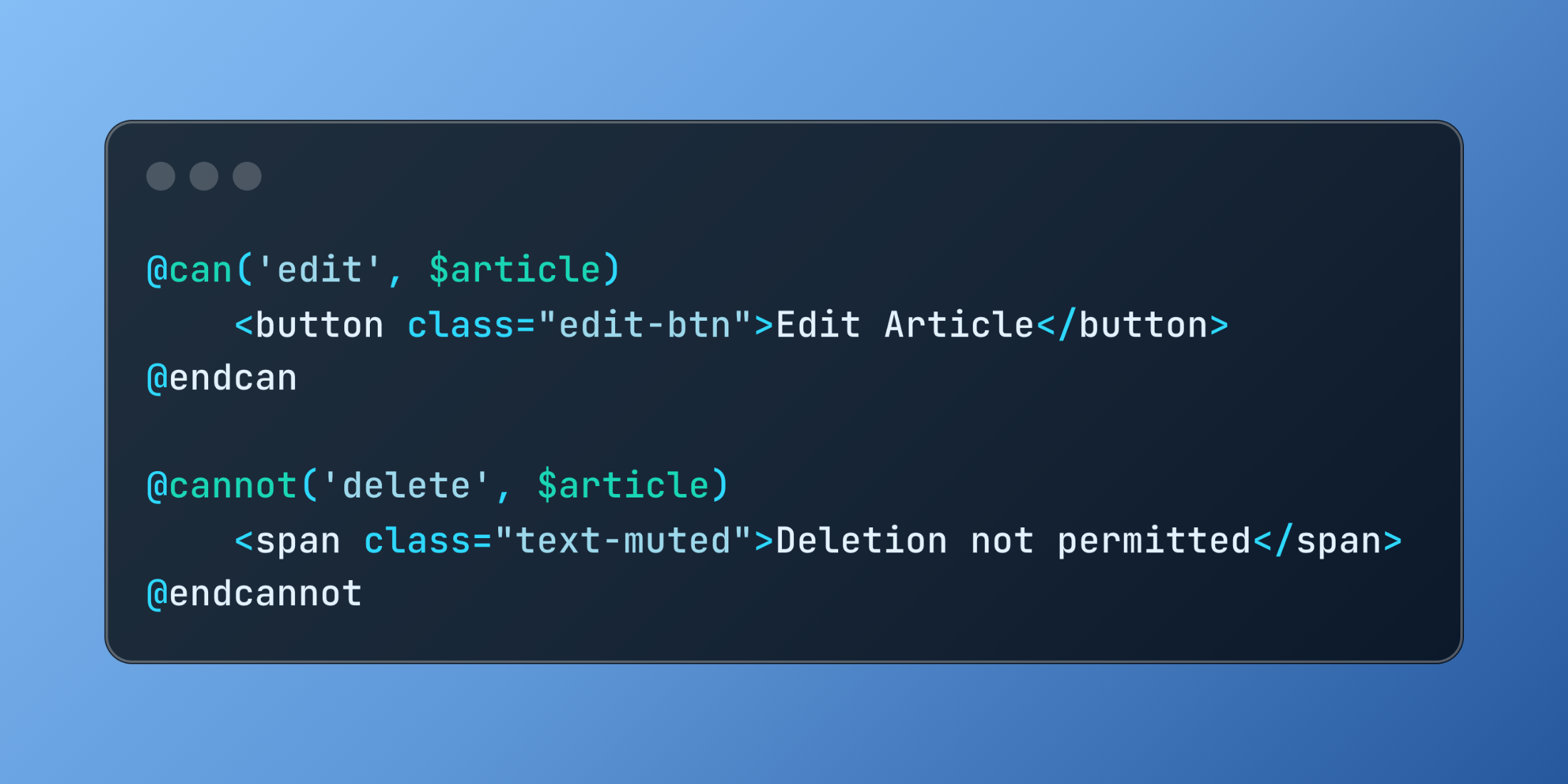
@can('edit', $article)
    <button class="edit-btn">Edit Article</button>
@endcan

@cannot('delete', $article)
    <span class="text-muted">Deletion not permitted</span>
@endcannot
The @canany directive checks multiple permissions simultaneously, useful for complex authorization scenarios.
@canany(['publish', 'schedule'], $article)
    <div class="publishing-controls">
        Publishing options available
    </div>
@endcanany
Here's a comprehensive dashboard implementation showcasing various authorization patterns:
<div class="dashboard-layout">
    <header class="dashboard-header">
        <h1>Content Management</h1>

        @canany(['create-posts', 'create-pages'])
            <div class="create-actions">
                @can('create-posts')
                    <a href="{{ route('posts.create') }}" class="btn btn-primary">New Post</a>
                @endcan

                @can('create-pages')
                    <a href="{{ route('pages.create') }}" class="btn btn-secondary">New Page</a>
                @endcan
            </div>
        @endcanany
    </header>

    <main class="content-area">
        @foreach($articles as $article)
            <article class="content-card">
                <h2>{{ $article->title }}</h2>
                <p>{{ $article->excerpt }}</p>

                <div class="article-meta">
                    <span>By {{ $article->author->name }}</span>
                    <span>{{ $article->published_at->diffForHumans() }}</span>
                </div>

                <div class="article-actions">
                    @can('update', $article)
                        <a href="{{ route('articles.edit', $article) }}" class="action-link">
                            Edit
                        </a>
                    @endcan

                    @can('publish', $article)
                        @if($article->is_draft)
                            <form method="POST" action="{{ route('articles.publish', $article) }}" class="inline-form">
                                @csrf
                                <button type="submit" class="publish-btn">Publish</button>
                            </form>
                        @endif
                    @endcan

                    @cannot('delete', $article)
                        <span class="disabled-action">Delete (Protected)</span>
                    @else
                        <form method="POST" action="{{ route('articles.destroy', $article) }}" class="inline-form">
                            @csrf
                            @method('DELETE')
                            <button type="submit" class="delete-btn" onclick="return confirm('Delete this article?')">
                                Delete
                            </button>
                        </form>
                    @endcannot
                </div>
            </article>
        @endforeach
    </main>

    <aside class="sidebar">
        @canany(['view-analytics', 'manage-users', 'system-settings'])
            <div class="admin-panel">
                <h3>Administration</h3>
                <ul class="admin-links">
                    @can('view-analytics')
                        <li><a href="{{ route('analytics.dashboard') }}">Analytics</a></li>
                    @endcan

                    @can('manage-users')
                        <li><a href="{{ route('users.index') }}">User Management</a></li>
                    @endcan

                    @can('system-settings')
                        <li><a href="{{ route('settings.index') }}">System Settings</a></li>
                    @endcan
                </ul>
            </div>
        @endcanany

        @guest
            <div class="login-prompt">
                <p>Please <a href="{{ route('login') }}">login</a> to access all features.</p>
            </div>
        @else
            @cannot('create-posts')
                <div class="upgrade-notice">
                    <p>Upgrade your account to create posts.</p>
                    <a href="{{ route('plans.index') }}" class="upgrade-link">View Plans</a>
                </div>
            @endcannot
        @endguest
    </aside>
</div>
Authorization directives ensure that UI elements align with user permissions, creating secure and intuitive interfaces while reducing the risk of exposing unauthorized functionality.