
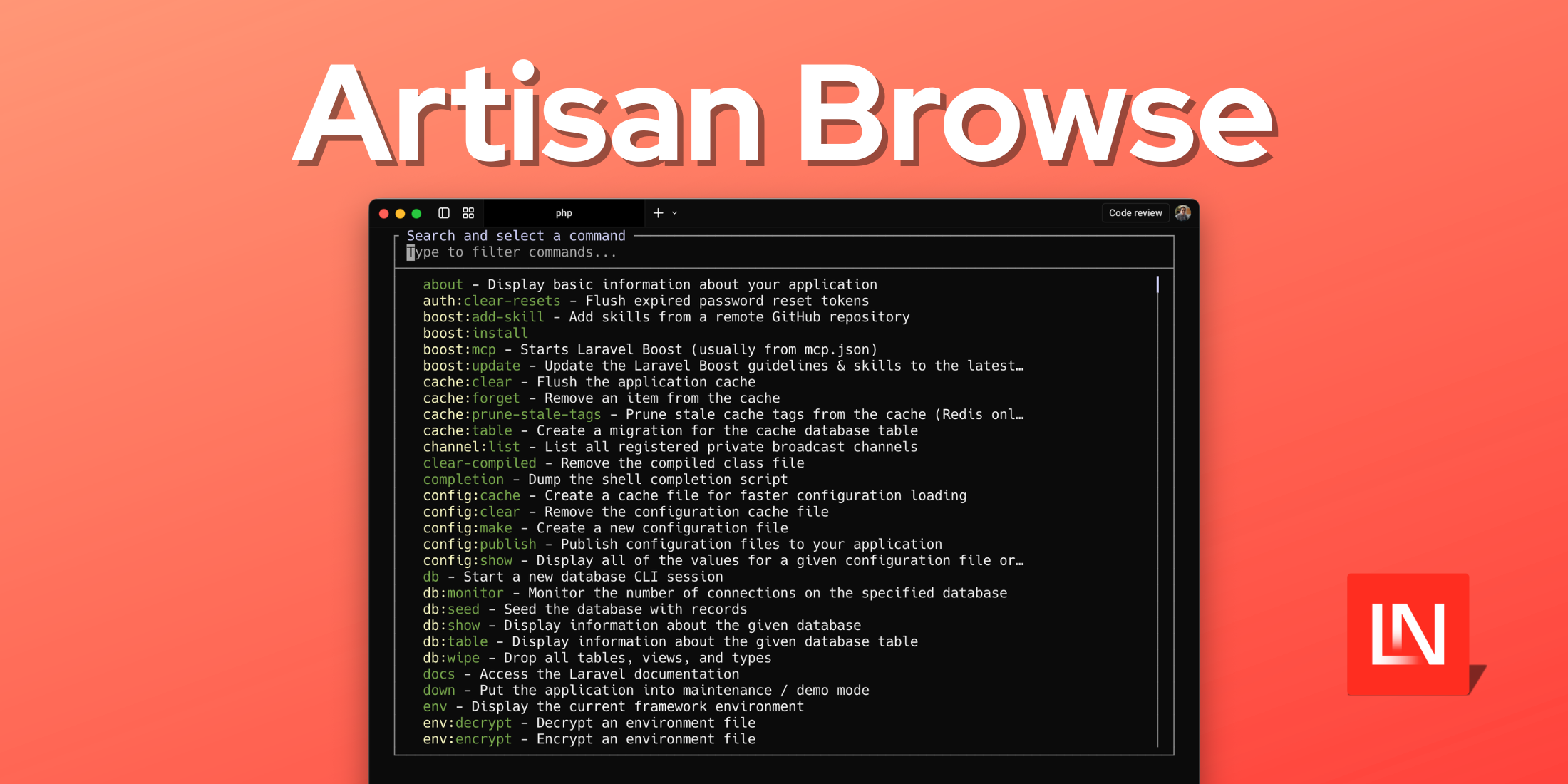
If you've ever blanked on the exact syntax of an Artisan command mid-session, Artisan Browse by Josh Embling gives you an interactive terminal interface for discovering, searching, and running any available command — without leaving the terminal.
Features
- Interactive Command Search — searchable list of all available Artisan commands with descriptions
- Filtering — filter by command namespace, or search across command names and descriptions
- Auto Arguments & Options — step through required arguments and optional flags
- Command Preview — see the exact command that will be executed before confirming
- Configurable Behavior — customise blacklists, scroll behavior, search options, and more
- Auto-Execute Option — skip confirmation and run commands immediately if desired
Browsing Commands
Running php artisan browse opens an interactive list of all available Artisan commands with their descriptions. You can scroll through the list, search by name, or filter by namespace.
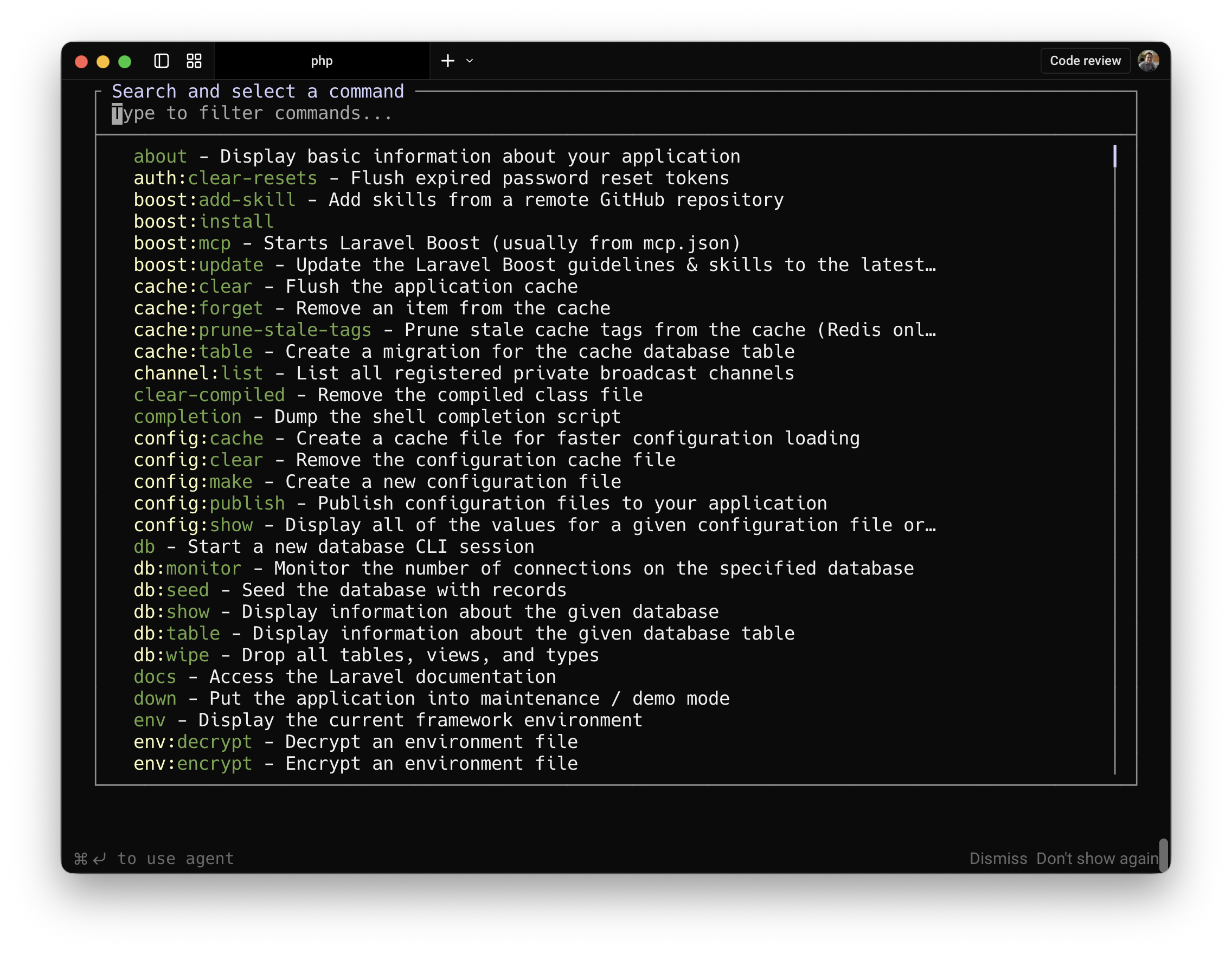
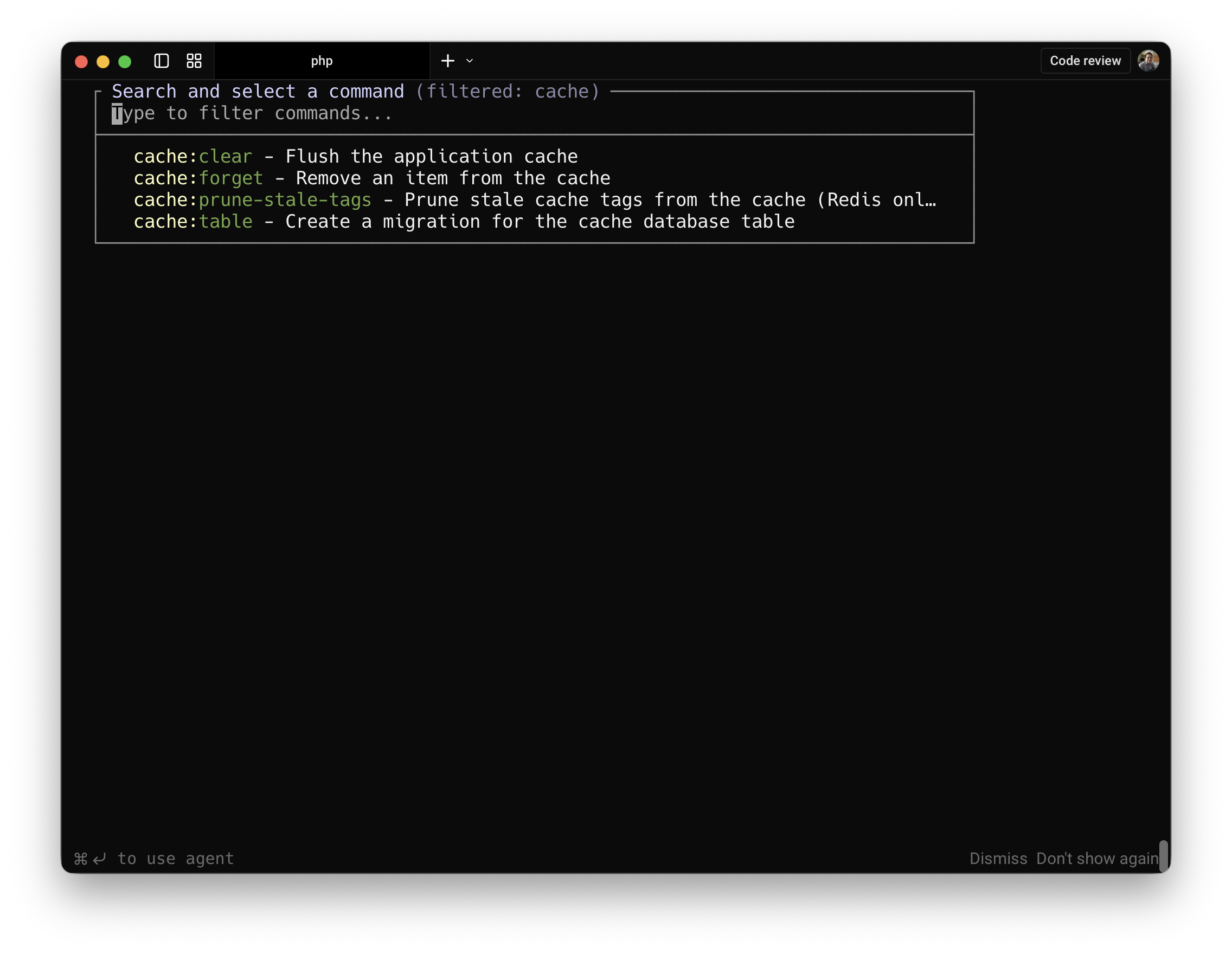
To scope the list to a specific namespace, pass it as an argument:
php artisan browse cacheThis displays only the cache:* commands, which can be handy when you don't want to scroll past unrelated entries.
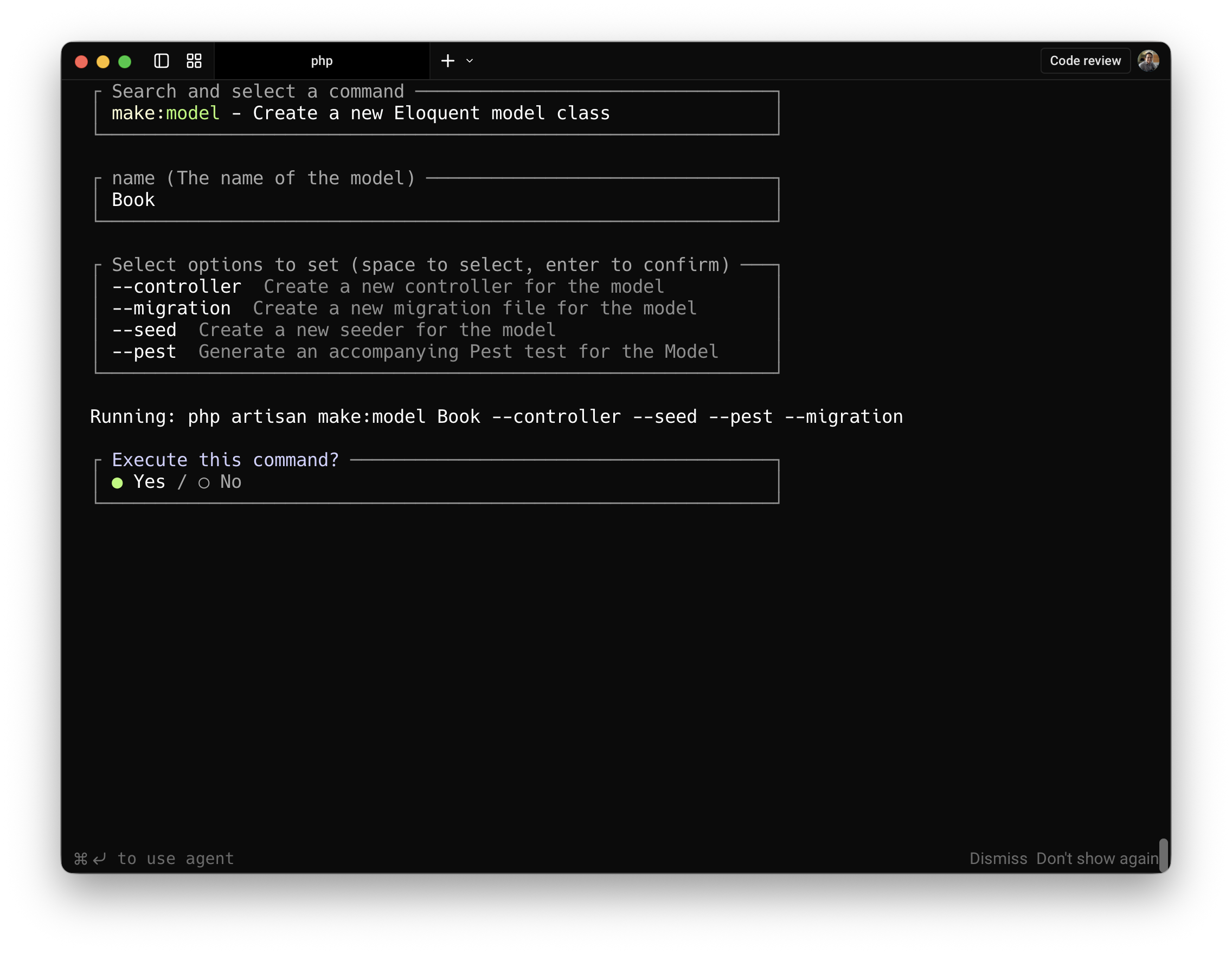
Once you select a command, the package prompts you for any required arguments and walks you through optional flags one by one. Before execution, it shows you the exact command it's about to run so you can confirm before anything happens.
Artisan Browse is a dev-only tool meant for local development workflows. You can find the installation instructions and source code on GitHub.










