Laravel's Carbon library offers sophisticated date manipulation through intuitive navigation methods that simplify finding specific days and times in your applications.
Carbon provides a fluid interface for date navigation whether you need to locate the next occurrence of a particular day, the previous instance of a specific weekday, or precise times for scheduling. These methods transform complex date calculations into clean, understandable code.
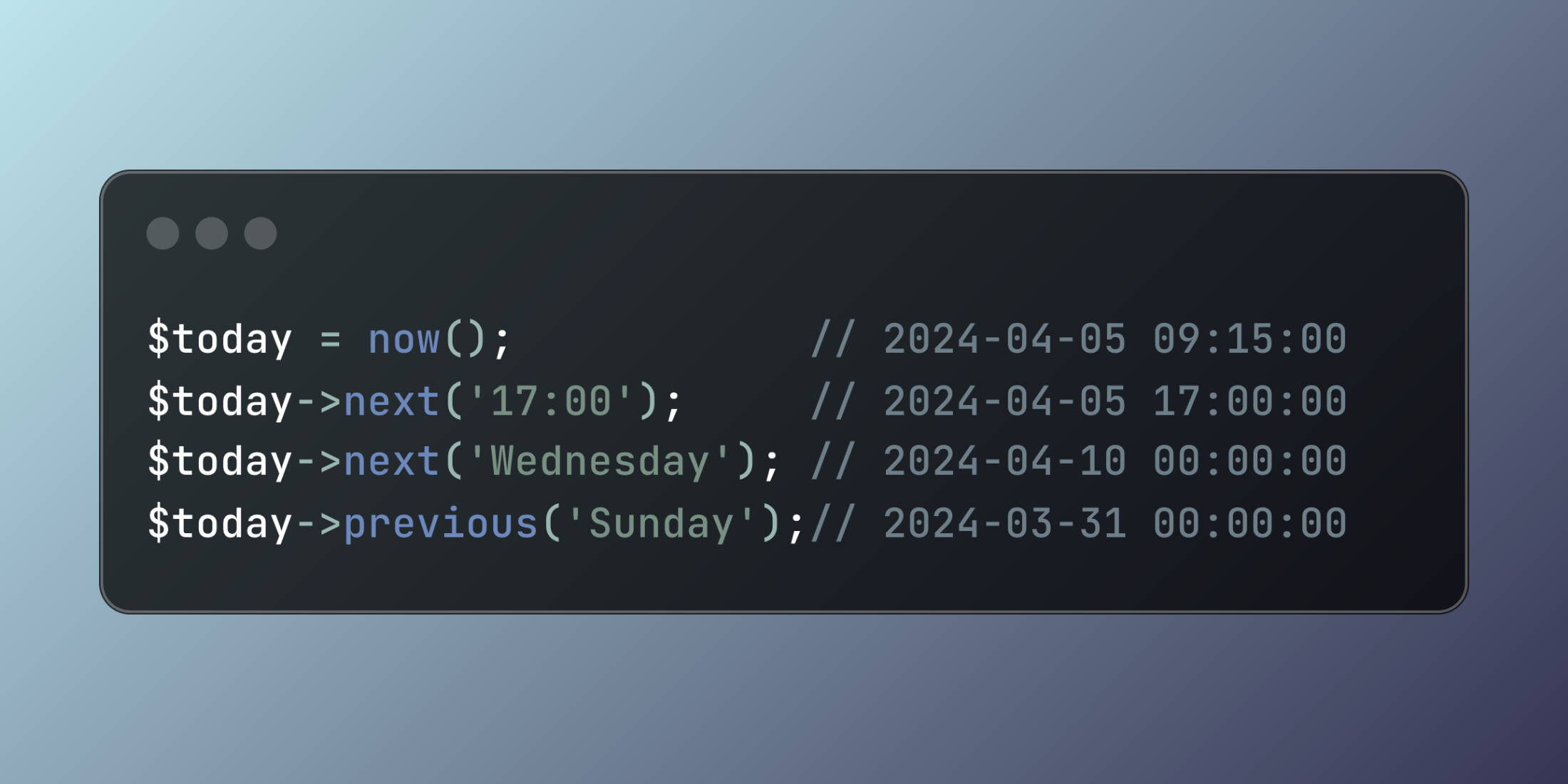
Here's a quick demonstration:
$today = now(); // 2024-04-05 09:15:00
$today->next('17:00');      // 2024-04-05 17:00:00
$today->next('Wednesday');  // 2024-04-10 00:00:00
$today->previous('Sunday'); // 2024-03-31 00:00:00
These navigation features become particularly valuable in scheduling applications where date logic can quickly become complicated:
class EventScheduler
{
    public function findNextSession(Carbon $from)
    {
        // Move to next business day if currently weekend
        if ($from->isWeekend()) {
            $from = $from->nextWeekday();
        }

        // Jump to next available session time
        return $from->next('13:00');
    }

    public function planTeamMeetings(Carbon $start)
    {
        return [
            'current_sprint' => $start->next('Thursday')->setTime(9, 0),
            'next_sprint' => $start->next('Thursday')->addWeek()->setTime(9, 0),
            'contingency_slot' => $start->next('Friday')->setTime(16, 0)
        ];
    }

    public function getHolidaySchedule(Carbon $date)
    {
        return [
            'upcoming_holiday' => [
                'start' => $date->nextWeekendDay()->setTime(10, 0),
                'end' => $date->nextWeekendDay()->setTime(18, 0)
            ],
            'extended_holiday' => [
                'start' => $date->addWeek()->nextWeekendDay()->setTime(10, 0),
                'end' => $date->addWeek()->nextWeekendDay()->addDay()->setTime(18, 0)
            ]
        ];
    }
}
Carbon's navigation methods act as temporal shortcuts, allowing developers to express date-related intentions directly rather than calculating intervals manually. This approach leads to more maintainable code that clearly communicates its purpose while handling the complexity of calendar calculations behind the scenes.