
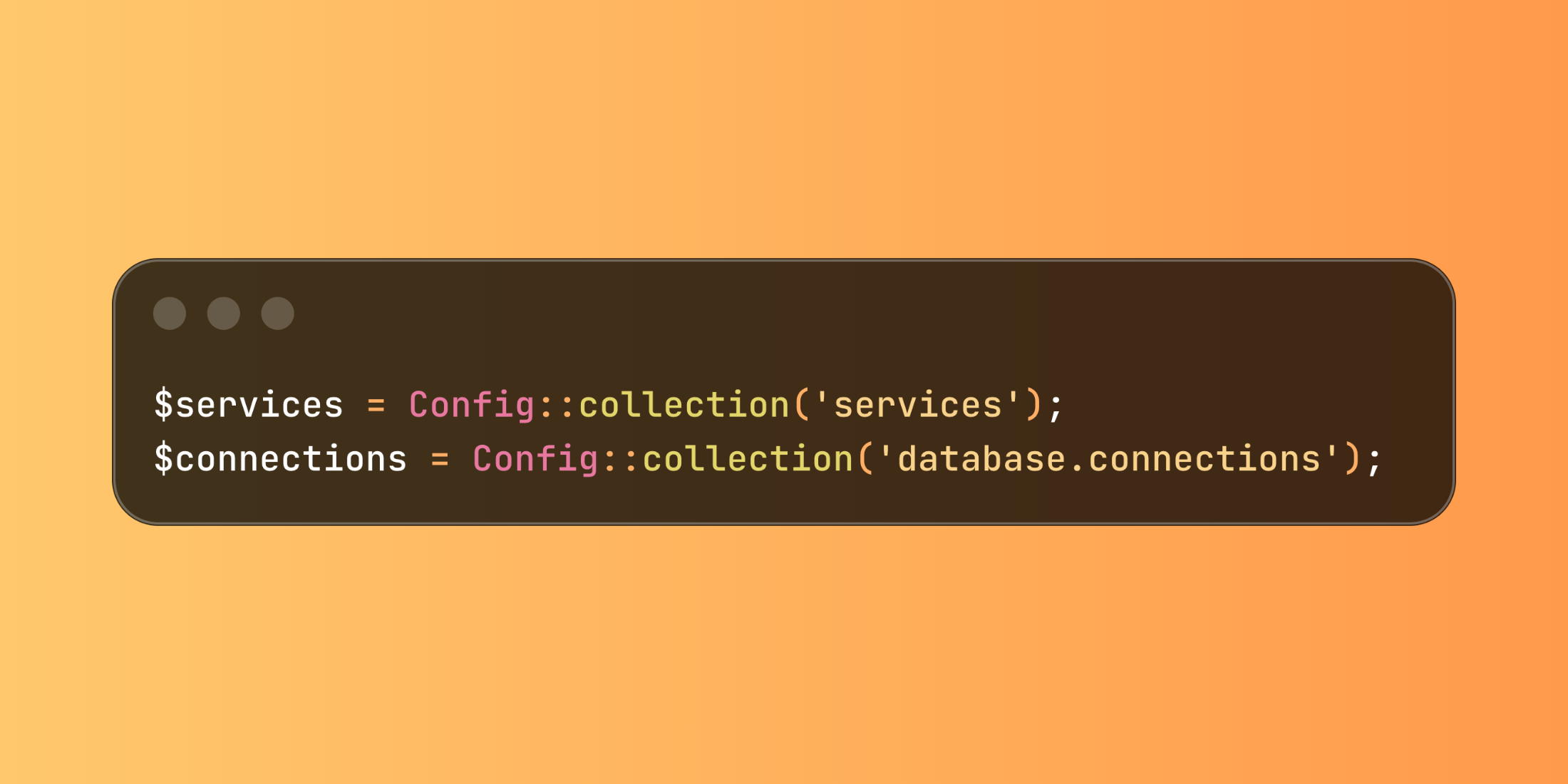
Laravel 12 changed how you work with configuration arrays. The new Config::collection() method returns arrays as Collection instances directly, instead of needing to wrap them with collect().
Previously, you had to make two separate calls:
$services = collect(Config::array('services'));$connections = collect(Config::array('database.connections'));The new method eliminates this extra step:
$services = Config::collection('services');$connections = Config::collection('database.connections');This fits with Laravel's other typed config methods like Config::string() and Config::integer(). The difference is small but adds up when you're working with config arrays regularly.
Here's a notification system that processes different service configurations:
<?php namespace App\Services; use Illuminate\Support\Facades\Config; class NotificationManager{ public function getActiveChannels(): array { return Config::collection('notifications.channels') ->filter(fn($config) => $config['active'] === true) ->keys() ->toArray(); } public function getChannelSettings(): array { return Config::collection('notifications.channels') ->mapWithKeys(fn($config, $name) => [$name => $config['settings'] ?? []]) ->toArray(); } public function validateChannelConfigs(): array { $problems = []; Config::collection('notifications.channels')->each(function($config, $name) use (&$problems) { if (empty($config['driver'])) { $problems[] = "Channel '{$name}' missing driver"; } if (empty($config['webhook_url']) && $config['driver'] === 'webhook') { $problems[] = "Channel '{$name}' needs webhook URL"; } }); return $problems; }} class CacheManager{ public function getRedisConnections(): array { return Config::collection('cache.stores') ->filter(fn($config) => $config['driver'] === 'redis') ->keys() ->toArray(); } public function getStoresByType(): array { return Config::collection('cache.stores') ->groupBy('driver') ->map(fn($group) => $group->keys()->toArray()) ->toArray(); }}The method works well when your config files have arrays of structured data. Here's a typical config file that benefits from collection methods:
return [ 'payment_providers' => [ 'stripe' => ['active' => true, 'test_mode' => false], 'paypal' => ['active' => false, 'test_mode' => true], 'square' => ['active' => true, 'test_mode' => true], ], 'email_services' => [ 'ses' => ['active' => true, 'region' => 'us-east-1'], 'mailgun' => ['active' => false, 'domain' => 'example.com'], 'postmark' => ['active' => true, 'token' => 'abc123'], ],]; class PaymentService{ public function getLiveProviders(): array { return Config::collection('services.payment_providers') ->filter(fn($config) => $config['active'] && !$config['test_mode']) ->keys() ->toArray(); } public function countActiveProviders(): int { return Config::collection('services.payment_providers') ->filter(fn($config) => $config['active']) ->count(); }}The change saves you from having to remember to wrap config arrays with collect(). It's a small improvement that makes config processing cleaner.














