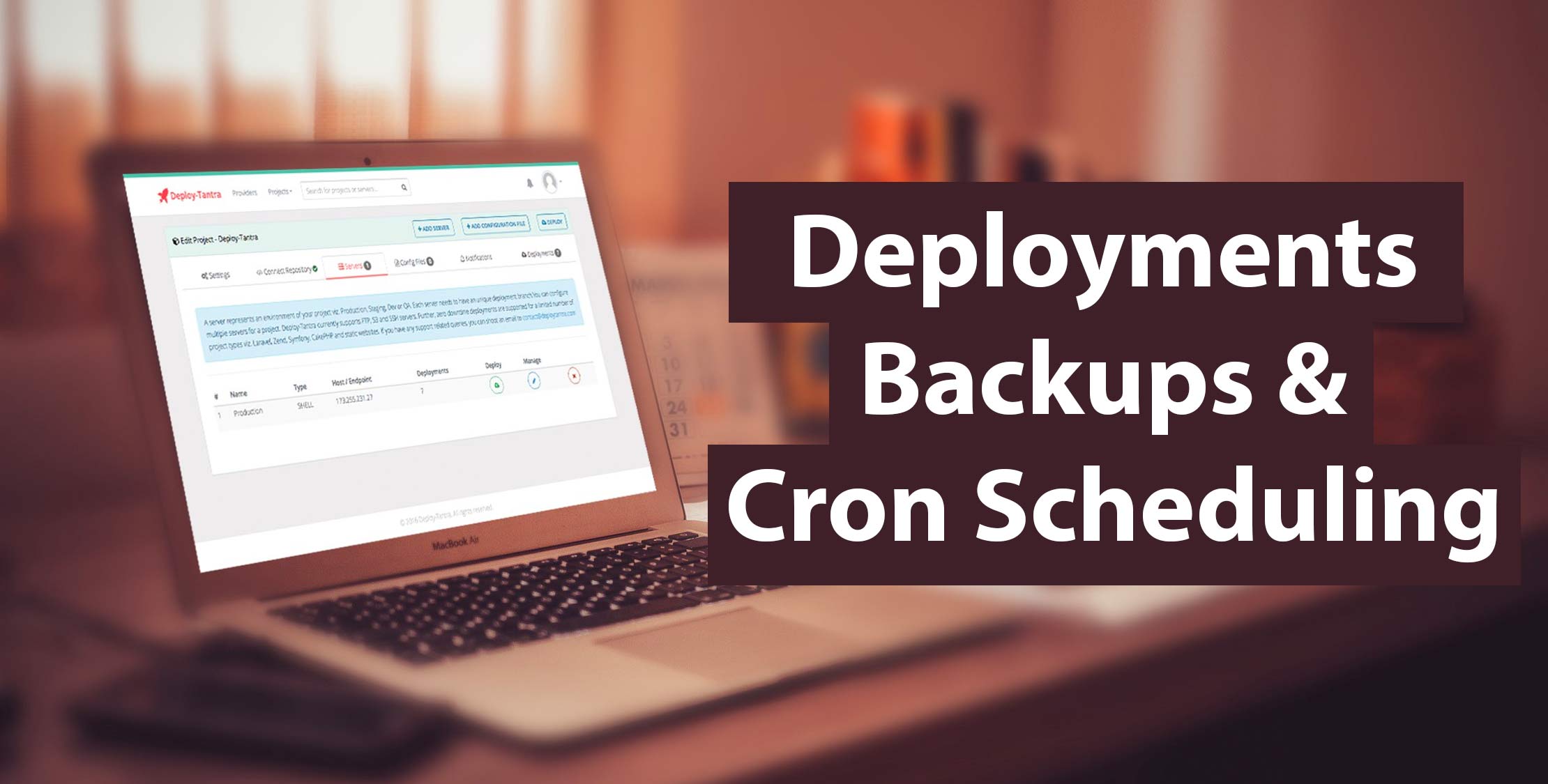
Are you deploying your sites through FTP or SFTP and are tired of it taking forever? Deploy-Tantra is the answer by automating your deployments by watching your repo and then automatically deploying once you push to your desired branch.
Deploy-Tantra takes care of your deployments, backups, and CRON scheduling so that you can save time building your product. The best thing is we have flat pricing – no per user fees. You get unlimited users and unlimited projects with any plan.
Promotion ????????
Use code laravel-news-2016 to avail one time discount of 25%. This is valid until 5th January, 2017.
Deployments (FTP / SFTP / S3)
You can deploy to FTP or SFTP servers and even S3 buckets if you are using AWS for website hosting. We will always watch your branch. Once you push, all the new and changed, files will be automatically deployed to your specified server.
Some salient features that we offer:
- Bitbucket, Gitlab and Github integration
- Manage configuration files
- Configure deployments scripts
- Push to deploy
Backups
We backup your databases, files, and directories at a schedule of your choice. Use our storage or store on your FTP/SFTP server or S3 bucket. Hassle-free backups for you and your team!
mysqldump Backups
We SSH to your server, connect to MySQL and execute the backup job. This is typically recommended for cloud providers like Digital Ocean, Linode, AWS Lightsail, etc.
Remote MySQL Backups
We connect to your MySQL server remotely to execute the backup job. This is required for MySQL servers on shared hosts viz. GoDaddy, Hostgator, etc. Please note that first, you need to make sure to activate remote access for MySQL server.
File Backups
We login to your server and download all the specified files. You can configure the file patterns to exclude like *.log and any file with .log extension will be ignored. Currently, backups are available for SFTP servers and S3 bucket.
Backup to Your Server
If you don’t want to use our storage space, we can store backups on your remote FTP/SFTP server or an S3 bucket. We will even make sure that the retention count is also maintained on your remote server. It’s simple, hassle free and works seamlessly for you.
HTTP Cron Scheduling
Set your HTTP CRON jobs with a single click. Just enter the cronjob URL then select the desired schedule, and done! We will execute the job at your schedule. We support all HTTP methods including GET, POST, HEAD, PUT, etc.
Schedule Commands
We log in to your SSH or SFTP server and execute the commands you specify. You can set the base path for executing the tasks. We even have the option to ping a specific URL before or after the execution!
So, what are you waiting for? Get started today!