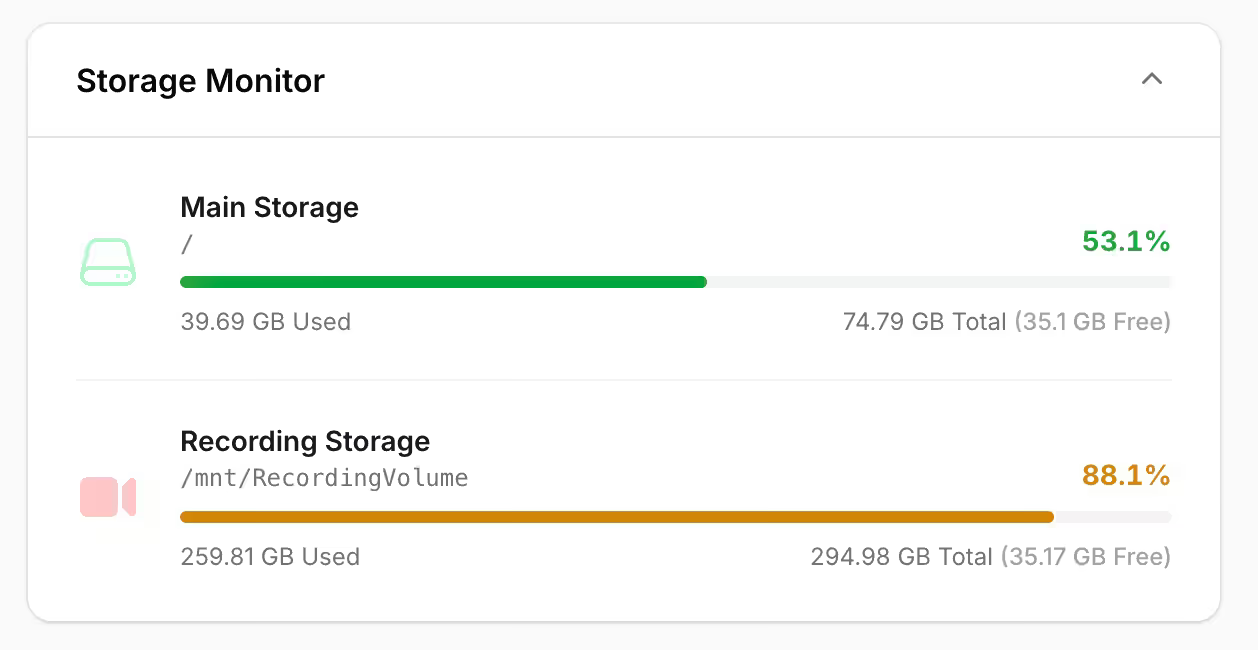
Filament Storage Monitor is a plugin that adds a dashboard widget to your Filament panel for watching server disk usage. It reads storage stats with native PHP filesystem functions and renders them as a widget that fits in with the rest of your panel, with support for multiple partitions, custom labels, and more.
Registering Disks
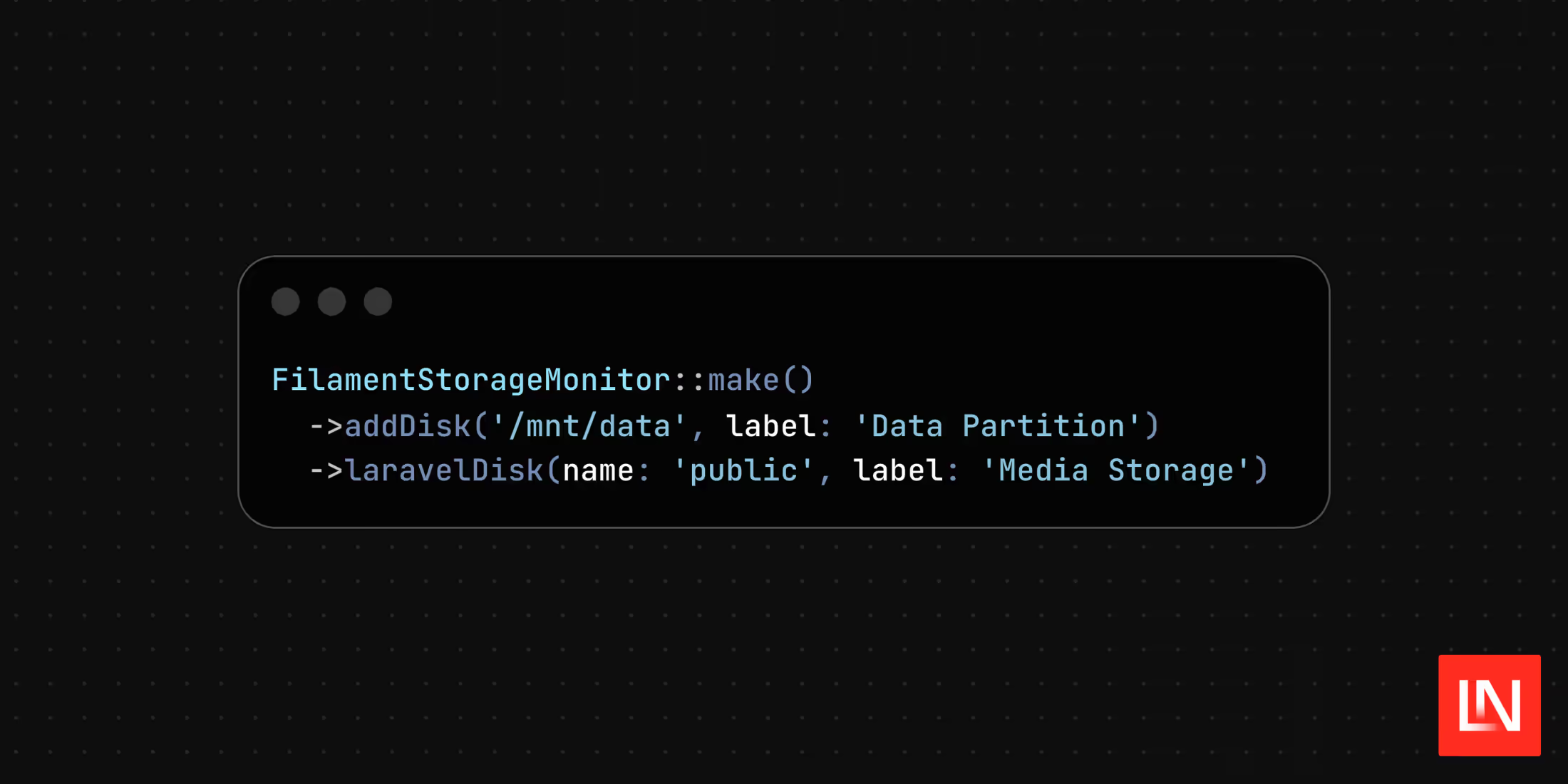
You register the plugin in your panel and tell it which paths to watch. The addDisk() method takes a path and label directly, while laravelDisk() resolves a disk from your config/filesystems.php:
use AchyutN\FilamentStorageMonitor\FilamentStorageMonitor; return $panel ->plugins([ FilamentStorageMonitor::make() ->addDisk('/mnt/data', label: 'Data Partition') ->laravelDisk(name: 'public', label: 'Media Storage'), ]);For more control over a single disk, the add() method accepts a Disk DTO where you can set a color and a Heroicon alongside the path and label:
use AchyutN\FilamentStorageMonitor\DTO\Disk;use AchyutN\FilamentStorageMonitor\FilamentStorageMonitor;use Filament\Support\Colors\Color;use Filament\Support\Icons\Heroicon; FilamentStorageMonitor::make() ->add( Disk::make('web-root') ->path('/var/www/html') ->label('Web Root') ->color(Color::Green) ->icon(Heroicon::ComputerDesktop), ) ->addDisk( path: '/mnt/backup', label: 'Backups', color: Color::Blue, icon: Heroicon::ArchiveBox, );Per-Disk Authorization
Disk usage can be sensitive server information, so the plugin lets you gate visibility at two levels. A visible() closure on the widget controls whether the whole widget renders, and an isVisible closure on an individual disk hides just that entry:
FilamentStorageMonitor::make() ->visible(fn () => auth()->user()->is_admin) // Hide entire widget ->addDisk( path: '/var/www/html', label: 'App Files', isVisible: fn () => auth()->user()->can('view_server_stats') // Hide specific disk );Compact Mode
For a smaller footprint on the dashboard, compact mode reduces each disk to its label and free space:
FilamentStorageMonitor::make() ->compact();The widget also exposes the usual layout controls, columnSpan(), columnStart(), sort(), and lazy(), for placing it on the dashboard.
Error Handling
By default, a path that can't be resolved (a missing mount, for example) won't crash your panel, the widget catches the error and keeps rendering. If you'd rather surface those problems during development, throwException() re-enables exceptions, and it accepts a closure so you can scope strict behavior to local environments:
FilamentStorageMonitor::make() ->throwException(fn () => app()->isLocal());One limitation worth noting: because the package reads partition-level stats, two paths on the same partition will report the same total and free space. Directory-specific size calculation is planned for a future release.
You can find the source, documentation, and contribution guidelines on GitHub.