Wirebones by Felipe Martins loads your real page in headless Chromium, traces the rendered layout, and writes a matching skeleton Blade file that Livewire serves while the lazy component boots.
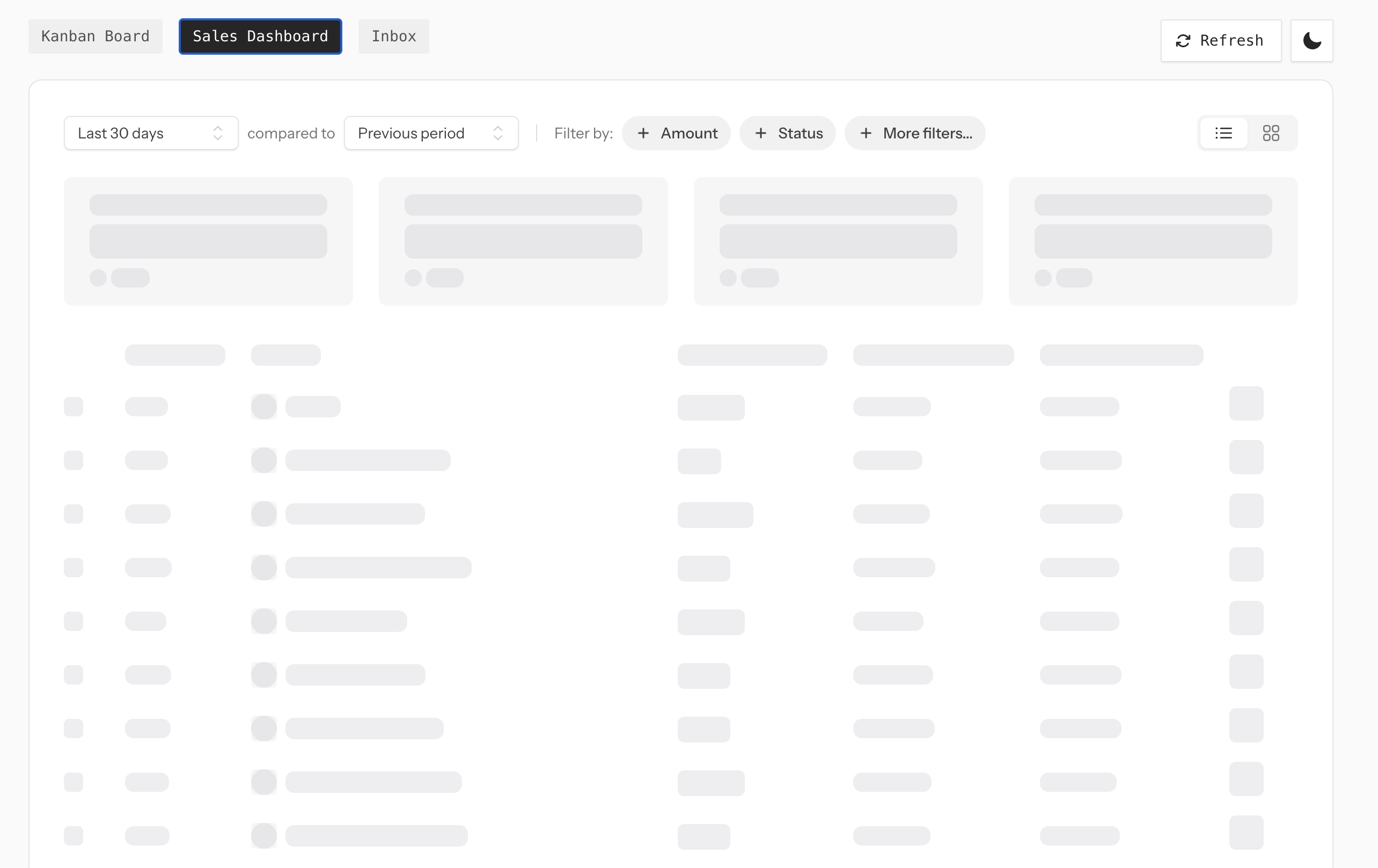
Because the source of truth is the rendered component instead of a parallel template, redesigns don't silently rot the placeholder — you just rebuild. The author has a live demo with Kanban, sales dashboard, and inbox examples — reload any of them to watch the bones flash before the real markup snaps in.
- Capture from the real DOM — skeleton markup is generated from the rendered component, not hand-authored
- Responsive output — capture multiple viewport breakpoints in one build
- Vite auto-rebuild — file watcher rebuilds only affected skeletons during
vite serve - Authenticated routes supported — Laravel guard auth, browser cookies, headers, or Playwright
storage_state - Drop-in to Livewire — works with
lazy,defer, andlazy.bundle - Laravel Boost skill included — AI agents using Boost pick up the conventions automatically
Marking a component is a single attribute pointing at a route where it's already rendered:
use Livewire\Component;use MrFelipeMartins\Wirebones\Attributes\Wirebone; #[Wirebone(route: '/dashboard')]class Revenue extends Component{ public function render() { return view('livewire.revenue'); }}Then lazy-mount it as usual and run php artisan wirebones:build:
<livewire:revenue lazy />The #[Wirebone] attribute also takes a few capture options — viewport widths to snapshot, how long to wait after page load, and selectors to ignore:
#[Wirebone( route: '/dashboard', breakpoints: [375, 768, 1280], wait: 800, excludeSelectors: ['[data-no-wirebone]'],)]Chromium is only used at build time to generate the skeleton Blade files, not at runtime. Once wirebones:build writes the placeholders to disk, Livewire serves them like any other Blade view — your production servers don't need Playwright or Chromium installed.
You can find Wirebones on GitHub and the live demo at wirebones.laravel.cloud.